
N64
Pokemon Snap
Also known as: 宝可梦随乐拍, 寶可夢隨樂拍, 神奇寶貝攝影, 神奇宝贝摄影
- Platform
- Nintendo 64
- Genre
- Adventure/Simulation
- Year
- 1999
- Developer
- HAL Laboratory
- Publisher
- Nintendo
EmuAll provides verified clean ROM archives and in-browser emulation for Pokemon Snap (N64). Players can launch and play directly inside modern desktop and mobile browsers with zero local installation, full gamepad support, and instant save states.
ROM downloads
1Pokemon Snap
Recommended Emulators(N64)
If you choose to download this ROM to play offline, we recommend these top standalone emulators:
About the Game
Pokémon Snap is a unique on-rails photography game where players ride a hover vehicle through various environments to photograph wild Pokémon in their natural habitats. Players must compose shots, use items like apricorns to attract Pokémon, and time their photography perfectly to capture Pokemon in interesting poses and actions. The game features Professor Oak as the guide who evaluates each photo based on size, pose, technique, and rarity. Six distinct courses take players through different environments from beaches to lava caves. The game's innovative gameplay focuses on observation and timing rather than traditional Pokémon gameplay. High-scoring photos can be printed using the Game Boy Printer accessory.
More N64 games
 n64
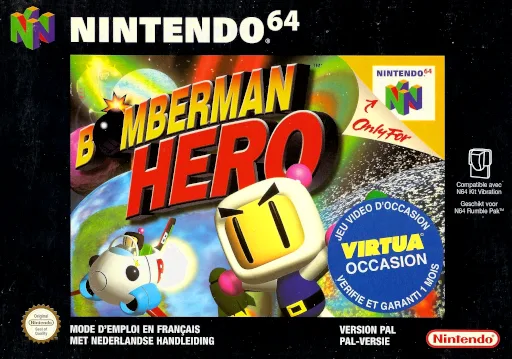
n64Bomberman Hero - Saving Princess Millian
 n64
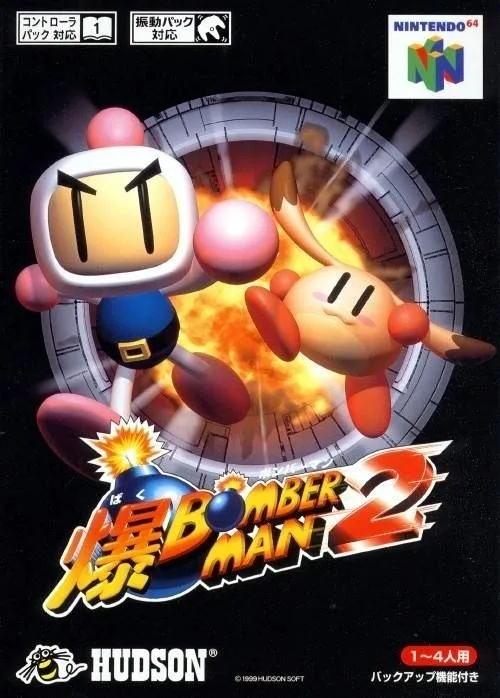
n64Bomberman 2
 n64
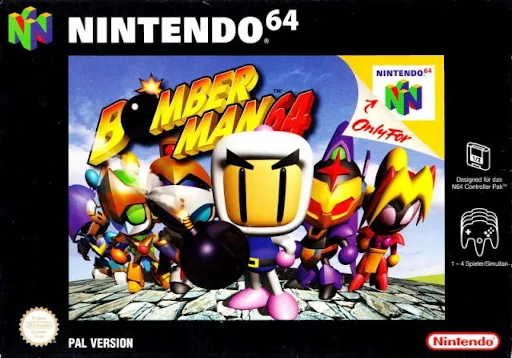
n64Bomberman 64
 n64
n64Dr. Mario 64
 n64
n64Tom & Jerry Fluffy Punch
 n64
n64格斗传承2
 n64
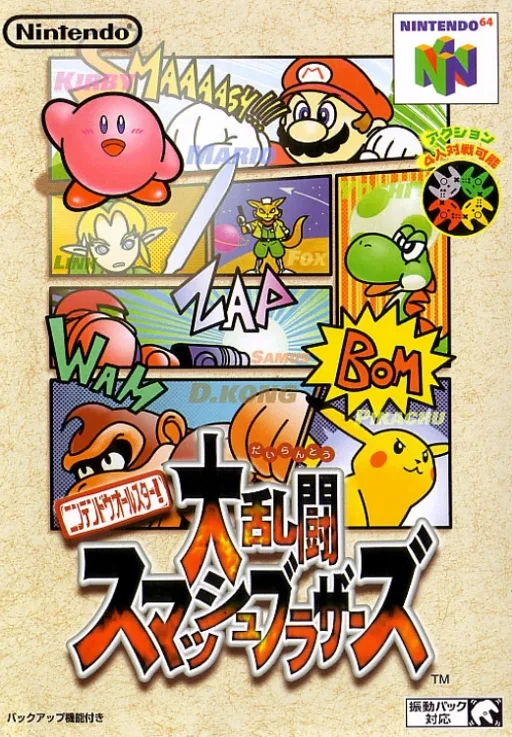
n64Nintendo Super Smash Bros. Ultimate
 n64
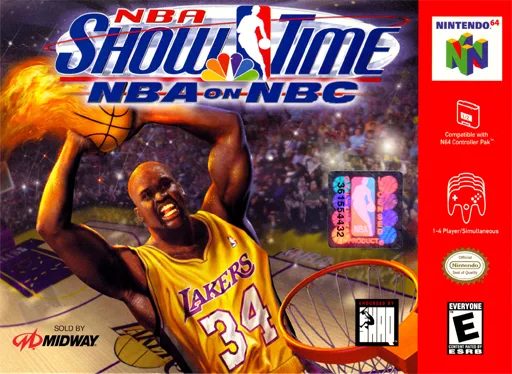
n64NBA Individual Showcase - NBC TV
 n64
n64Top Gear Rally 2
 n64
n64Rat Invasion
 n64
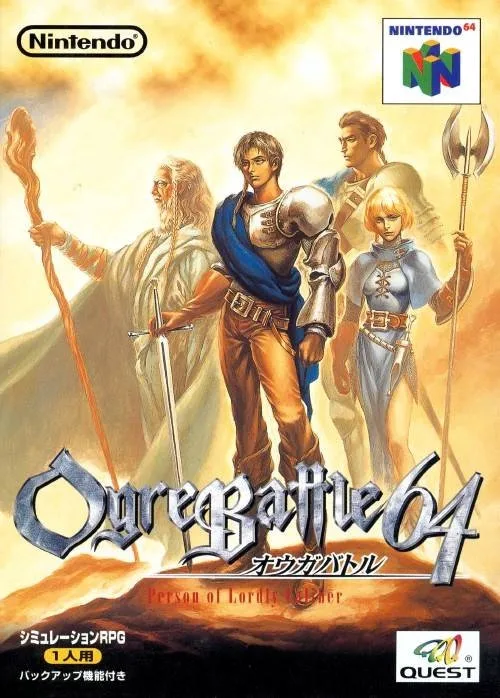
n64Royal Knights 64
 n64
n64ActionReplayPro64
Frequently Asked Questions
Q1.Can I play Pokemon Snap online in a web browser without downloading?
Yes, EmuAll allows you to play Pokemon Snap (N64) directly inside modern web browsers (Chrome, Safari, Edge, Firefox) on PC, Mac, Chromebook, iOS, and Android devices without installing any emulator.
Q2.Does Pokemon Snap support in-browser save states?
Yes, the in-browser emulator features instant Save States and Load States, storing your game progress directly in your browser storage so you can pick up where you left off.
Q3.What controls are supported? Can I use a controller for Pokemon Snap?
The emulator fully supports standard keyboard controls as well as plug-and-play USB and Bluetooth gamepads (including Xbox, PlayStation, and generic controllers).