
NES
Pooyan
Also known as: بويان, ポーヤン, Πουγιαν, 포얀, Пуян
- Platform
- Nintendo Entertainment System
- Genre
- Action
- Year
- 1985
- Developer
- Konami
- Publisher
- Hudson Soft
EmuAll provides verified clean ROM archives and in-browser emulation for Pooyan (NES). Players can launch and play directly inside modern desktop and mobile browsers with zero local installation, full gamepad support, and instant save states.
ROM downloads
1Pooyan (Japan)
Recommended Emulators(NES)
If you choose to download this ROM to play offline, we recommend these top standalone emulators:
About the Game
Pooyan is an action platformer where the player controls Mama Pig, a mother pig whose three piglets have been kidnapped by a pack of wolves. Mama rides an elevator and uses a bow and arrow or throws meat slabs to stop the wolves from reaching the ground or climbing ladders. Gameplay features two rounds per level—wolves descend on balloons in the first and rise in the second—requiring precise timing and aim while avoiding shooting the wrong-colored balloons; it stands out as a simple yet clever fixed-shooter with family rescue themes, infinite difficulty ramps after the initial stages, and endless replayability on the NES.
More NES games
 nes
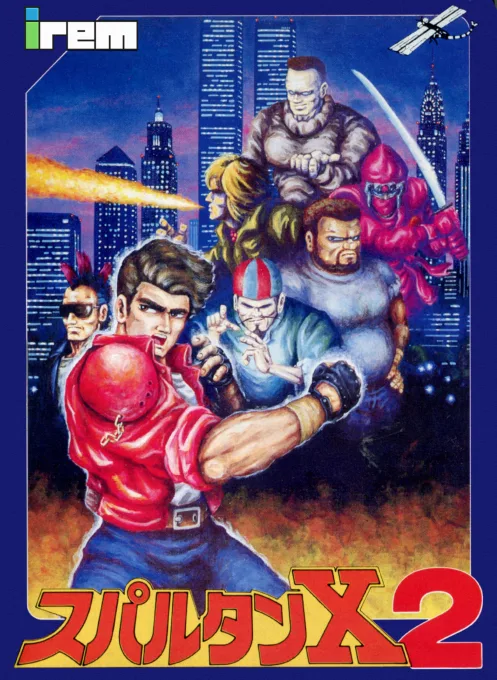
nesSpartan X 2
 nes
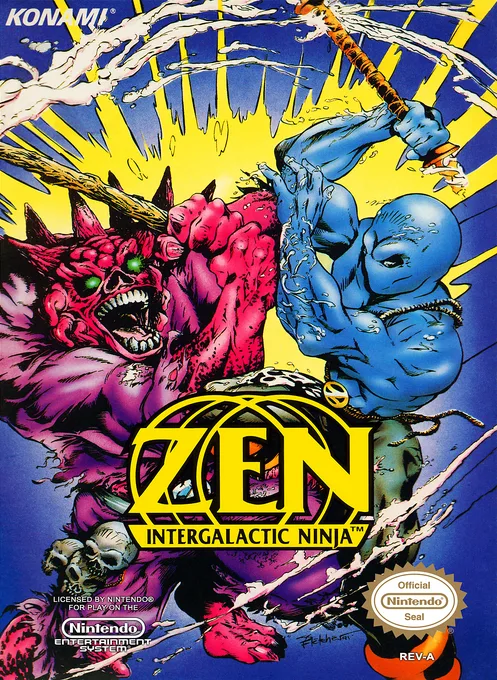
nesZen - Intergalactic Ninja
 nes
nesKung Fu
 nes
nesBlow'em Out
 nes
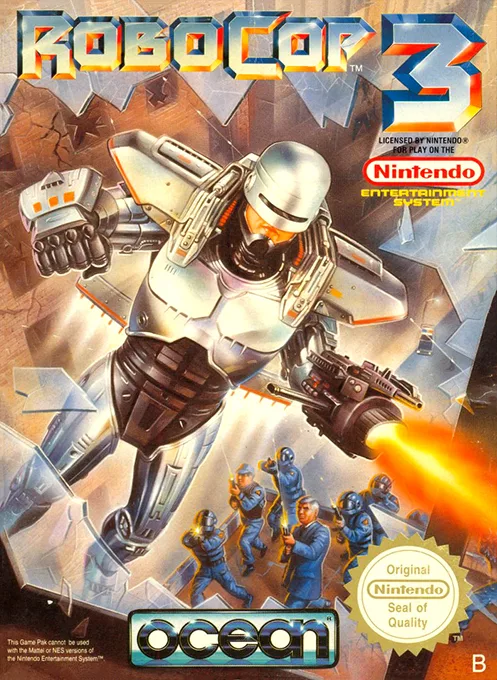
nesRoboCop 3
 nes
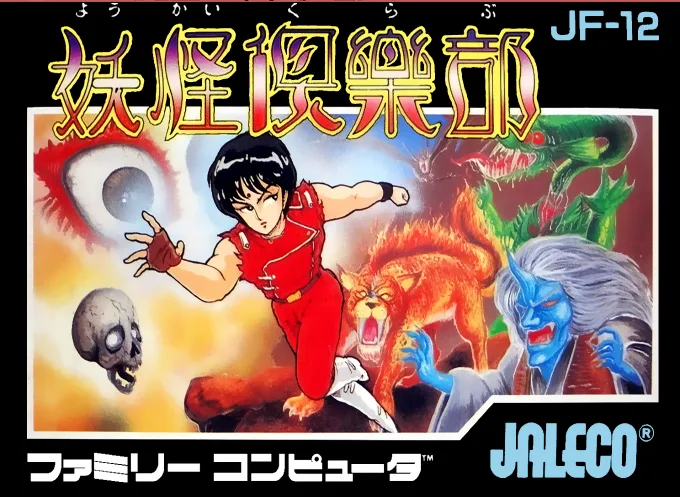
nesYoukai Club
![100-in-1 Contra Function 16 [a1]](https://cdn.emuall.com/covers/nes/04bb275385dcb16c248234ae6234fe4b5d016e892b330b98b7006f1a152800a6.webp?t=KCaRLGwKtSDaxDcKhuyafO6m1TNLHPpQJrf8TlanG3irCwPO81Z3oQ) nes
nes100-in-1 Contra Function 16 [a1]
 nes
nesCosmo Genesis
 nes
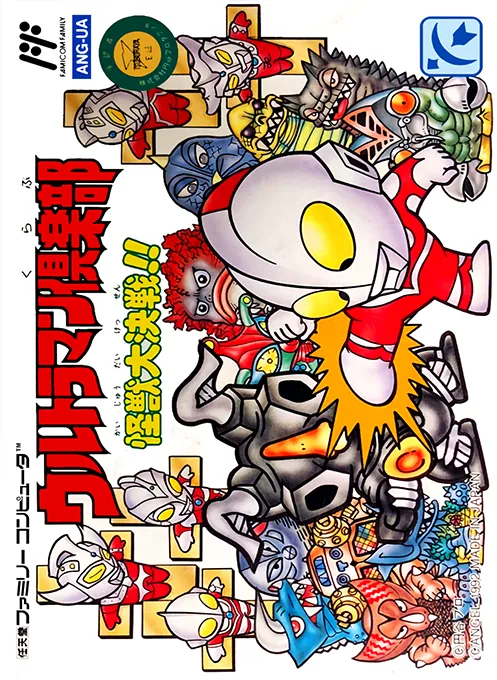
nesUltraman Club - Kaijuu Daikessen!!
 nes
nesTaiyou no Yuusha - Fighbird
 nes
nesPlatoon
Frequently Asked Questions
Q1.Can I play Pooyan online in a web browser without downloading?
Yes, EmuAll allows you to play Pooyan (NES) directly inside modern web browsers (Chrome, Safari, Edge, Firefox) on PC, Mac, Chromebook, iOS, and Android devices without installing any emulator.
Q2.Does Pooyan support in-browser save states?
Yes, the in-browser emulator features instant Save States and Load States, storing your game progress directly in your browser storage so you can pick up where you left off.
Q3.What controls are supported? Can I use a controller for Pooyan?
The emulator fully supports standard keyboard controls as well as plug-and-play USB and Bluetooth gamepads (including Xbox, PlayStation, and generic controllers).