
N64
Puyo Puyo 4 - Magic Party
Also known as: 噗哟噗哟4-魔法派对, 噗喲噗喲4-魔法派對, Puh Puh 4 - Magische Party, Puyo Puyo 4 - Festa Magica, Puyo Puyo 4 - Fête Magique, Puyo Puyo 4 - Festa Mágica, Пуйо Пуйо 4 - Магик Парти, ぷよぷよ4-魔法パーティー, Πουγιο Πουγιο 4 - Μαγκικ Παρτι, بويو بويو 4 - ماغيك بارتي, 뿌요뿌요4-마법 파티, Puyo Puyo 4 - Fiesta Mágica
- Platform
- Nintendo 64
- Genre
- Puzzle
- Year
- 1999
- Developer
- Compile
- Publisher
- Compile
EmuAll provides verified clean ROM archives and in-browser emulation for Puyo Puyo 4 - Magic Party (N64). Players can launch and play directly inside modern desktop and mobile browsers with zero local installation, full gamepad support, and instant save states.
ROM downloads
1噗哟噗哟4-魔法派对[Puyo Puyo 4 - Puyo Puyon Party](JP)(Compile)(96Mb)
Recommended Emulators(N64)
If you choose to download this ROM to play offline, we recommend these top standalone emulators:
About the Game
Puyo Puyo 4 retains the core gameplay of Puyo Puyo 2 and adds super attacks: clearing chains fills a charge meter that lets players unleash them. It also introduces a mode with selectable field sizes; the Nintendo 64 version supports four players and a Transfer Pak mode that unlocks more artwork by connecting Pocket Puyo Puyo Sun.
More N64 games
 n64
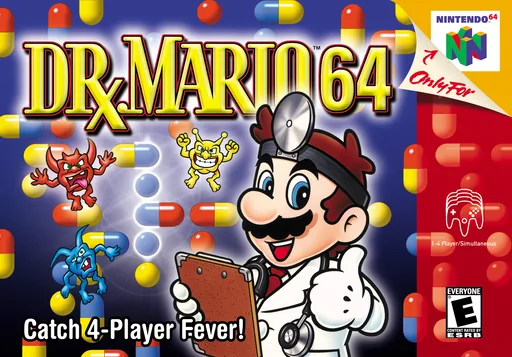
n64Dr. Mario 64
 n64
n64Rat Invasion
 n64
n64Lucky Wheel
 n64
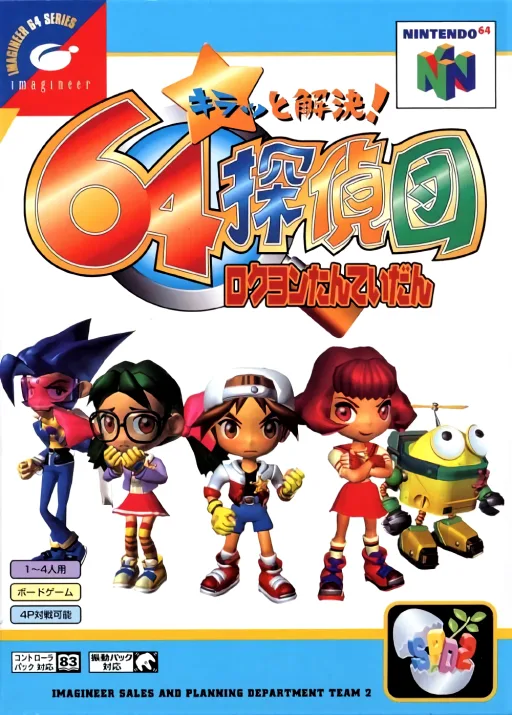
n64Detective Team 64
 n64
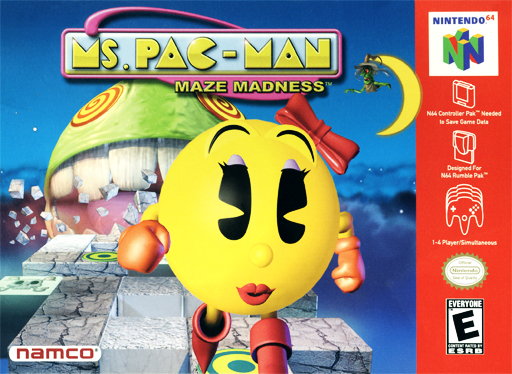
n64Ms. Pac-Man: Maze Madness
 n64
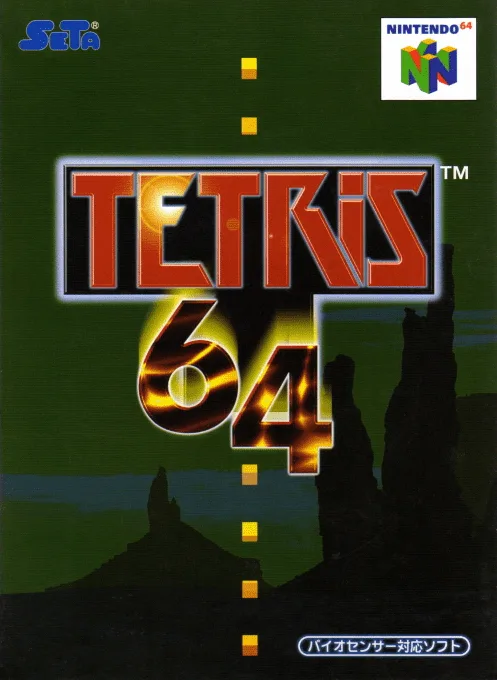
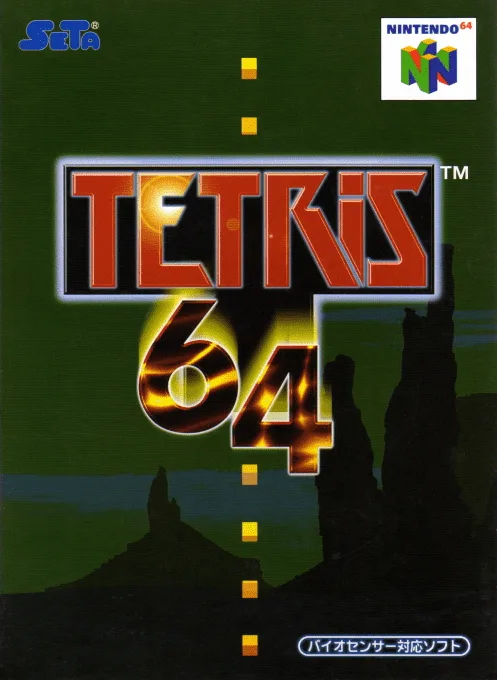
n64Tetris 64
 n64
n64Pokemon Puzzle League
 n64
n64Water Droplets Game
 n64
n64Iggy-Log-Ball
 n64
n64Pokémon Block League
 n64
n64Tetris
Frequently Asked Questions
Q1.Can I play Puyo Puyo 4 - Magic Party online in a web browser without downloading?
Yes, EmuAll allows you to play Puyo Puyo 4 - Magic Party (N64) directly inside modern web browsers (Chrome, Safari, Edge, Firefox) on PC, Mac, Chromebook, iOS, and Android devices without installing any emulator.
Q2.Does Puyo Puyo 4 - Magic Party support in-browser save states?
Yes, the in-browser emulator features instant Save States and Load States, storing your game progress directly in your browser storage so you can pick up where you left off.
Q3.What controls are supported? Can I use a controller for Puyo Puyo 4 - Magic Party?
The emulator fully supports standard keyboard controls as well as plug-and-play USB and Bluetooth gamepads (including Xbox, PlayStation, and generic controllers).