
SNES
seaQuest DSV
Also known as: сиквест Дсв
- Platform
- Super Nintendo
- Genre
- Action/Strategy
- Year
- 1995
- Developer
- Sculptured Software
- Publisher
- Malibu Games
EmuAll provides verified clean ROM archives and in-browser emulation for seaQuest DSV (SNES). Players can launch and play directly inside modern desktop and mobile browsers with zero local installation, full gamepad support, and instant save states.
ROM downloads
2seaQuest DSV (USA)
RecommendedseaQuest DSV (Europe)
Recommended Emulators(SNES)
If you choose to download this ROM to play offline, we recommend these top standalone emulators:
About the Game
seaQuest DSV is an action-strategy game based on the TV series. Players command the advanced submarine seaQuest DSV 4600, navigating ocean quadrants in an isometric view to locate missions. Gameplay combines overworld exploration with side-scrolling shooter missions using various vehicles like mini-subs, robots, and Darwin the dolphin. Missions include rescues, treasure recovery, and combating pirates or eco-terrorists. Key mechanics involve managing weapons, equipment upgrades, and deploying specialized craft for objectives. It stands out for its blend of simulation, strategy, and underwater combat inspired by the futuristic sci-fi series.
More SNES games
 snes
snesSocks the Cat Rocks the Hill
 snes
snesTNN Bass Tournament of Champions
 snes
snesSkuljagger - Revolt of the Westicans
 snes
snesSNES Burn-in Test Cartridge
 snes
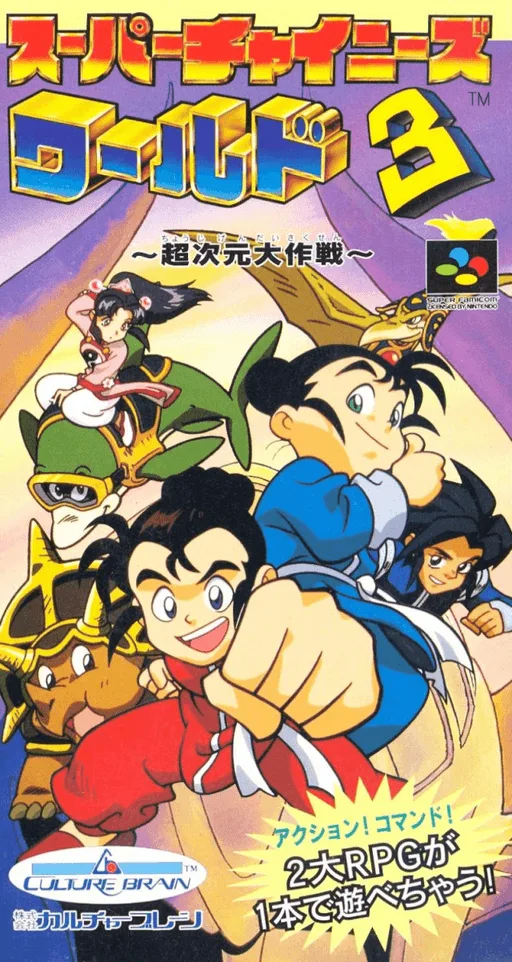
snesSuper Chinese World 3 - Chou Jigen Daisakusen
 snes
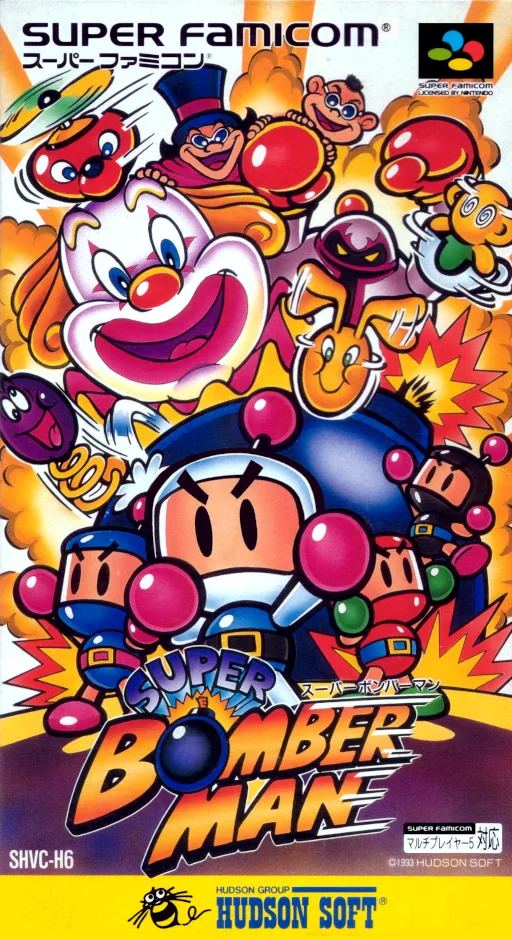
snesSuper Bomberman
 snes
snesAmazing Spider-Man, The - Lethal Foes
 snes
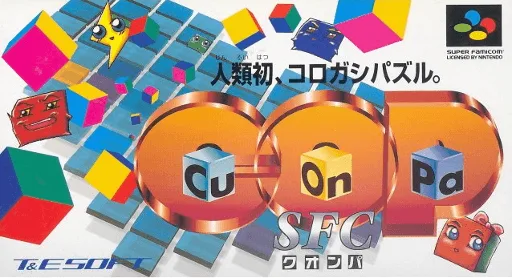
snesCu-On-Pa SFC
 snes
snesTrump Island
 snes
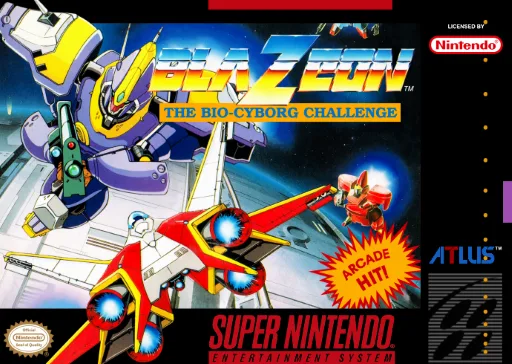
snesBlaZeon - The Bio-Cyborg Challenge
 snes
snesBlue Crystalrod, The
 snes
snesP-Man
Frequently Asked Questions
Q1.Can I play seaQuest DSV online in a web browser without downloading?
Yes, EmuAll allows you to play seaQuest DSV (SNES) directly inside modern web browsers (Chrome, Safari, Edge, Firefox) on PC, Mac, Chromebook, iOS, and Android devices without installing any emulator.
Q2.Does seaQuest DSV support in-browser save states?
Yes, the in-browser emulator features instant Save States and Load States, storing your game progress directly in your browser storage so you can pick up where you left off.
Q3.What controls are supported? Can I use a controller for seaQuest DSV?
The emulator fully supports standard keyboard controls as well as plug-and-play USB and Bluetooth gamepads (including Xbox, PlayStation, and generic controllers).