
MD
Smart Mouse
Also known as: O Rato Inteligente, Il Topo Intelligente, La Souris Intelligente, 歡樂淘氣鼠, Der Smarte Maus, スマートマウス, 스마트 마우스, 欢乐淘气鼠, El Ratón Inteligente
- Platform
- Mega Drive
- Genre
- Puzzle
- Year
- 1994
- Developer
- Chuanpu Technology
- Publisher
- Ming Super Chip Electronic
EmuAll provides verified clean ROM archives and in-browser emulation for Smart Mouse (MD). Players can launch and play directly inside modern desktop and mobile browsers with zero local installation, full gamepad support, and instant save states.
ROM downloads
1欢乐淘气鼠 (繁) (川普科技)(4Mb)
Recommended Emulators(MD)
If you choose to download this ROM to play offline, we recommend these top standalone emulators:
About the Game
Smart Mouse (欢乐淘气鼠) is a single-screen maze puzzle game where the player controls a cartoon mouse to navigate procedurally generated levels. The core gameplay requires pushing movable blocks to squash all enemy mice without getting hit, using the A button for pushing and arrow keys for movement. Story mode advances through levels with a narrative involving the adventurous mouse saving the day. Main character is the unnamed cute mouse protagonist. It stands out as an original Taiwanese clone of Capcom's Don't Pull (itself based on Pengo), with unique graphics, original enemy designs, and easy-to-learn but challenging puzzle logic that emphasizes spatial reasoning and strategic block placement.
More MD games
 md
mdColumns III
 md
mdPac-Attack
 md
mdBill's Tomato Game
 md
mdPepenga Pengo
 md
mdShanghai II - Dragon's Eye
 md
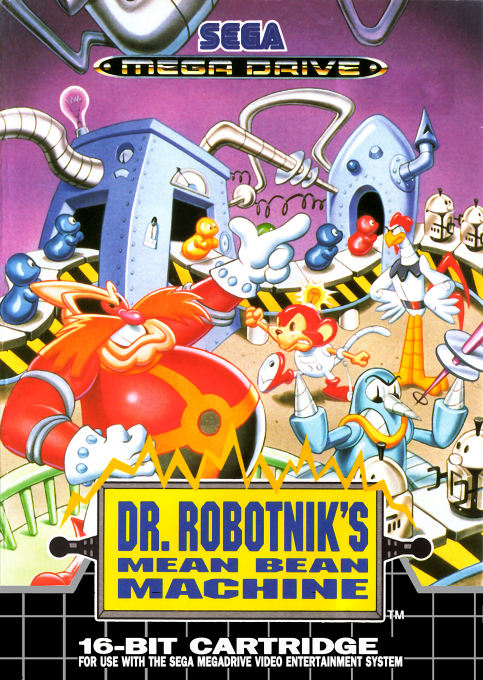
mdDr. Robotnik's Mean Bean Machine
 md
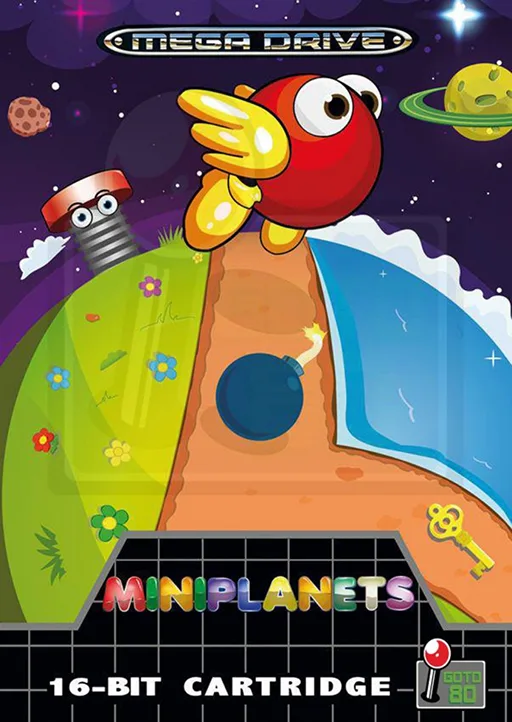
mdMiniplanets
 md
mdLemmings
 md
mdGluf
 md
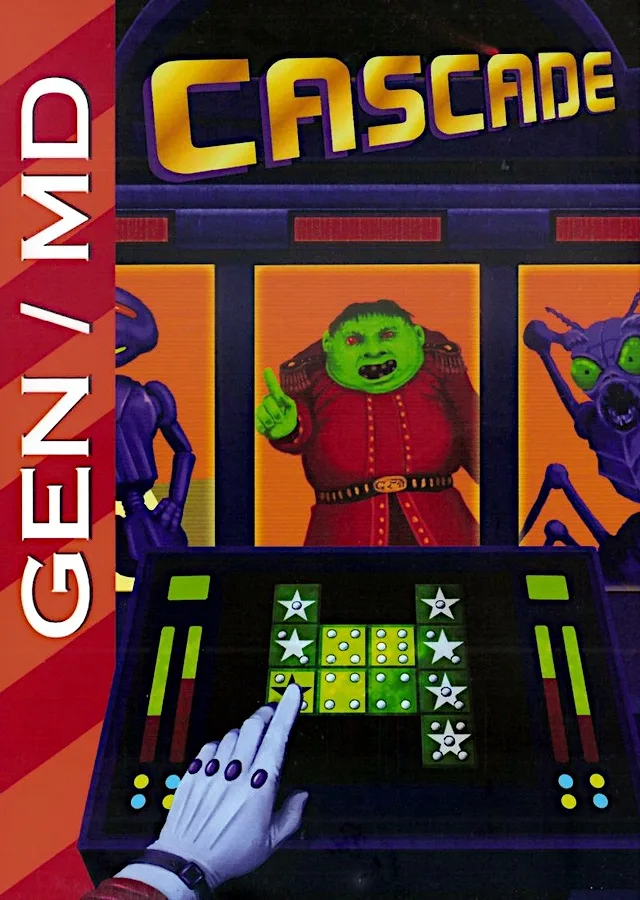
mdCascade
 md
mdA-Q Bubble Chain
Frequently Asked Questions
Q1.Can I play Smart Mouse online in a web browser without downloading?
Yes, EmuAll allows you to play Smart Mouse (MD) directly inside modern web browsers (Chrome, Safari, Edge, Firefox) on PC, Mac, Chromebook, iOS, and Android devices without installing any emulator.
Q2.Does Smart Mouse support in-browser save states?
Yes, the in-browser emulator features instant Save States and Load States, storing your game progress directly in your browser storage so you can pick up where you left off.
Q3.What controls are supported? Can I use a controller for Smart Mouse?
The emulator fully supports standard keyboard controls as well as plug-and-play USB and Bluetooth gamepads (including Xbox, PlayStation, and generic controllers).