
GAME GEAR
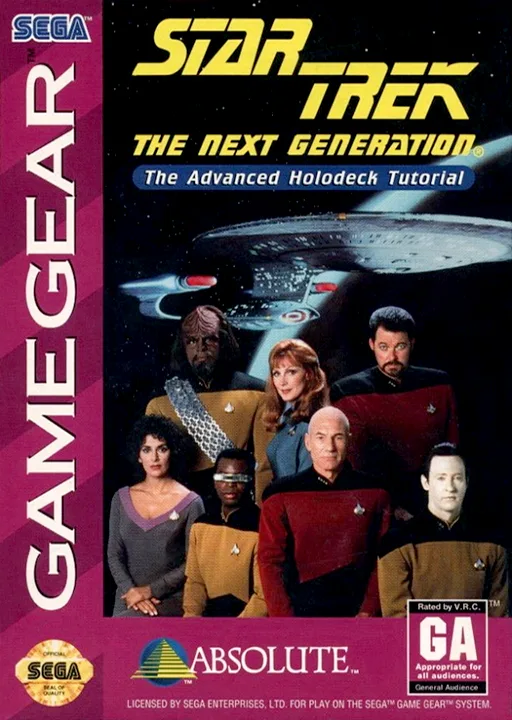
Star Trek TNG - Advanced Holodeck Tutorial
Also known as: ستار تريك تنغ - ادفانسيد هولوديك توتوريال, Стар Трек Тнг - Адвансед Холодек Туториал, Σταρ Τρεκ Τνγκ - Αντβανσεντ Χολοντεκ Τουτοριαλ
- Platform
- Game Gear
- Genre
- Simulation
- Year
- 1993
- Developer
- Absolute Entertainment
- Publisher
- Absolute Entertainment
EmuAll provides verified clean ROM archives and in-browser emulation for Star Trek TNG - Advanced Holodeck Tutorial (GAME GEAR). Players can launch and play directly inside modern desktop and mobile browsers with zero local installation, full gamepad support, and instant save states.
ROM downloads
1Star Trek TNG - Advanced Holodeck Tutorial (U) [!]
Recommended Emulators(GAME GEAR)
If you choose to download this ROM to play offline, we recommend these top standalone emulators:
About the Game
A simulation title based on Star Trek: The Next Generation for the Game Gear. Players engage with holodeck training scenarios featuring characters from the Enterprise-D crew. The game focuses on tutorial-style missions that teach various starship operations and problem-solving skills. It represents an educational approach to the Star Trek license on handheld hardware.
More GAME GEAR games
 game_gear
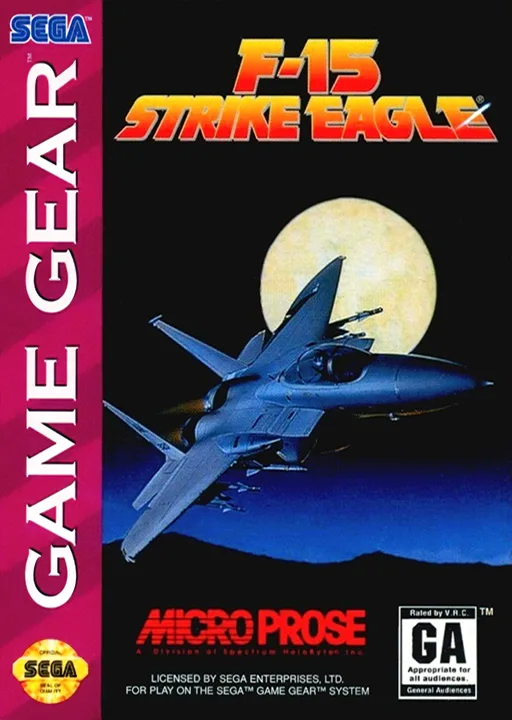
F-15 Strike Eagle
 game_gear
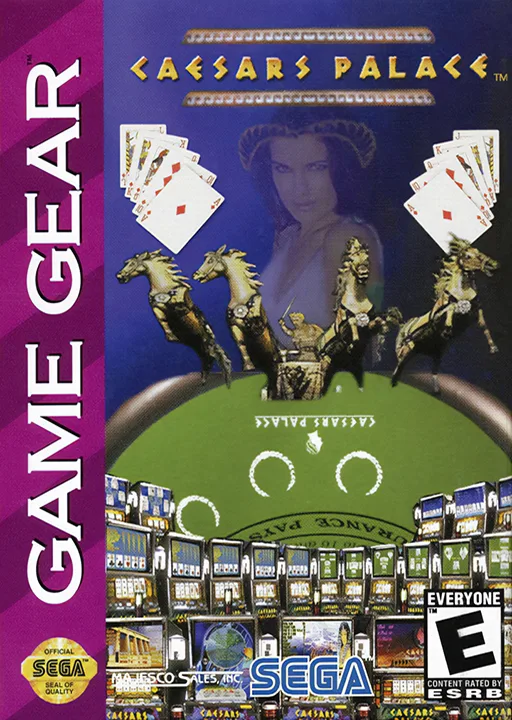
Caesars Palace
 game_gear
Star Trek - The Next Generation - The Advanced Holodeck Tutorial
 game_gear
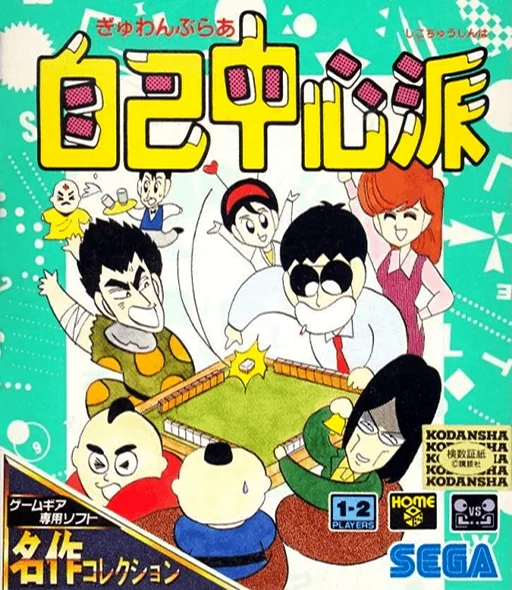
Gambler Jiko Chuushinha
 game_gear
Neko Daisuki!
 game_gear
Micro Machines
 game_gear
World Series Baseball '95
 game_gear
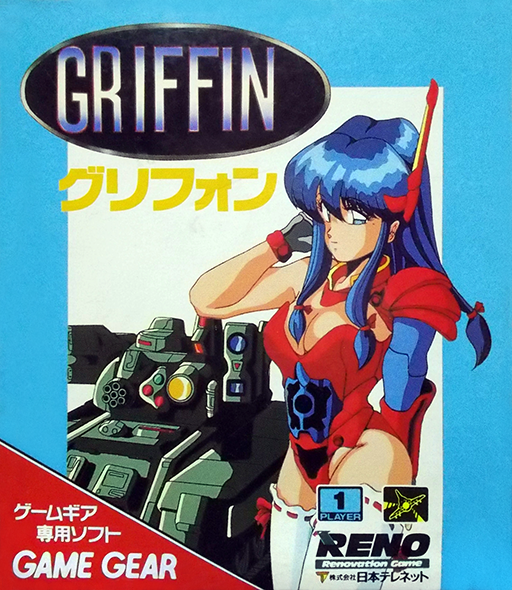
Griffin
 game_gear
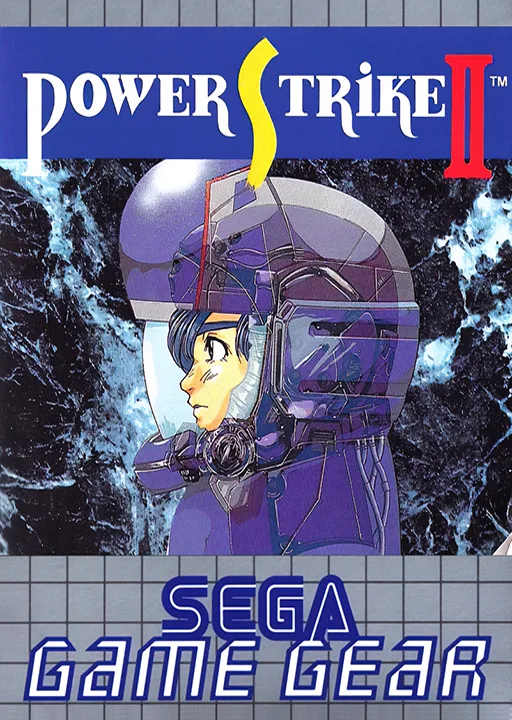
Power Strike II
 game_gear
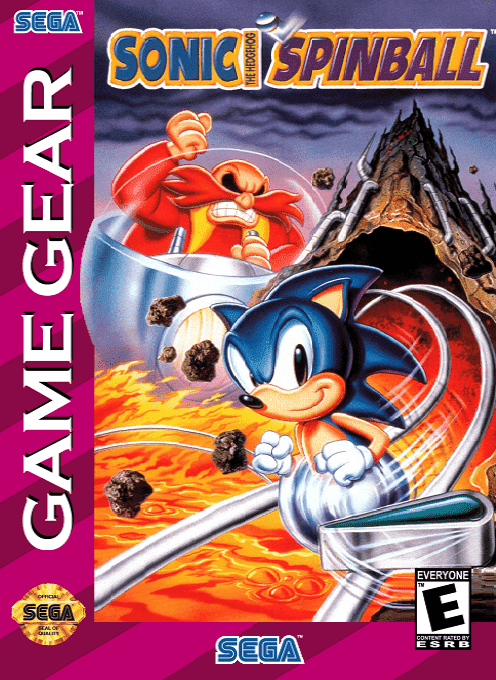
Sonic Spinball
 game_gear
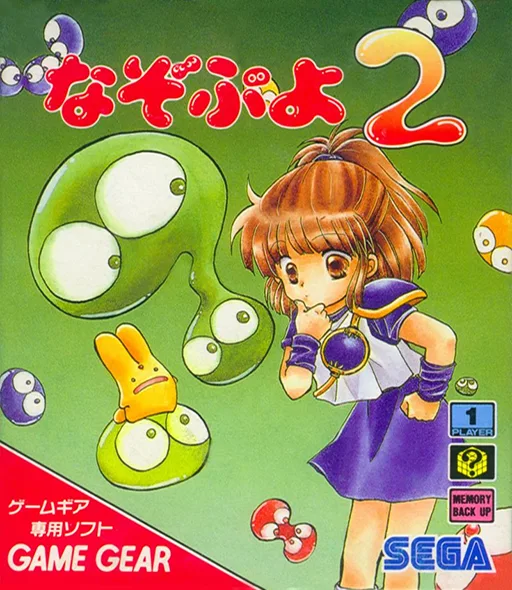
Nazo Puyo 2
 game_gear
Terminator, The
Frequently Asked Questions
Q1.Can I play Star Trek TNG - Advanced Holodeck Tutorial online in a web browser without downloading?
Yes, EmuAll allows you to play Star Trek TNG - Advanced Holodeck Tutorial (GAME GEAR) directly inside modern web browsers (Chrome, Safari, Edge, Firefox) on PC, Mac, Chromebook, iOS, and Android devices without installing any emulator.
Q2.Does Star Trek TNG - Advanced Holodeck Tutorial support in-browser save states?
Yes, the in-browser emulator features instant Save States and Load States, storing your game progress directly in your browser storage so you can pick up where you left off.
Q3.What controls are supported? Can I use a controller for Star Trek TNG - Advanced Holodeck Tutorial?
The emulator fully supports standard keyboard controls as well as plug-and-play USB and Bluetooth gamepads (including Xbox, PlayStation, and generic controllers).