
NES
The Great Chinese
Also known as: غريت تشينيسي, 중화대선, Грейт Чинэсэ, Le Grand Chinois, 中华大仙, O Grande Chinês, Γκρειτ Τσινεσε, Der Große Chinese, Il Grande Cinese, 中華大仙, El Gran Chino
- Platform
- Nintendo Entertainment System
- Genre
- Shooter
- Year
- 1989
- Developer
- Taito Corporation
- Publisher
- Taito Corporation
EmuAll provides verified clean ROM archives and in-browser emulation for The Great Chinese (NES). Players can launch and play directly inside modern desktop and mobile browsers with zero local installation, full gamepad support, and instant save states.
ROM downloads
1中华大仙[高伟汉化](2Mb)
Recommended Emulators(NES)
If you choose to download this ROM to play offline, we recommend these top standalone emulators:
About the Game
中华大仙 is a horizontally scrolling shooter developed by Taito Corporation and released for Famicom. The player controls Mike Chen, a pilot floating on a cloud, who maneuvers through stages and shoots energy balls at enemies. Power-ups provide stronger and faster firepower, while some stages include doors for buying special bombs using credits. Each stage features mini-bosses and main bosses. The player restarts at checkpoints after losing a life. The story involves Mike Chen battling against alien forces or enemies in a sci-fi setting. Characters include Mike Chen and various enemy types. What makes it stand out is its arcade-style difficulty with power-up mechanics and checkpoint progression, faithful to Taito's 1988 arcade original.
More NES games
 nes
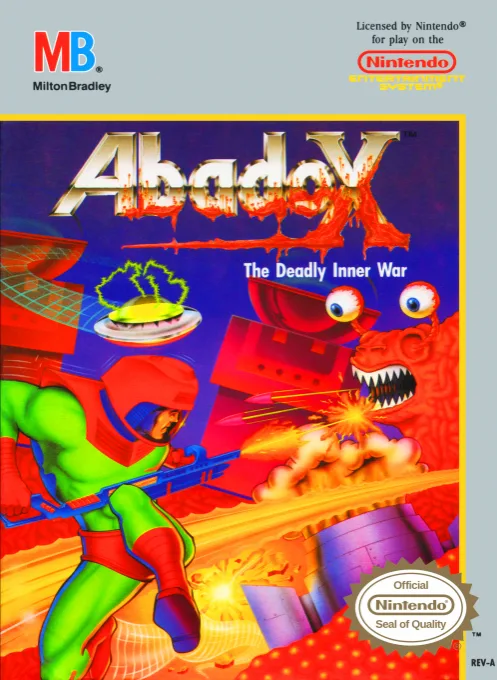
nesAbadox - The Deadly Inner War
 nes
nesCabal
 nes
nesChiller
 nes
nesFantasy Zone II - Opa-Opa no Namida
 nes
nesWar in the Gulf
 nes
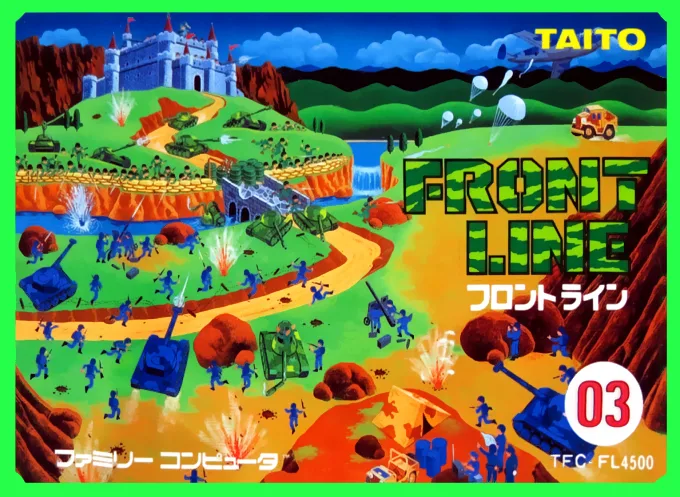
nesFront Line
 nes
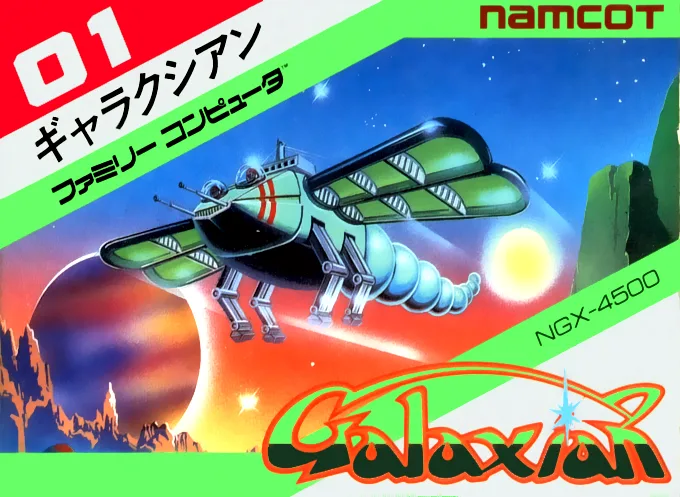
nesLittle Honeybee
 nes
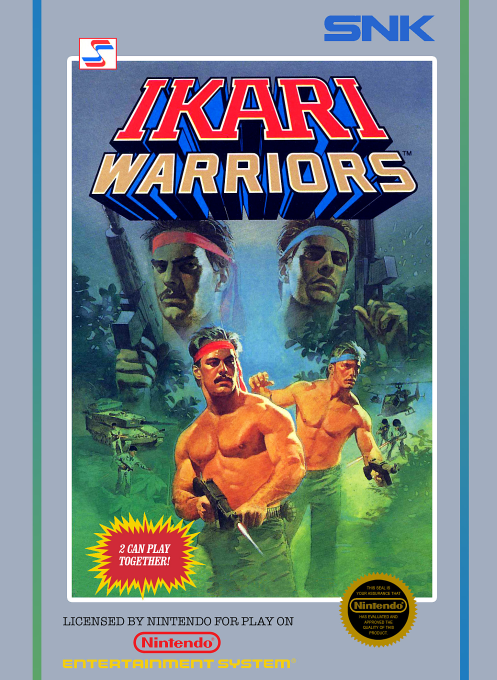
nesAlien Warrior 2
 nes
nesDezaemon
 nes
nesFront Line
 nes
nesTitan Warriors
 nes
nesChuuka Taisen
Frequently Asked Questions
Q1.Can I play The Great Chinese online in a web browser without downloading?
Yes, EmuAll allows you to play The Great Chinese (NES) directly inside modern web browsers (Chrome, Safari, Edge, Firefox) on PC, Mac, Chromebook, iOS, and Android devices without installing any emulator.
Q2.Does The Great Chinese support in-browser save states?
Yes, the in-browser emulator features instant Save States and Load States, storing your game progress directly in your browser storage so you can pick up where you left off.
Q3.What controls are supported? Can I use a controller for The Great Chinese?
The emulator fully supports standard keyboard controls as well as plug-and-play USB and Bluetooth gamepads (including Xbox, PlayStation, and generic controllers).