
GB
Volley Fire
Also known as: 발리 파이어, ボレイ・ファイア, 排球火焰
- Platform
- Game Boy
- Genre
- Action
- Year
- 1990
- Developer
- Toei Animation
- Publisher
- Toei Animation
EmuAll provides verified clean ROM archives and in-browser emulation for Volley Fire (GB). Players can launch and play directly inside modern desktop and mobile browsers with zero local installation, full gamepad support, and instant save states.
ROM downloads
1Volley Fire (Japan)
Recommended Emulators(GB)
If you choose to download this ROM to play offline, we recommend these top standalone emulators:
About the Game
Volley Fire is a top-down shooter for the Game Boy. Players control a space fighter positioned at the bottom of the screen that can move left or right while firing at enemy ships above. Between the opposing forces are obstacles that can move horizontally or vertically and must be avoided or navigated to line up accurate shots. Successful shots deplete the opponent's energy bar; when it empties (or multiple enemies are defeated), a life is lost. The game features single-player and two-player modes with story stages set in various planets and asteroids, culminating in a boss rush. It stands out by blending Space Invaders-style shooting with Pong-like volley mechanics and head-to-head competitive gameplay in a futuristic sci-fi setting.
More GB games
 gb
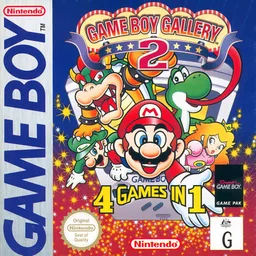
gbGame Boy Gallery 2
 gb
gbBakuretsu Senshi Warrior
 gb
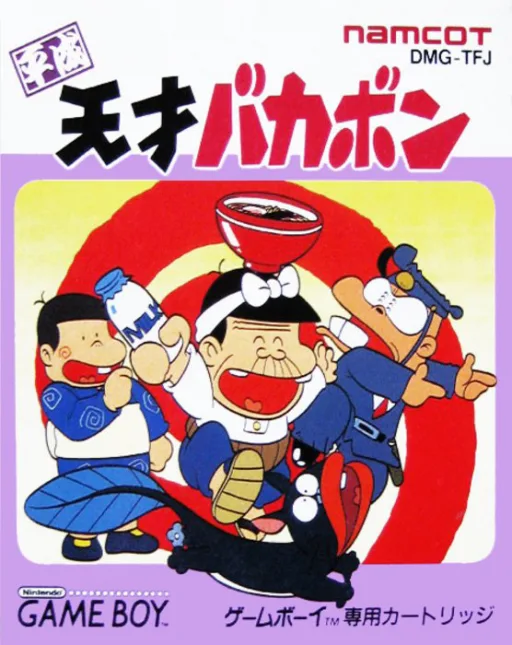
gbHeisei Tensai Bakabon
 gb
gbPenguin Wars
 gb
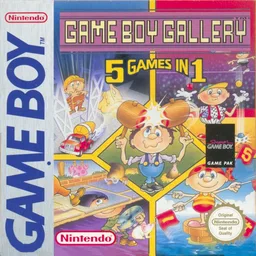
gbGame Boy Gallery - 5 Games in 1
 gb
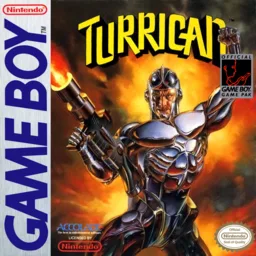
gbTurrican
 gb
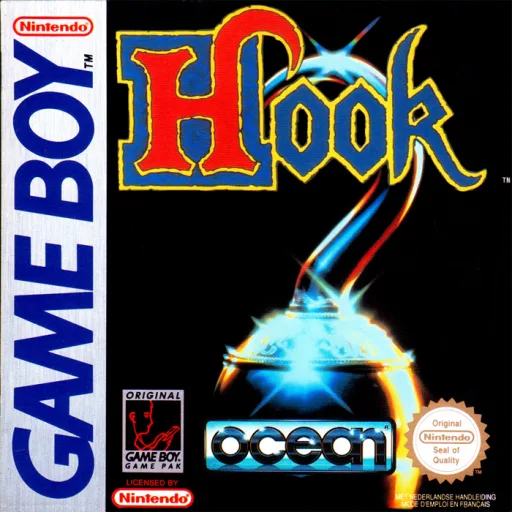
gbHook
 gb
gbNinku
 gb
gbOsawagase! Penguin Boy
 gb
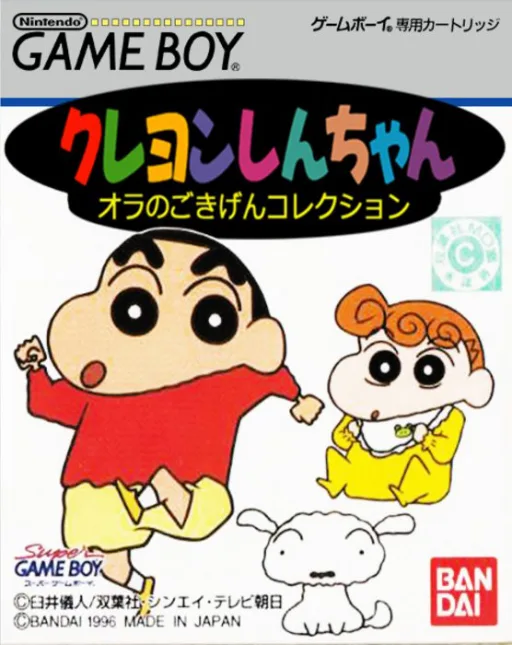
gbCrayon Shin-chan - Ora no Gokigen Collection
 gb
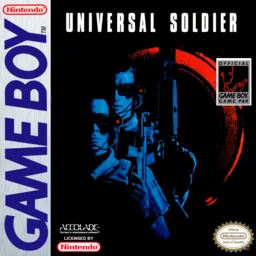
gbUniversal Soldier
Frequently Asked Questions
Q1.Can I play Volley Fire online in a web browser without downloading?
Yes, EmuAll allows you to play Volley Fire (GB) directly inside modern web browsers (Chrome, Safari, Edge, Firefox) on PC, Mac, Chromebook, iOS, and Android devices without installing any emulator.
Q2.Does Volley Fire support in-browser save states?
Yes, the in-browser emulator features instant Save States and Load States, storing your game progress directly in your browser storage so you can pick up where you left off.
Q3.What controls are supported? Can I use a controller for Volley Fire?
The emulator fully supports standard keyboard controls as well as plug-and-play USB and Bluetooth gamepads (including Xbox, PlayStation, and generic controllers).