
NES
Xevious
Also known as: ゼビウス
- Platform
- Nintendo Entertainment System
- Genre
- Shooter
- Year
- 1984
- Developer
- Namco
- Publisher
- Namco
EmuAll provides verified clean ROM archives and in-browser emulation for Xevious (NES). Players can launch and play directly inside modern desktop and mobile browsers with zero local installation, full gamepad support, and instant save states.
ROM downloads
4Xevious (Europe)
RecommendedXevious (World) (Namcot Collection, Namco Museum Archives Vol 1)
Xevious (Japan) (En)
Xevious (Japan) (En) (Rev 1)
Recommended Emulators(NES)
If you choose to download this ROM to play offline, we recommend these top standalone emulators:
About the Game
Xevious is a vertically scrolling shooter where players control the Solvalou starship to destroy Xevious alien forces threatening Earth. Gameplay involves continuous upward scrolling with air-to-air zapper missiles for flying enemies and blaster bombs for ground targets, using a lock-on aiming system and two weapon types. Story follows humanity's resistance against the invading Xevious fleet led by the biocomputer GAMP. Characters include the player-controlled Solvalou, various enemy ships and ground units like the powerful Andor Genesis mothership boss, and supporting elements such as the mysterious Bacura mirror shields. What makes it stand out is its innovative lock-on bombing mechanic that influenced later shooters, varied enemy patterns, unique scrolling backgrounds with forests and prairies, and a challenging single-player campaign that loops back to area 7 after 16 stages.
More NES games
 nes
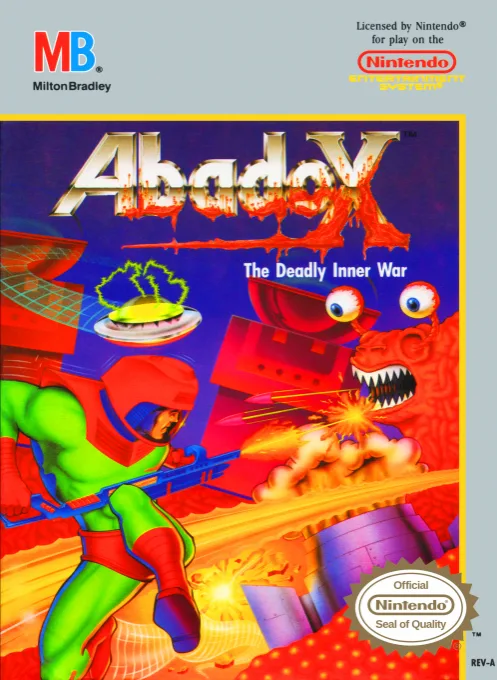
nesAbadox - The Deadly Inner War
 nes
nesCabal
 nes
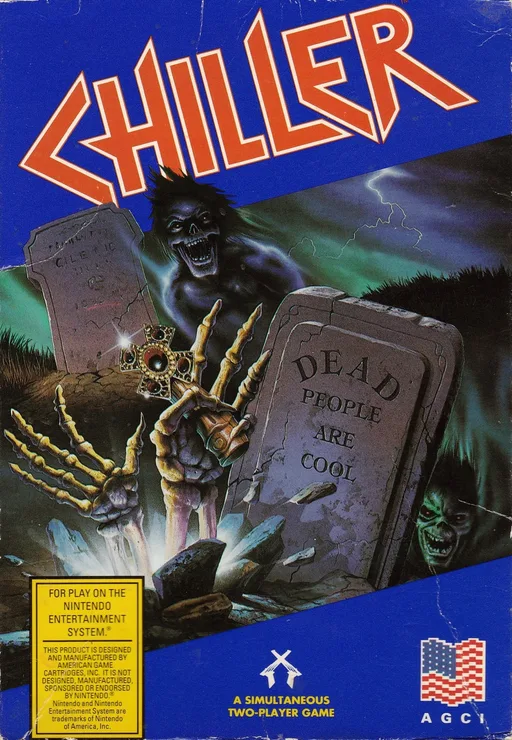
nesChiller
 nes
nesFantasy Zone II - Opa-Opa no Namida
 nes
nesWar in the Gulf
 nes
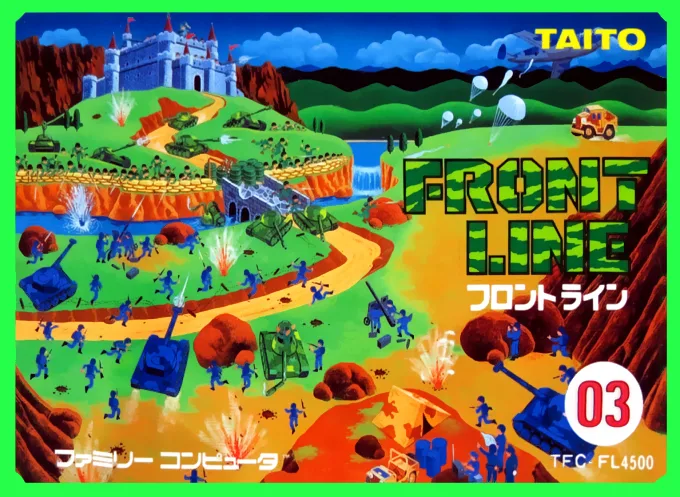
nesFront Line
 nes
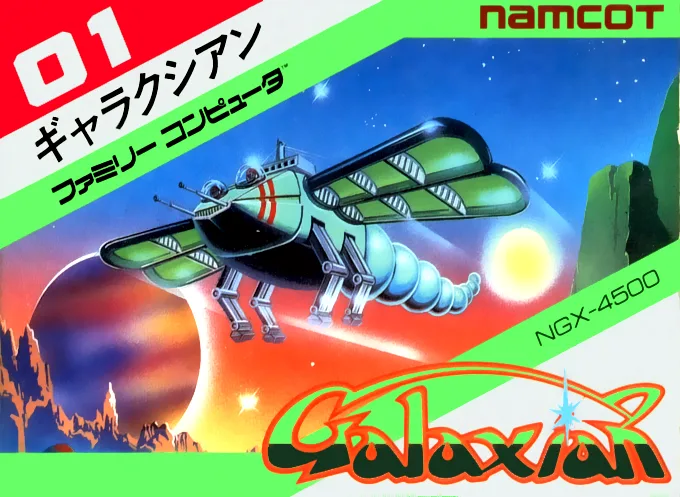
nesLittle Honeybee
 nes
nesAlien Warrior 2
 nes
nesDezaemon
 nes
nesFront Line
 nes
nesTitan Warriors
 nes
nesChuuka Taisen
Frequently Asked Questions
Q1.Can I play Xevious online in a web browser without downloading?
Yes, EmuAll allows you to play Xevious (NES) directly inside modern web browsers (Chrome, Safari, Edge, Firefox) on PC, Mac, Chromebook, iOS, and Android devices without installing any emulator.
Q2.Does Xevious support in-browser save states?
Yes, the in-browser emulator features instant Save States and Load States, storing your game progress directly in your browser storage so you can pick up where you left off.
Q3.What controls are supported? Can I use a controller for Xevious?
The emulator fully supports standard keyboard controls as well as plug-and-play USB and Bluetooth gamepads (including Xbox, PlayStation, and generic controllers).