
GBC
Aladdin
Also known as: アラジン, 阿拉丁, Аладдин, علاء الدين, Αλαντιν, 알라딘
- Platform
- Game Boy Color
- Year
- 2000
- Developer
- Crawfish Interactive
- Publisher
- Ubi Soft
EmuAll provides verified clean ROM archives and in-browser emulation for Aladdin (GBC). Players can launch and play directly inside modern desktop and mobile browsers with zero local installation, full gamepad support, and instant save states.
ROM downloads
2Aladdin (Europe) (En,Fr,De,Es,It,Nl)
RecommendedAladdin (USA)
Recommended Emulators(GBC)
If you choose to download this ROM to play offline, we recommend these top standalone emulators:
About the Game
Disney's Aladdin on Game Boy Color is a side-scrolling platformer following the story of the 1993 animated film. Players control Aladdin as he navigates the streets and deserts of Agrabah, using acrobatics to leap across platforms, swing on ropes, and slash enemies with a sword. Apples collected are thrown for long-range attacks against guards and thieves. The game includes nine levels based on movie locations, with collectible apples, giant gems for lives, and blue Genie Hearts to restore health (shown as smoke from the Genie lamp). Game modes feature standard platforming progression and hidden areas. What makes it stand out is the faithful adaptation of Aladdin's adventure with clever old-school level designs like disappearing platforms and rope networks.
More GBC games
 gbc
gbcToy Story 2
 gbc
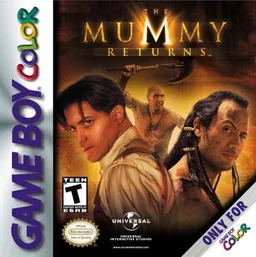
gbcMummy Returns, The
 gbc
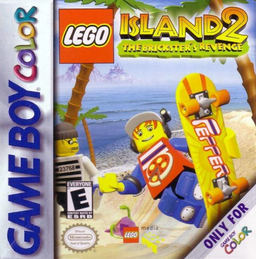
gbcLEGO Island 2: The Brickster's Revenge
 gbc
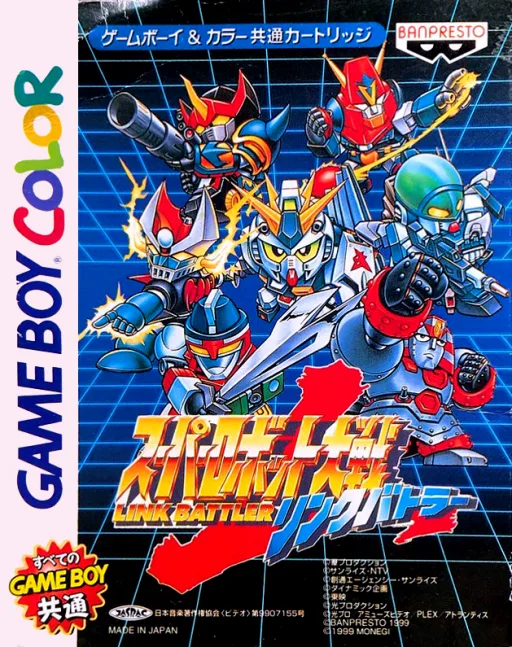
gbcSuper Robot Wars LB
 gbc
gbcPerfect Dark
 gbc
gbcPokemon Diamond V2 (Hack)
 gbc
gbcSakura Wars - Go Forth, Flower Division!
 gbc
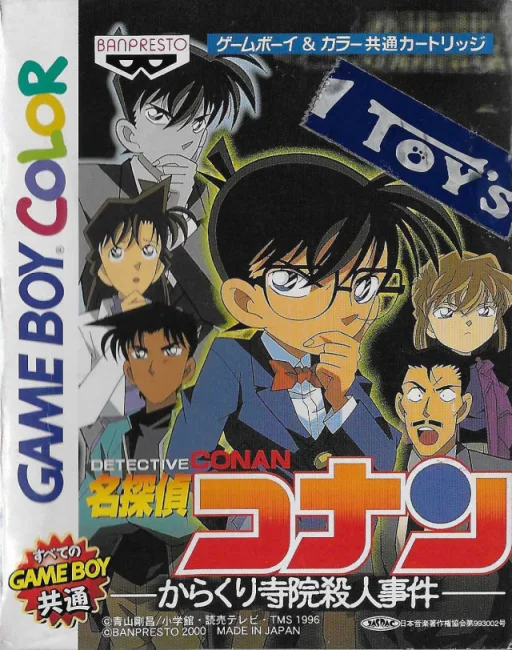
gbcDetective Conan: The Mechanical Temple Murder Case
 gbc
gbcNBA Pro 99
 gbc
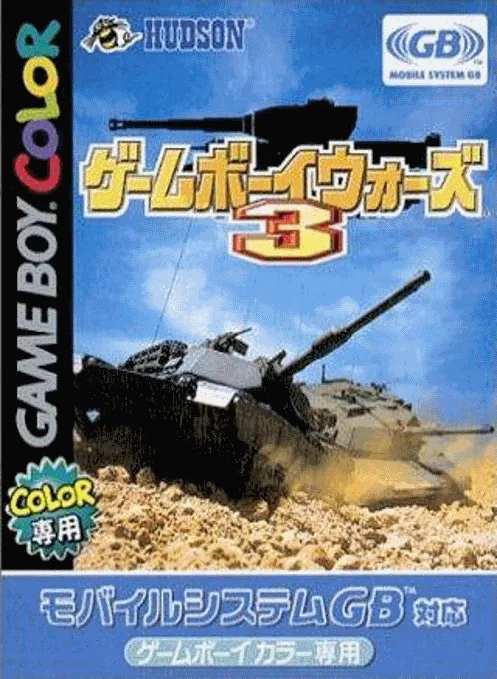
gbcGame Boy Wars 3
 gbc
gbcPachinko CR Mouretsu Genshijin T
 gbc
gbcThe Sword
Frequently Asked Questions
Q1.Can I play Aladdin online in a web browser without downloading?
Yes, EmuAll allows you to play Aladdin (GBC) directly inside modern web browsers (Chrome, Safari, Edge, Firefox) on PC, Mac, Chromebook, iOS, and Android devices without installing any emulator.
Q2.Does Aladdin support in-browser save states?
Yes, the in-browser emulator features instant Save States and Load States, storing your game progress directly in your browser storage so you can pick up where you left off.
Q3.What controls are supported? Can I use a controller for Aladdin?
The emulator fully supports standard keyboard controls as well as plug-and-play USB and Bluetooth gamepads (including Xbox, PlayStation, and generic controllers).