
GBC
Toy Story 2
Also known as: 토이스토리 2, Той Стори 2, トイ・ストーリー 2, 玩具总动员2, Τοι Στορι 2, 玩具總動員2, توي ستوري 2
- Platform
- Game Boy Color
- Year
- 1999
- Developer
- Tiertex Design Studios
- Publisher
- THQ
EmuAll provides verified clean ROM archives and in-browser emulation for Toy Story 2 (GBC). Players can launch and play directly inside modern desktop and mobile browsers with zero local installation, full gamepad support, and instant save states.
ROM downloads
1Toy Story 2 (USA, Europe) (SGB Enhanced) (GB Compatible)
Recommended Emulators(GBC)
If you choose to download this ROM to play offline, we recommend these top standalone emulators:
About the Game
In Toy Story 2 for Game Boy Color, players control Buzz Lightyear in a side-scrolling platform adventure. Buzz must rescue Woody, the cowboy doll kidnapped by toy collector Al McWhiggin from Al's Toy Barn. Gameplay features running, jumping, laser shooting, and double jumps while collecting coins and defeating enemies across 9 main levels and 2 bonus stages. Other Toy Story characters like Rex, Hamm, and Bo Peep appear to provide help and tips. The game stands out for its loose adaptation of the movie plot with simple but faithful mechanics, multiple difficulty options, and coin collection for Buzz Lightyear tickets to complete the game.
More GBC games
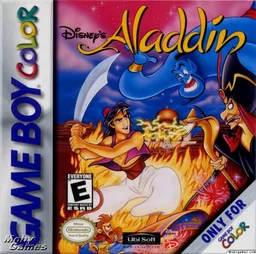 gbc
gbcAladdin
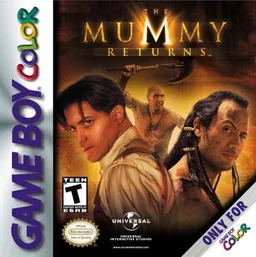 gbc
gbcMummy Returns, The
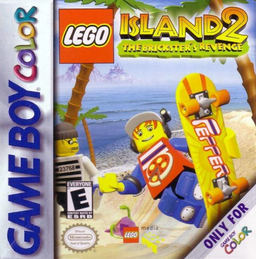 gbc
gbcLEGO Island 2: The Brickster's Revenge
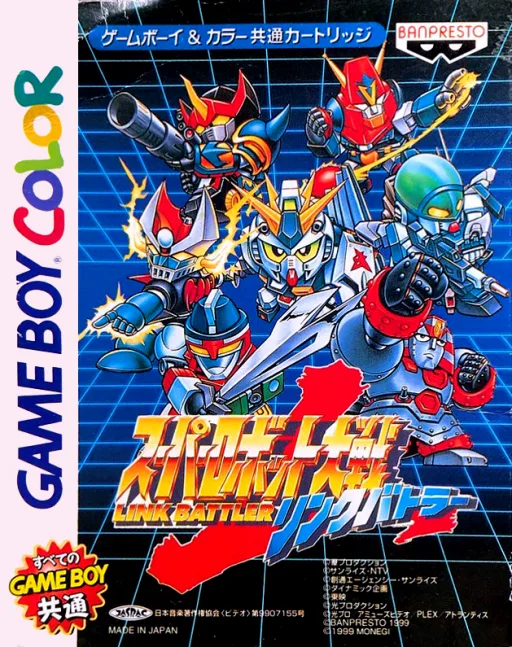 gbc
gbcSuper Robot Wars LB
 gbc
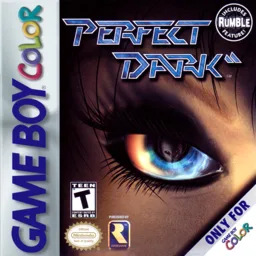
gbcPerfect Dark
 gbc
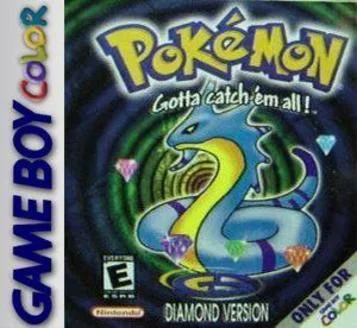
gbcPokemon Diamond V2 (Hack)
 gbc
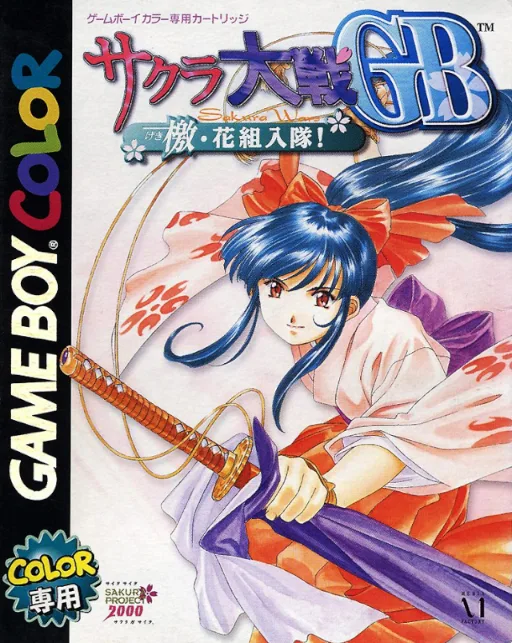
gbcSakura Wars - Go Forth, Flower Division!
 gbc
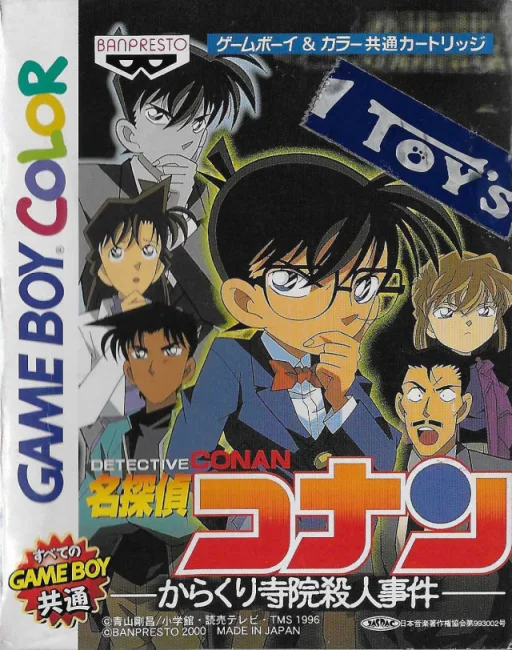
gbcDetective Conan: The Mechanical Temple Murder Case
 gbc
gbcNBA Pro 99
 gbc
gbcGame Boy Wars 3
 gbc
gbcPachinko CR Mouretsu Genshijin T
 gbc
gbcThe Sword
Frequently Asked Questions
Q1.Can I play Toy Story 2 online in a web browser without downloading?
Yes, EmuAll allows you to play Toy Story 2 (GBC) directly inside modern web browsers (Chrome, Safari, Edge, Firefox) on PC, Mac, Chromebook, iOS, and Android devices without installing any emulator.
Q2.Does Toy Story 2 support in-browser save states?
Yes, the in-browser emulator features instant Save States and Load States, storing your game progress directly in your browser storage so you can pick up where you left off.
Q3.What controls are supported? Can I use a controller for Toy Story 2?
The emulator fully supports standard keyboard controls as well as plug-and-play USB and Bluetooth gamepads (including Xbox, PlayStation, and generic controllers).