
NES
Alfred Chicken
Also known as: الفريد تشيكين, 阿尔弗雷德鸡, Alfredo el pollo, 알프레드 치킨, アルフレッド・チキン, Alfred le poulet, Αλφρεντ Τσικεν, Алфред Чикен, Alfredo o Frango, 阿爾弗雷德雞
- Platform
- Nintendo Entertainment System
- Genre
- Platformer
- Year
- 1994
- Developer
- Twilight Games
- Publisher
- Mindscape
EmuAll provides verified clean ROM archives and in-browser emulation for Alfred Chicken (NES). Players can launch and play directly inside modern desktop and mobile browsers with zero local installation, full gamepad support, and instant save states.
ROM downloads
2Alfred Chicken (Europe)
RecommendedAlfred Chicken (USA)
Recommended Emulators(NES)
If you choose to download this ROM to play offline, we recommend these top standalone emulators:
About the Game
Alfred Chicken, a bionic chicken, navigates five quirky levels full of balloons, telephones, and cheese to rescue his girlfriend and unhatched egg buddies from the evil Meka-Chicken clan. Players control Alfred who walks, jumps, and pecks on the ground while diving to bomb enemies or springs for extra height. If he misses, his beak gets stuck comically in the ground. Levels end by collecting all balloons. The story is minimal but the goofy physics and humor stand out. Gameplay mixes platforming with light puzzle elements in a short, fun package for the NES.
More NES games
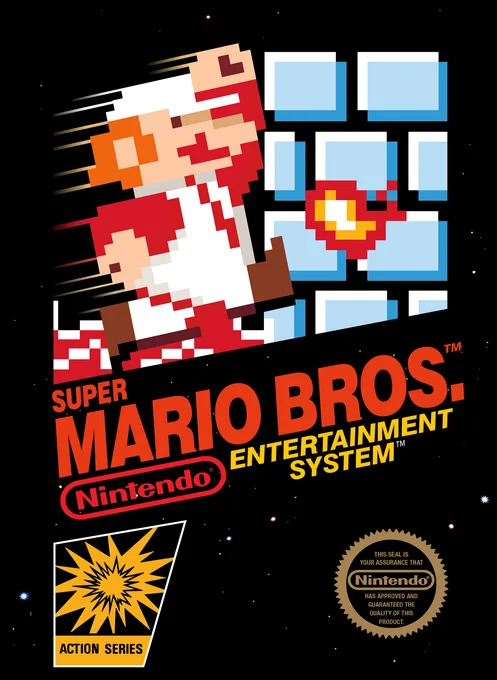 nes
nesSuper Mario Bros.
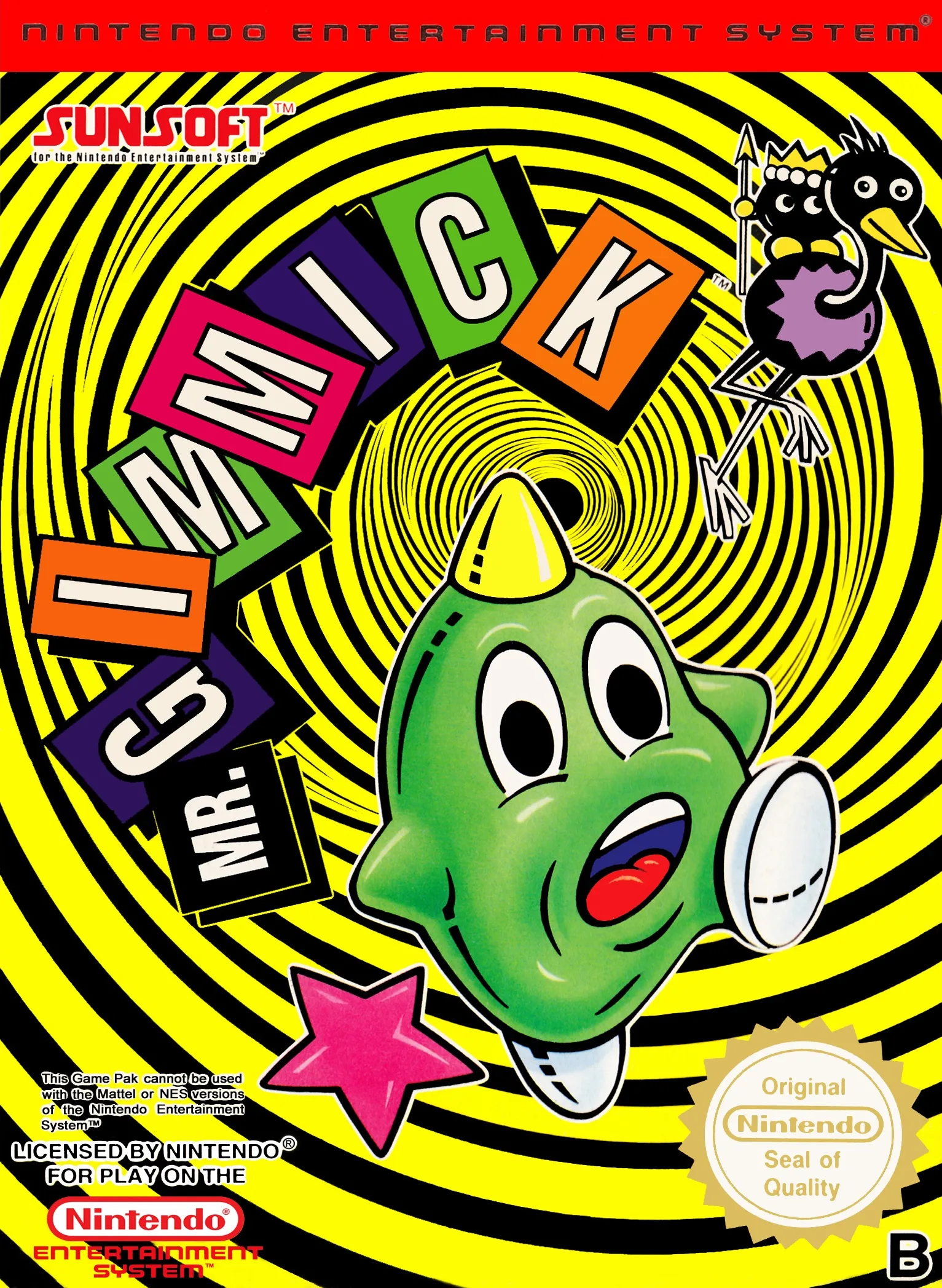 nes
nesJimi-K
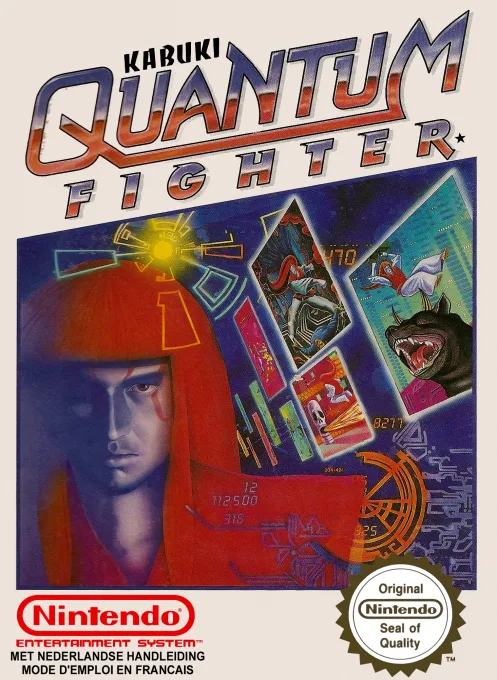 nes
nesKabuki - Quantum Fighter
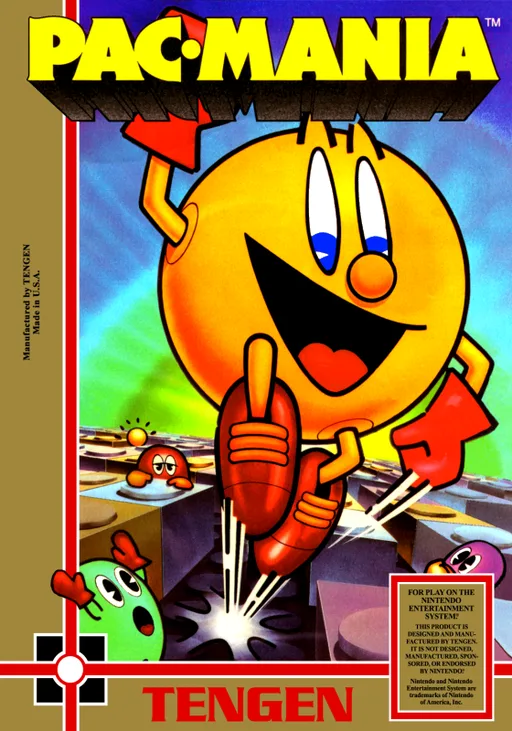 nes
nesPac-Mania
 nes
nesSuper Mario Bros 2000 (SMB1 Hack)
 nes
nesMega Man 3 - Dr. Wily's Doom
 nes
nesWagyan Land
 nes
nesRocketeer, The
 nes
nesHappily Ever After starring Snow White
 nes
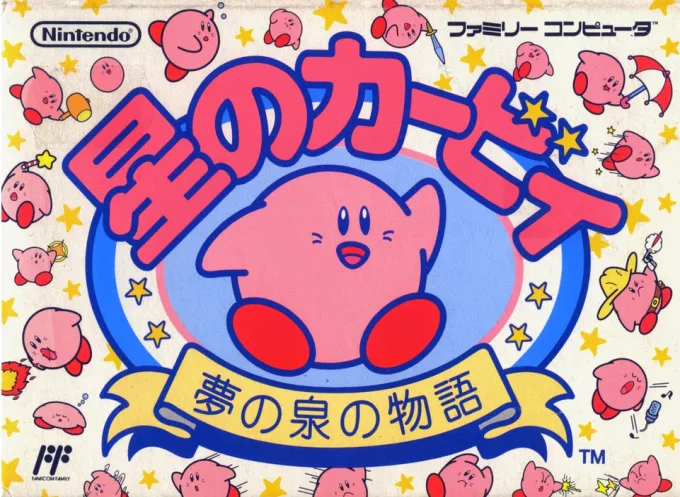
nesHoshi no Kirby - Yume no Izumi no Monogatari
 nes
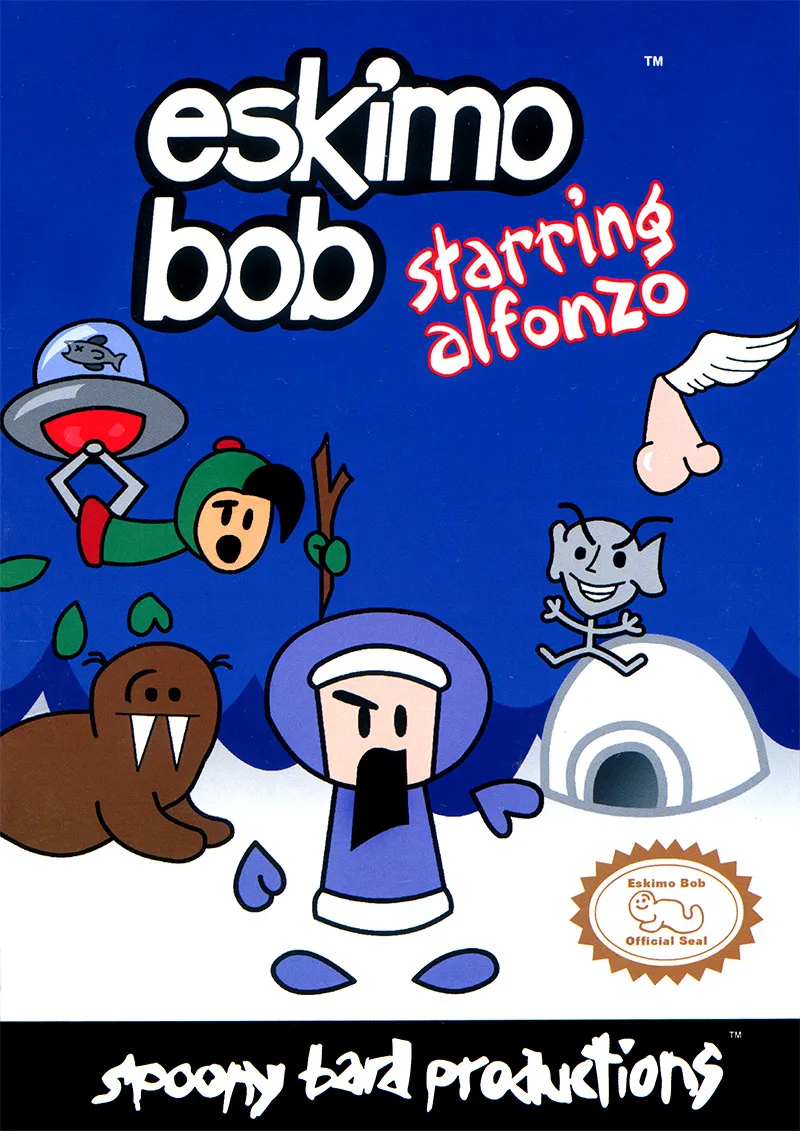
nesEskimo Bob Starring Alfonzo
Frequently Asked Questions
Q1.Can I play Alfred Chicken online in a web browser without downloading?
Yes, EmuAll allows you to play Alfred Chicken (NES) directly inside modern web browsers (Chrome, Safari, Edge, Firefox) on PC, Mac, Chromebook, iOS, and Android devices without installing any emulator.
Q2.Does Alfred Chicken support in-browser save states?
Yes, the in-browser emulator features instant Save States and Load States, storing your game progress directly in your browser storage so you can pick up where you left off.
Q3.What controls are supported? Can I use a controller for Alfred Chicken?
The emulator fully supports standard keyboard controls as well as plug-and-play USB and Bluetooth gamepads (including Xbox, PlayStation, and generic controllers).