
NES
Dragon Ball Adventure
Also known as: 七龙珠大冒险, 七龍珠大冒險, Dragon Ball: L'Avventura, Dragon Ball: La Aventura, Drachenball Abenteuer, Aventura do Dragon Ball, 칠용구 대모험
- Platform
- Nintendo Entertainment System
- Genre
- Action
- Year
- 1986
- Developer
- TOSE
- Publisher
- Bandai
EmuAll provides verified clean ROM archives and in-browser emulation for Dragon Ball Adventure (NES). Players can launch and play directly inside modern desktop and mobile browsers with zero local installation, full gamepad support, and instant save states.
ROM downloads
1七龙珠大冒险[南晶科技](CN)[RPG](8Mb)
Recommended Emulators(NES)
If you choose to download this ROM to play offline, we recommend these top standalone emulators:
About the Game
七龙珠大冒险 is an Action game for the NES/Famicom. Players control Goku from Dragon Ball as he searches for the seven Dragon Balls. Gameplay features side-scrolling platforming, fighting enemies with a powerful energy blast, and exploration in a non-linear map. The story follows Goku's quest after the Dragon Balls are scattered. Key characters include Goku, the Dragon Balls, and various enemies. What stands out is its simple yet engaging Dragon Ball adaptation with platforming and action combat on the 8-bit hardware.
More NES games
 nes
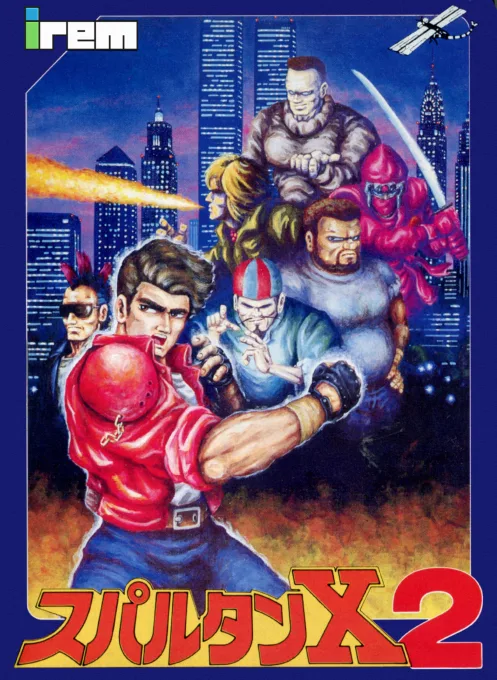
nesSpartan X 2
 nes
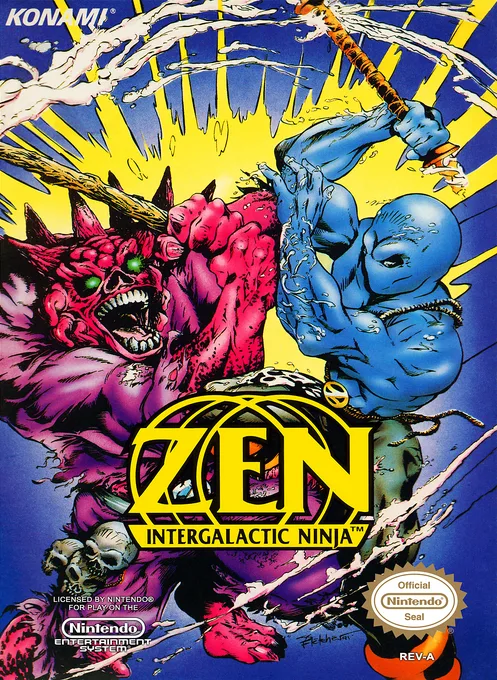
nesZen - Intergalactic Ninja
 nes
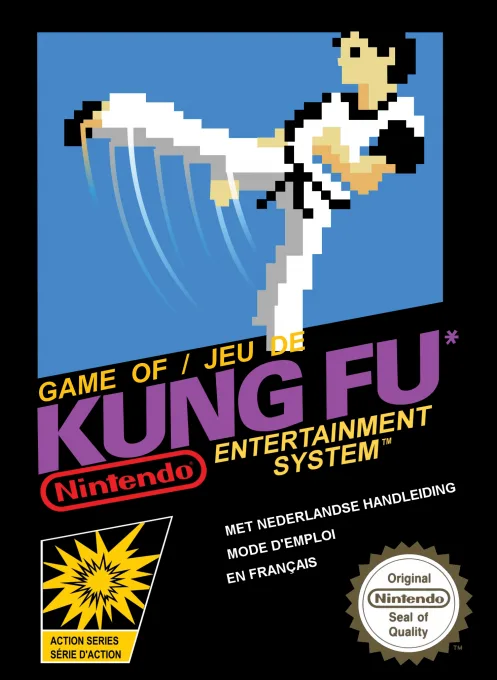
nesKung Fu
 nes
nesBlow'em Out
 nes
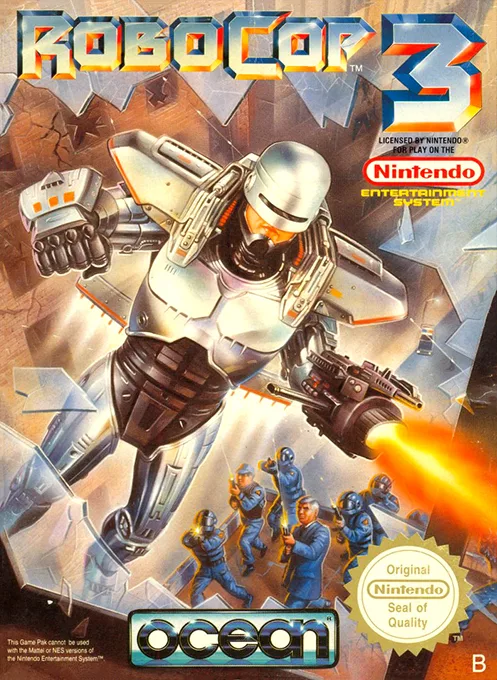
nesRoboCop 3
 nes
nesPooyan
 nes
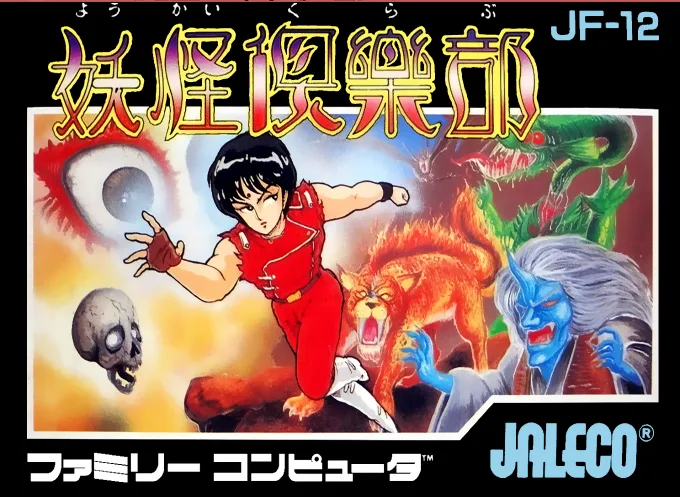
nesYoukai Club
![100-in-1 Contra Function 16 [a1]](https://cdn.emuall.com/covers/nes/04bb275385dcb16c248234ae6234fe4b5d016e892b330b98b7006f1a152800a6.webp?t=KCaRLGwKtSDaxDcKhuyafO6m1TNLHPpQJrf8TlanG3irCwPO81Z3oQ) nes
nes100-in-1 Contra Function 16 [a1]
 nes
nesCosmo Genesis
 nes
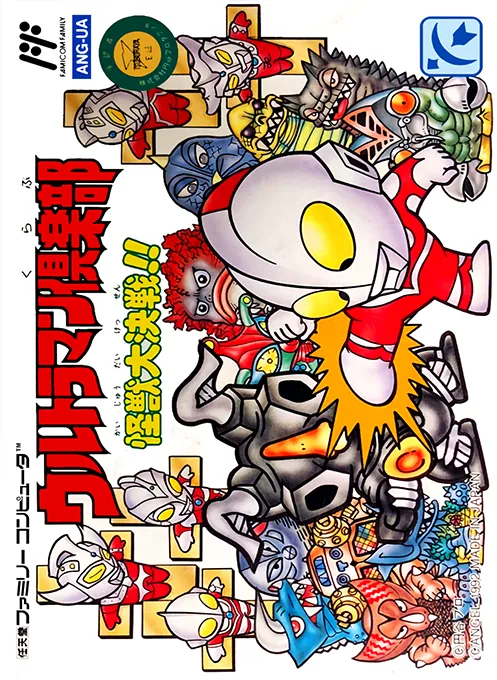
nesUltraman Club - Kaijuu Daikessen!!
 nes
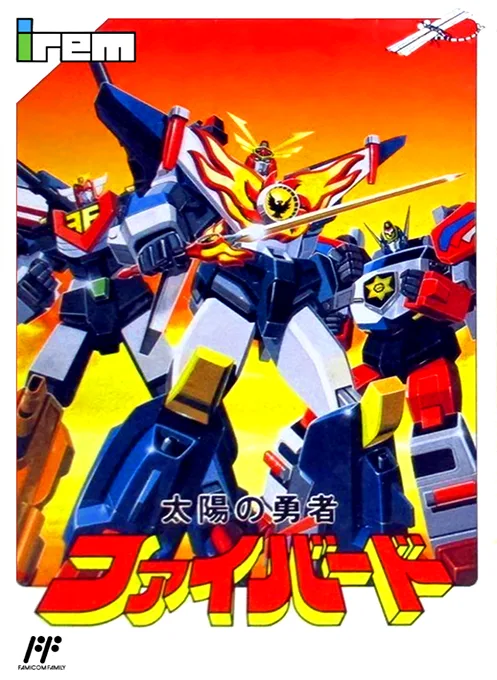
nesTaiyou no Yuusha - Fighbird
 nes
nesPlatoon
Frequently Asked Questions
Q1.Can I play Dragon Ball Adventure online in a web browser without downloading?
Yes, EmuAll allows you to play Dragon Ball Adventure (NES) directly inside modern web browsers (Chrome, Safari, Edge, Firefox) on PC, Mac, Chromebook, iOS, and Android devices without installing any emulator.
Q2.Does Dragon Ball Adventure support in-browser save states?
Yes, the in-browser emulator features instant Save States and Load States, storing your game progress directly in your browser storage so you can pick up where you left off.
Q3.What controls are supported? Can I use a controller for Dragon Ball Adventure?
The emulator fully supports standard keyboard controls as well as plug-and-play USB and Bluetooth gamepads (including Xbox, PlayStation, and generic controllers).