
SNES
Dragon View
Also known as: Vista dei Draghi, Драгон Виу, Vue des Dragons, Drachenblick, ドラゴンビュー, Vista do Dragão, Vista del Dragón
- Platform
- Super Nintendo
- Genre
- Action/RPG
- Year
- 1994
- Developer
- Kotobuki System
- Publisher
- Kemco
EmuAll provides verified clean ROM archives and in-browser emulation for Dragon View (SNES). Players can launch and play directly inside modern desktop and mobile browsers with zero local installation, full gamepad support, and instant save states.
ROM downloads
2Dragon View (USA)
RecommendedDragon View (USA) (Beta)
Recommended Emulators(SNES)
If you choose to download this ROM to play offline, we recommend these top standalone emulators:
About the Game
Dragon View is an action RPG for the SNES where the player controls Alex, a young warrior in training on the island of Drakkhen. The gameplay mixes side-scrolling beat 'em up combat in dungeons and towns with first-person exploration of the overworld. Players use the sword for close-range attacks (with up/down/jab variations and combos) or the boomerang-style Hauza for ranged attacks, while managing limited HP and MP via potions and magic rings for elements like fire, ice, or lightning. Main story follows Alex rescuing his girlfriend Katarina from wizard Argos, who serves the greater evil Giza plotting to flood the island with the stolen Prime Orb; characters include Qunos (Alex's master), Rando (comic-relief party member), Flora, and Cindy. What makes it stand out is the innovative hybrid view: first-person wandering to avoid random cloud-based encounters, switching to side-scrolling action RPG combat, and a charming yet dark fantasy tale of love, betrayal, and island-saving.
More SNES games
 snes
snesYs V - Expert
 snes
snesCrystal Beans from Dungeon Explorer
 snes
snesBrandish
 snes
snesSecret of Mana
 snes
snesGaia Fantasy Chronicle
 snes
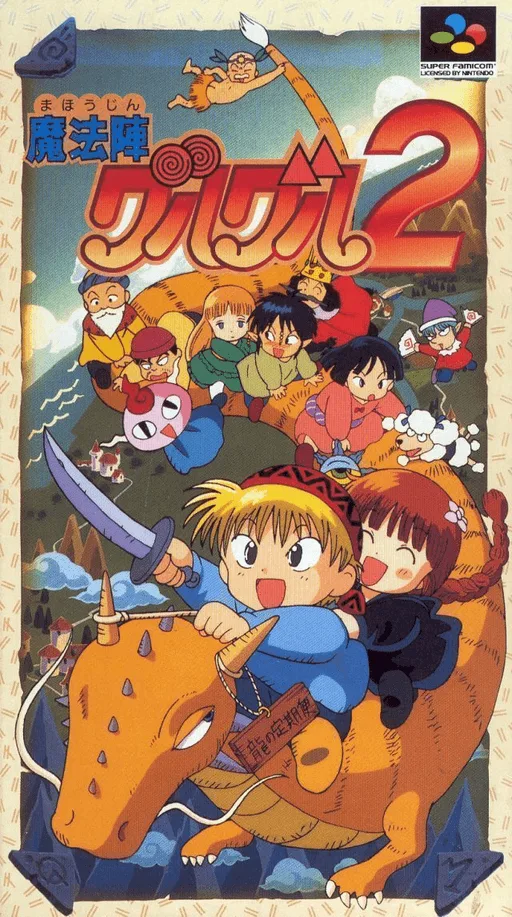
snesMahoujin Guruguru 2
 snes
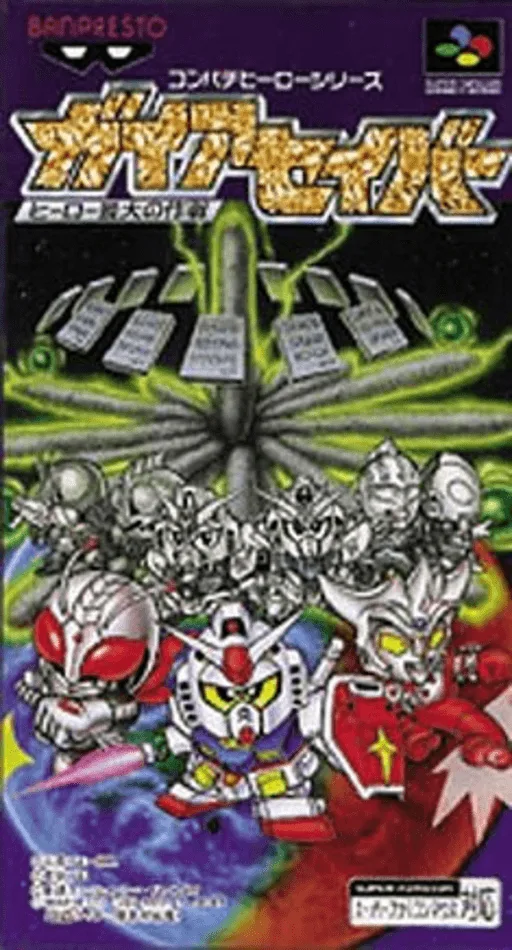
snesGaia Saver - Hero Saidai no Sakusen
 snes
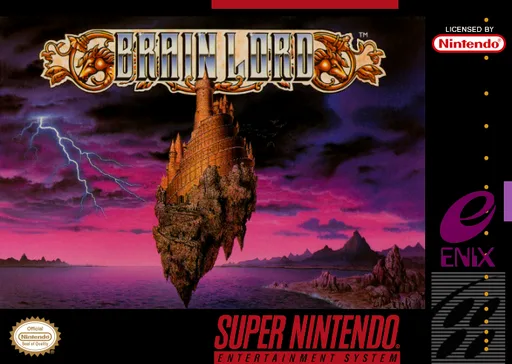
snesBrain Lord
 snes
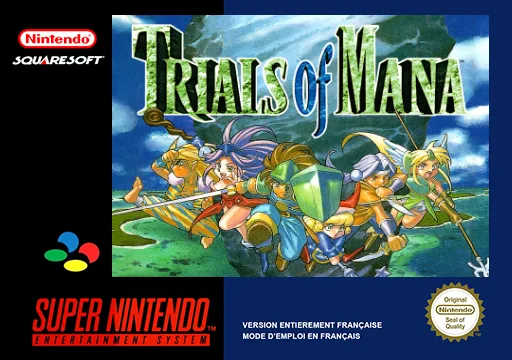
snesTrials of Mana
 snes
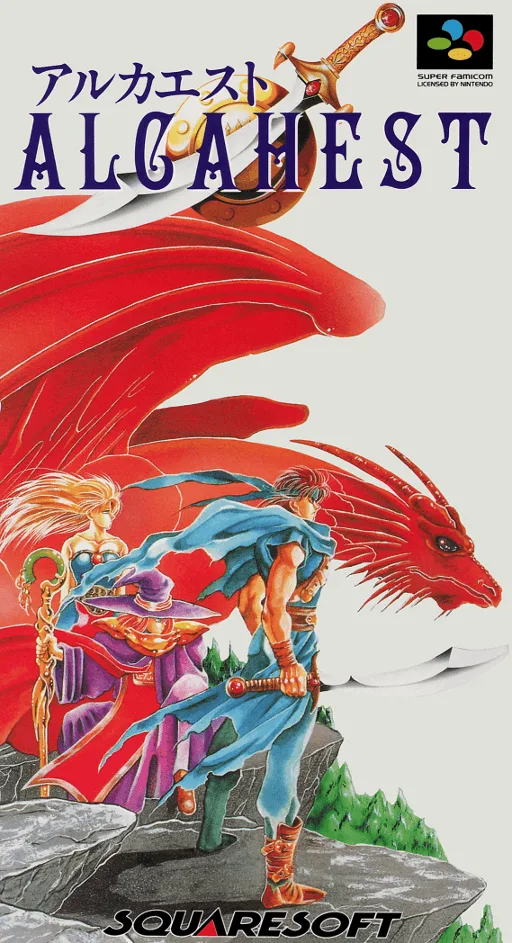
snesAlcahest
 snes
snesDragon Ball Z: Super Gokuden - Totsugeki-Hen
 snes
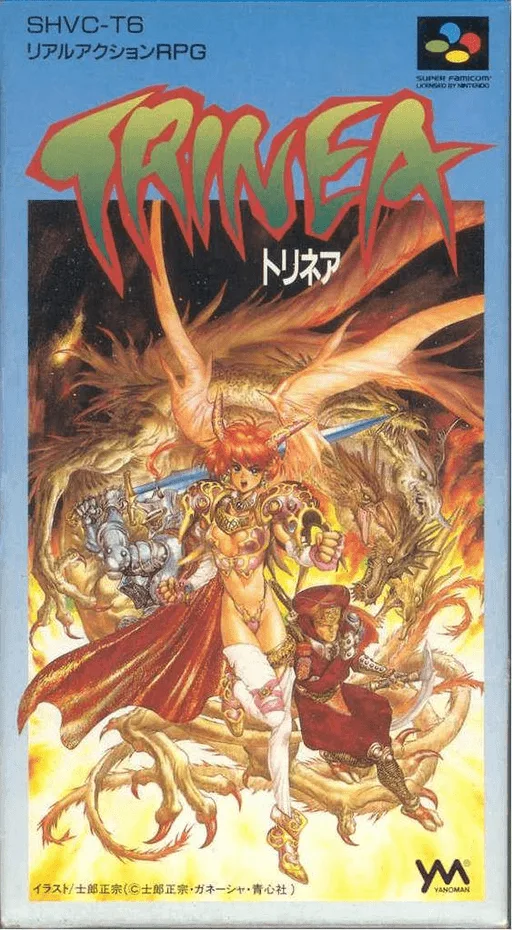
snesTrinea
Frequently Asked Questions
Q1.Can I play Dragon View online in a web browser without downloading?
Yes, EmuAll allows you to play Dragon View (SNES) directly inside modern web browsers (Chrome, Safari, Edge, Firefox) on PC, Mac, Chromebook, iOS, and Android devices without installing any emulator.
Q2.Does Dragon View support in-browser save states?
Yes, the in-browser emulator features instant Save States and Load States, storing your game progress directly in your browser storage so you can pick up where you left off.
Q3.What controls are supported? Can I use a controller for Dragon View?
The emulator fully supports standard keyboard controls as well as plug-and-play USB and Bluetooth gamepads (including Xbox, PlayStation, and generic controllers).