
NES
F1 Circus
Also known as: F1 サーカス, F1 Cirque, F1 Zirkus, F1 Circo, ف1 سيركوس, Φ1 Σιρκουσ, F1 서커스, Ф1 Сиркус
- Platform
- Nintendo Entertainment System
- Genre
- Racing
- Year
- 1992
- Developer
- Make Software
- Publisher
- Nichibutsu
EmuAll provides verified clean ROM archives and in-browser emulation for F1 Circus (NES). Players can launch and play directly inside modern desktop and mobile browsers with zero local installation, full gamepad support, and instant save states.
ROM downloads
1F1 Circus (Japan)
Recommended Emulators(NES)
If you choose to download this ROM to play offline, we recommend these top standalone emulators:
About the Game
F1 Circus is a simulation-style racing game in top-down overhead view where players manage a Formula 1 team in the World Championship mode, building and upgrading cars, monitoring components like tires and engines, and racing against up to 14 competitors. Modes include Time Attack for solo lap times, Constructors for strategy and team management, and full championship with engine and setup tuning. Tracks feature tight curves and dramatic corners. It stands out for its deep car customization, realistic simulation elements, and focus on strategic decision-making over pure speed.
More NES games
 nes
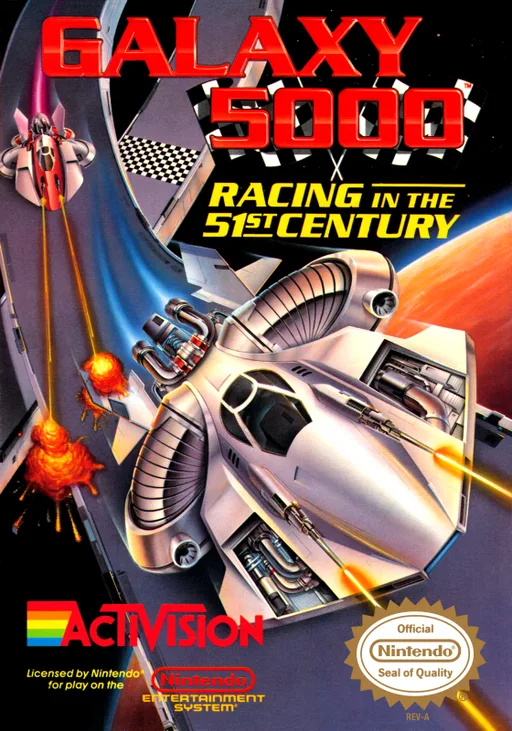
nesGalaxy 5000 - Racing in the 51st Century
The 97 Hong Kong-Beijing Rally Race
 nes
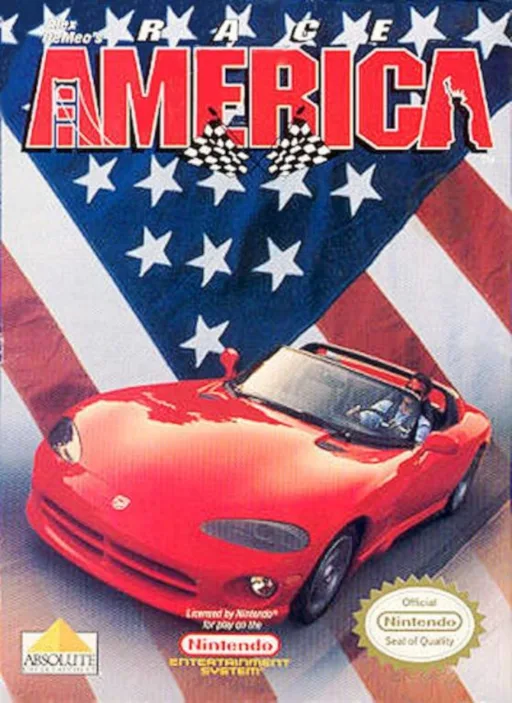
nesAlex DeMeo's Race America
 nes
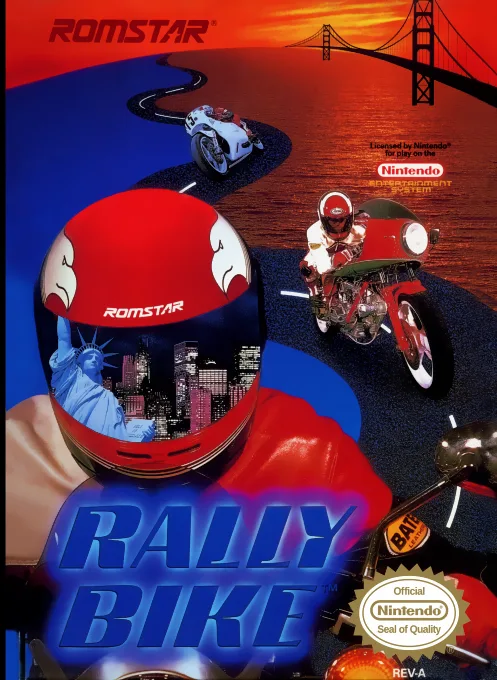
nesRally Bike
 nes
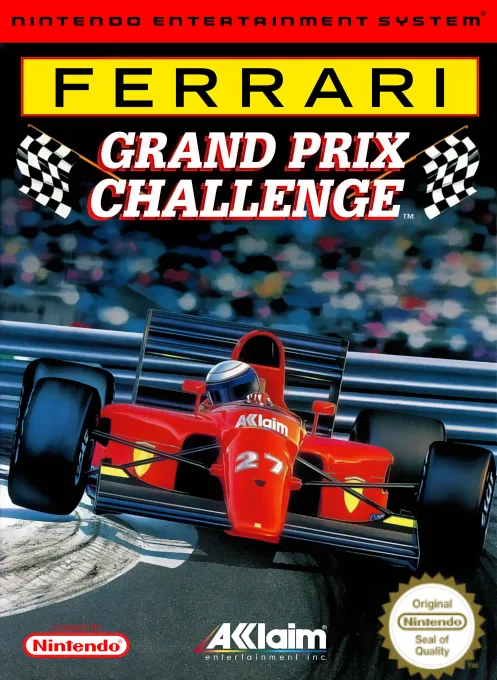
nesFerrari Grand Prix Challenge
 nes
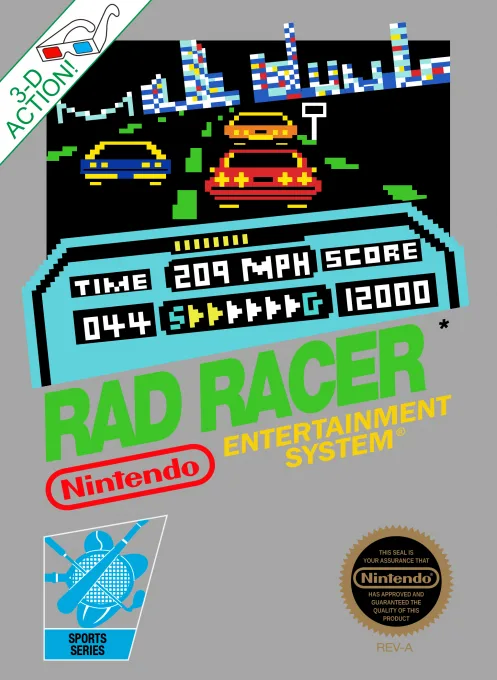
nesRad Racer
 nes
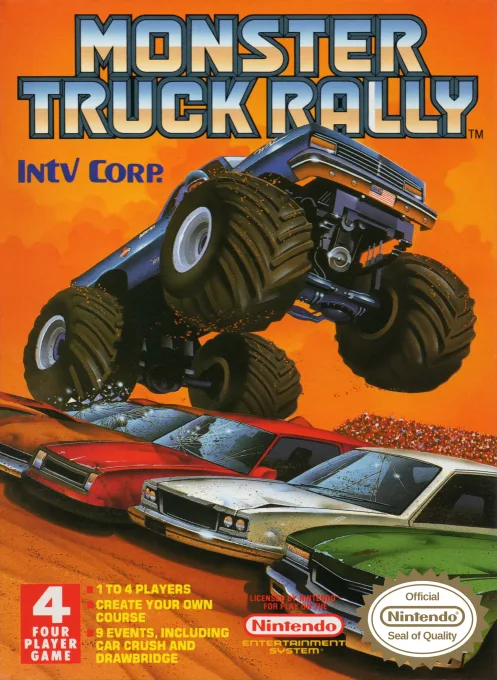
nesMonster Truck Rally
 nes
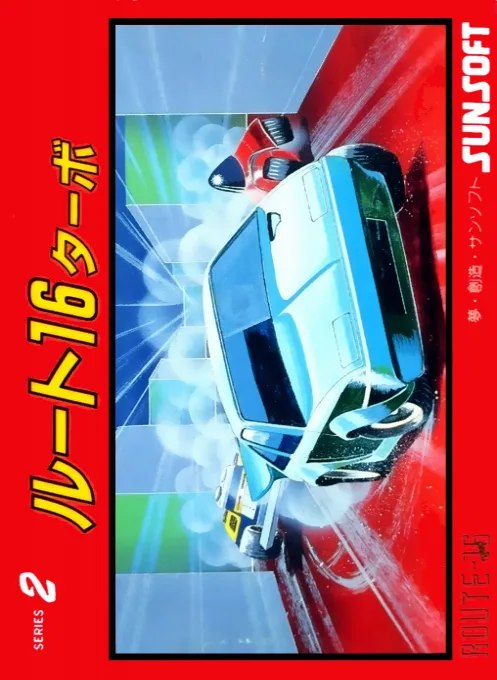
nesRoute-16 Turbo
 nes
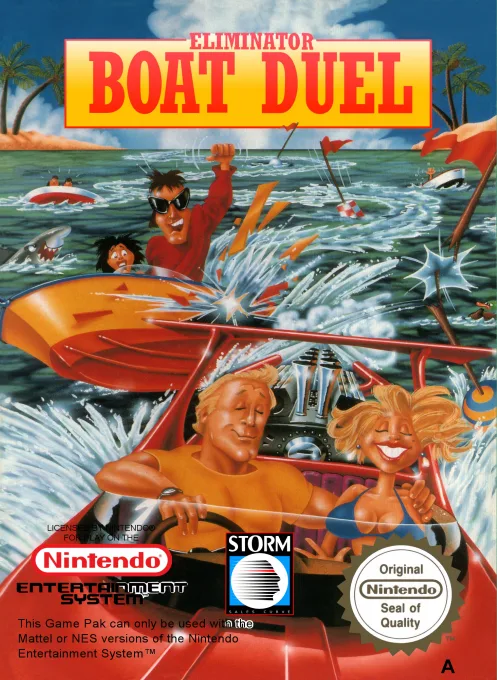
nesEliminator Boat Duel
 nes
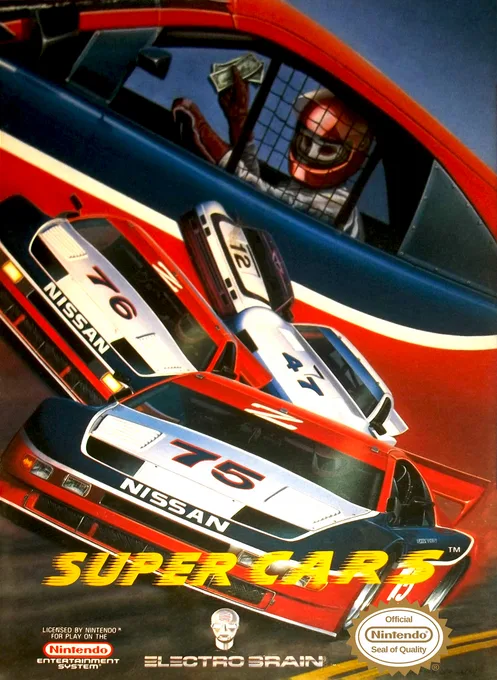
nesSuper Cars
 nes
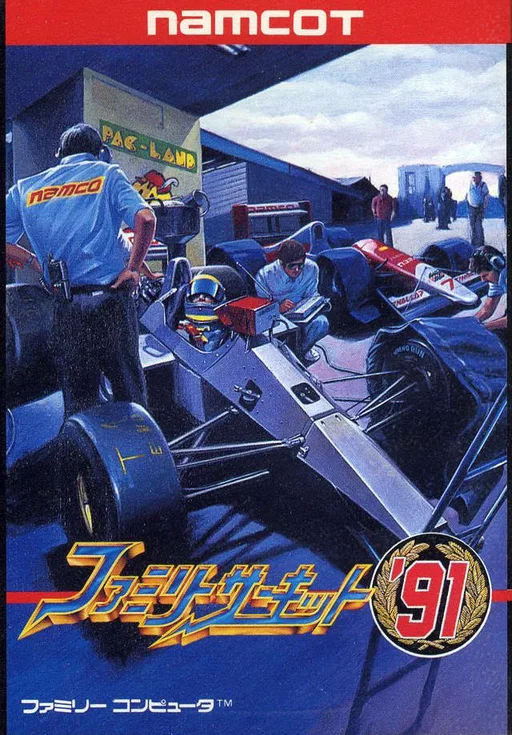
nesFamily Circuit
 nes
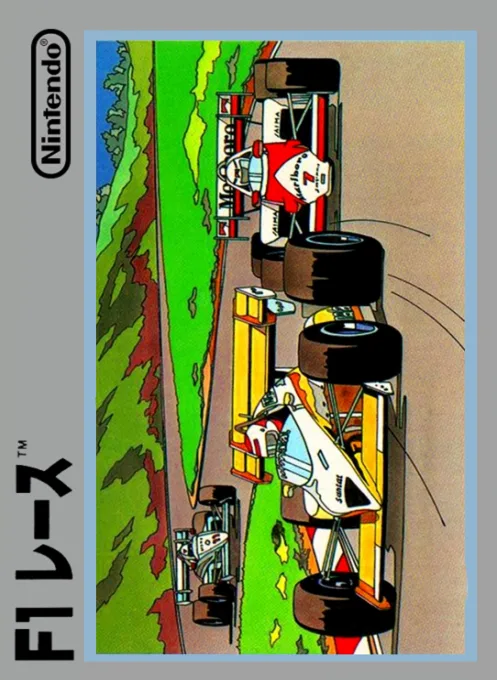
nesF-1 Race
Frequently Asked Questions
Q1.Can I play F1 Circus online in a web browser without downloading?
Yes, EmuAll allows you to play F1 Circus (NES) directly inside modern web browsers (Chrome, Safari, Edge, Firefox) on PC, Mac, Chromebook, iOS, and Android devices without installing any emulator.
Q2.Does F1 Circus support in-browser save states?
Yes, the in-browser emulator features instant Save States and Load States, storing your game progress directly in your browser storage so you can pick up where you left off.
Q3.What controls are supported? Can I use a controller for F1 Circus?
The emulator fully supports standard keyboard controls as well as plug-and-play USB and Bluetooth gamepads (including Xbox, PlayStation, and generic controllers).