
SNES
FireStriker
Also known as: ファイヤーストライカー, Фирестрикер, 파이어스트라이커
- Platform
- Super Nintendo
- Genre
- Action
- Year
- 1994
- Developer
- Axes Art Amuse
- Publisher
- DTMC
EmuAll provides verified clean ROM archives and in-browser emulation for FireStriker (SNES). Players can launch and play directly inside modern desktop and mobile browsers with zero local installation, full gamepad support, and instant save states.
ROM downloads
2FireStriker (USA)
RecommendedFireStriker (USA) (Beta)
Recommended Emulators(SNES)
If you choose to download this ROM to play offline, we recommend these top standalone emulators:
About the Game
FireStriker is a 2D overhead action game for the SNES/Super Famicom where you control a knight who wields a glowing ball called the Trialight to destroy blocks, enemies, and obstacles in a Zelda-style adventure. Gameplay combines Arkanoid-style paddle mechanics with RPG exploration: you walk between vertical stacked rooms to reach the exit or boss, breaking items and switches along the way. The story follows the last Firestriker as he defeats the four elemental monsters created by the evil archmage Wylde to unite the four kingdoms and restore peace. Characters include the Firestriker (Slader), Wylde, and the four elemental guardians. It stands out for its unique fusion of Breakout physics and Zelda exploration, with single-player and multiplayer modes.
More SNES games
 snes
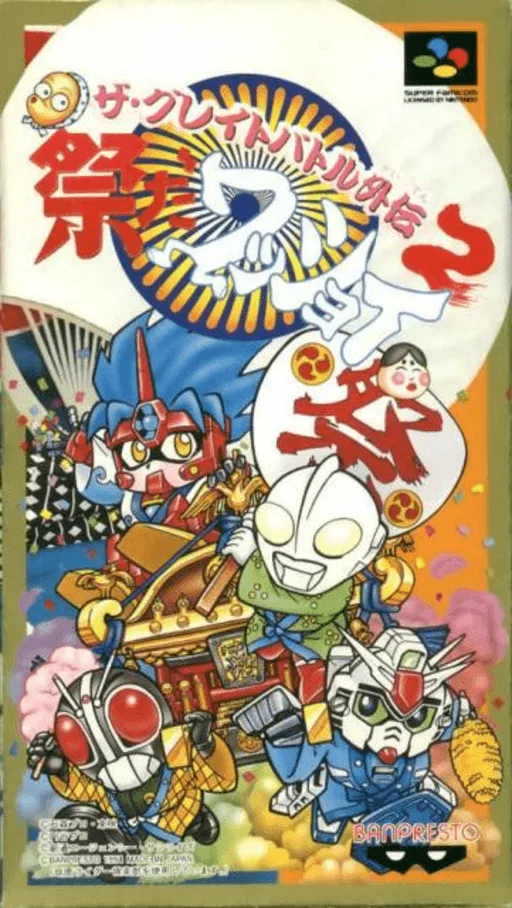
snesGreat Battle Gaiden 2, The - Matsuri da Wasshoi
 snes
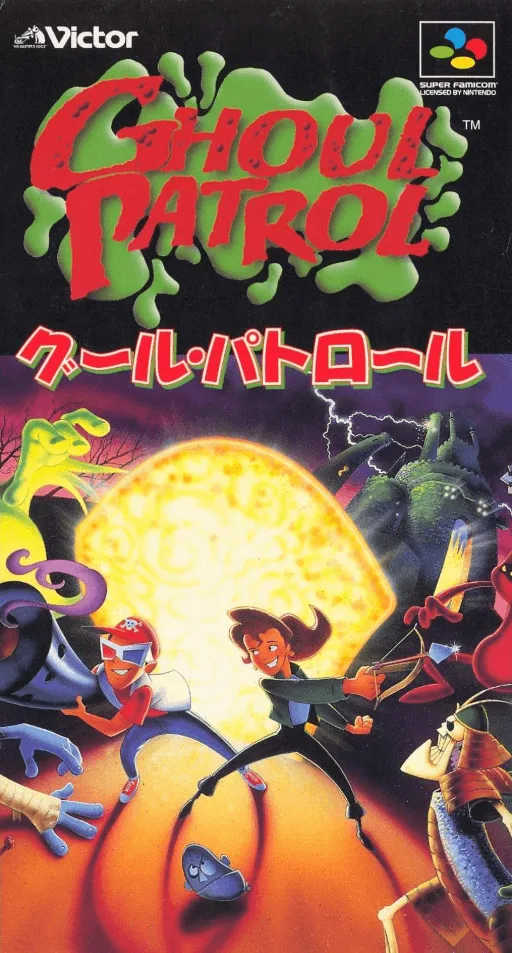
snesGhoul Patrol
 snes
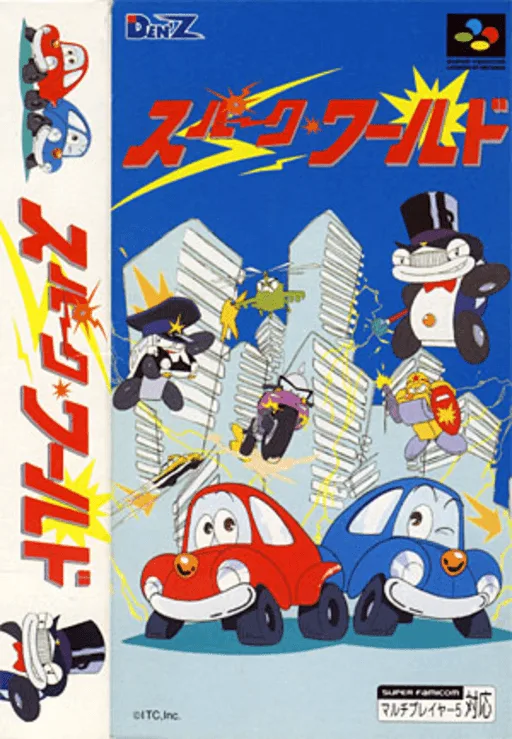
snesDen'z Traffic Panic
 snes
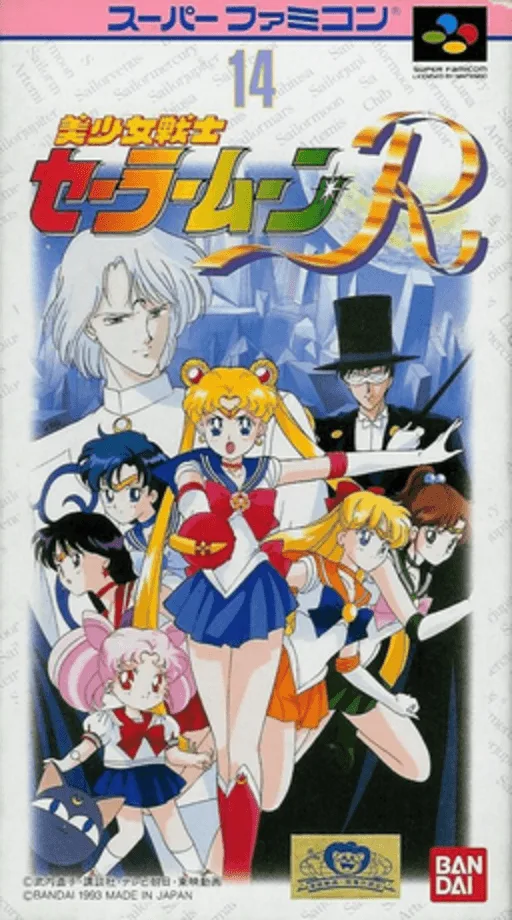
snesBishoujo Senshi Sailor Moon R
 snes
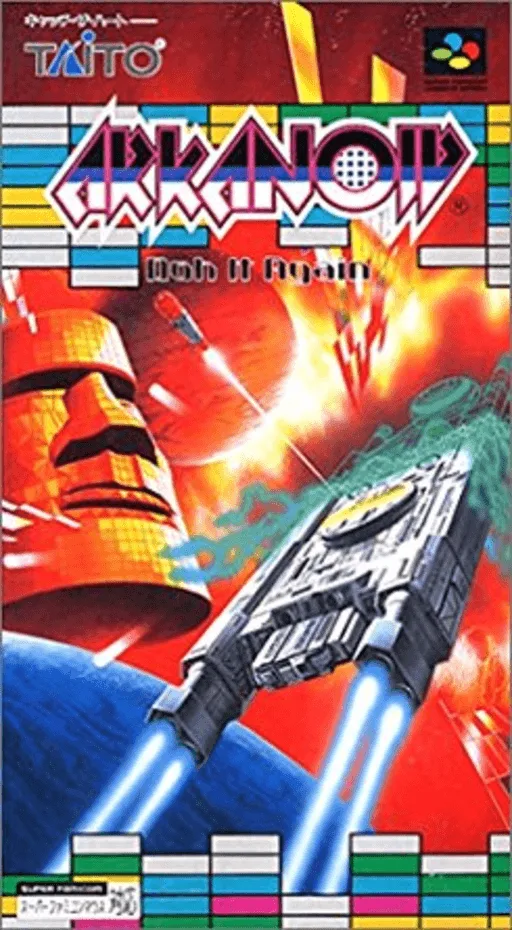
snesArkanoid - Doh It Again
 snes
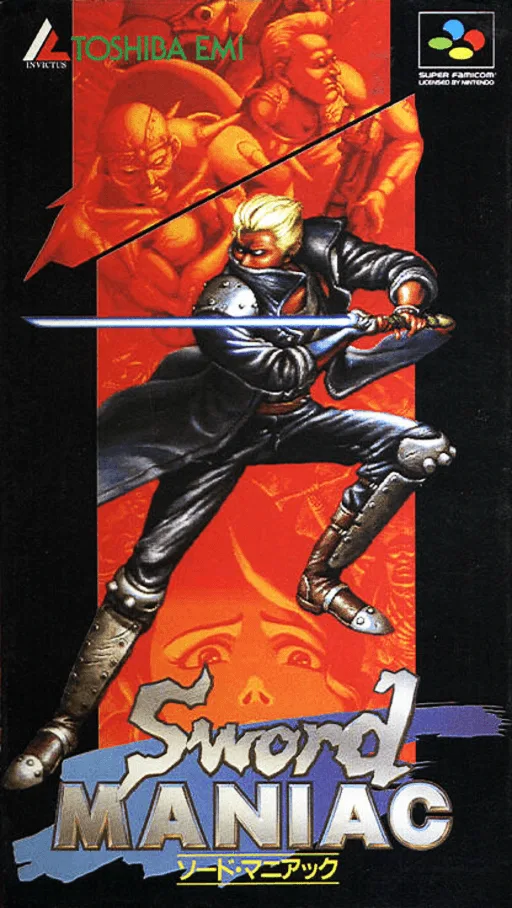
snesSword Maniac
 snes
snesKouryuu no Mimi
 snes
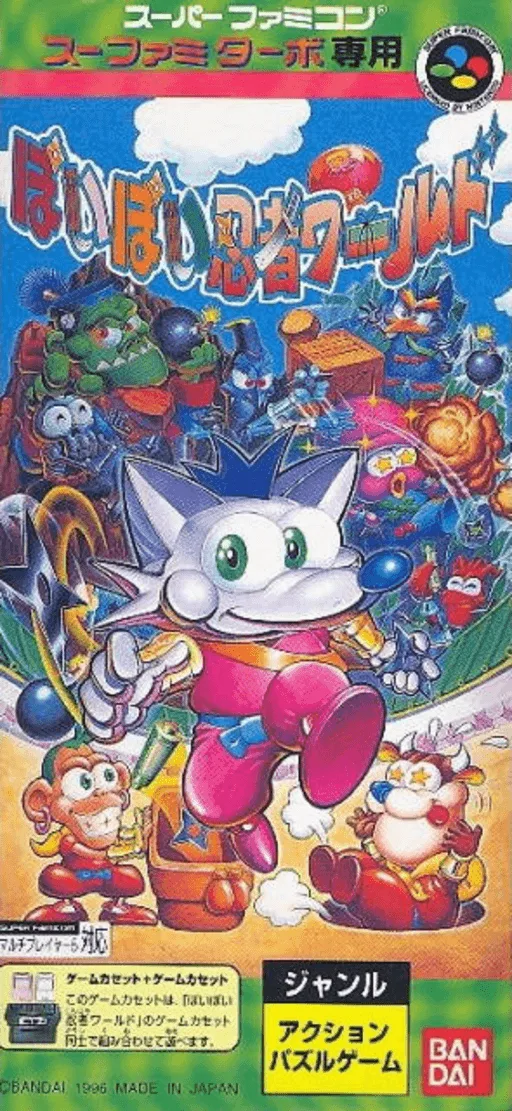
snesBakutou Dochers - Bumps-jima wa Oosawagi
 snes
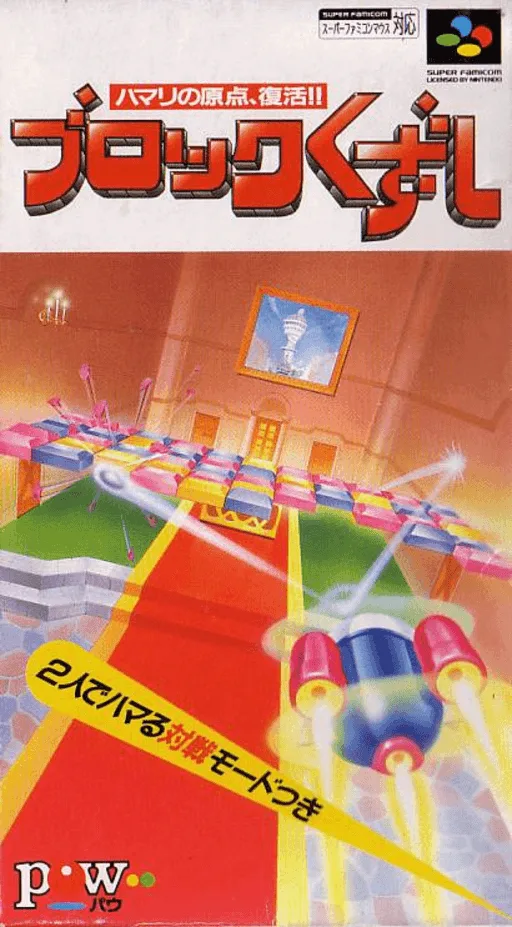
snesBlock Kuzushi
 snes
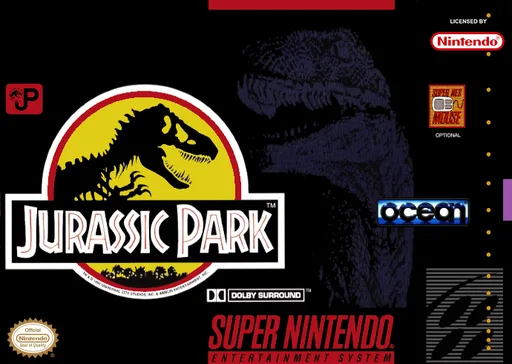
snesJurassic Park
 snes
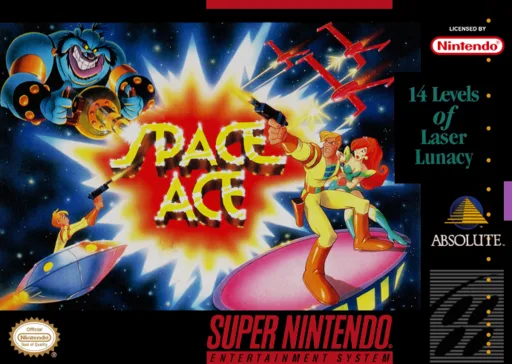
snesSpace Ace
 snes
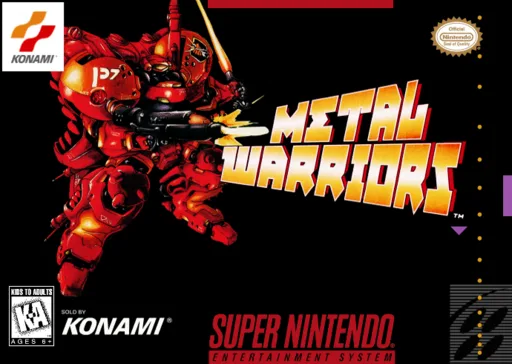
snesMetal Warriors
Frequently Asked Questions
Q1.Can I play FireStriker online in a web browser without downloading?
Yes, EmuAll allows you to play FireStriker (SNES) directly inside modern web browsers (Chrome, Safari, Edge, Firefox) on PC, Mac, Chromebook, iOS, and Android devices without installing any emulator.
Q2.Does FireStriker support in-browser save states?
Yes, the in-browser emulator features instant Save States and Load States, storing your game progress directly in your browser storage so you can pick up where you left off.
Q3.What controls are supported? Can I use a controller for FireStriker?
The emulator fully supports standard keyboard controls as well as plug-and-play USB and Bluetooth gamepads (including Xbox, PlayStation, and generic controllers).