
SNES
Little Misfortune
Also known as: 小讨厌 - 梦幻仙境, 小討厭 - 夢幻仙境, Λιτλ Μισφορτουν, Литтл Мисфортун, Pequeña Desgracia, ليتل ميسفورتون, 작은 불행 - 꿈의 동산, Pequena Desgraça
- Platform
- Super Nintendo
- Genre
- Adventure
- Year
- 1993
- Developer
- Sting Entertainment
- Publisher
- Tokuma Shoten
EmuAll provides verified clean ROM archives and in-browser emulation for Little Misfortune (SNES). Players can launch and play directly inside modern desktop and mobile browsers with zero local installation, full gamepad support, and instant save states.
ROM downloads
1小讨厌 - 梦幻仙境 (简)(v1
Recommended Emulators(SNES)
If you choose to download this ROM to play offline, we recommend these top standalone emulators:
About the Game
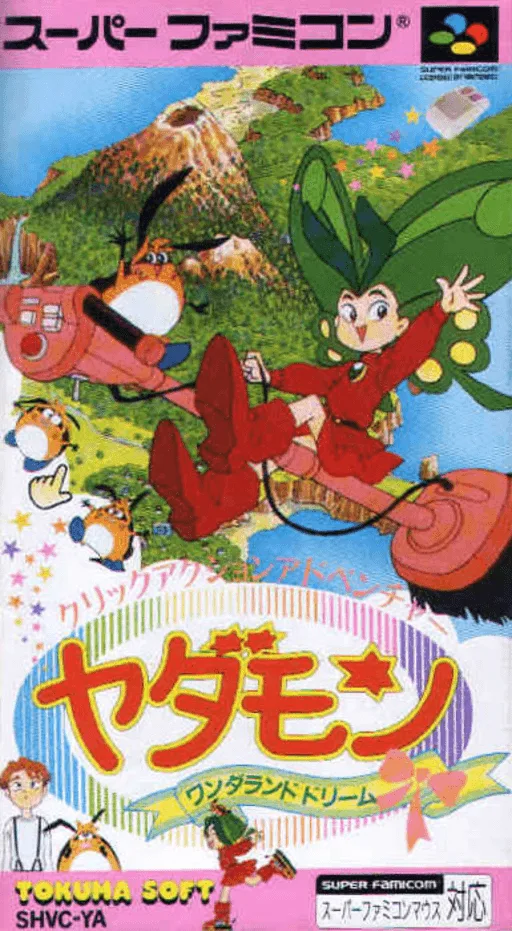
Yadamon: Wonderland Dreams is a point-and-click adventure game based on the anime 'Yadamon' (Little Witch Yadamon). Players control the mischievous young witch Yadamon, along with friends Jean and Timon, searching for scattered magic stones (crystals of Courage, Friendship, and Love) in a whimsical wonderland inspired by Alice in Wonderland. Use the SNES mouse or controller to explore scenes, solve simple puzzles, and interact with characters in short, child-friendly adventures with mini-games. It features bright, colorful sprites and faithful anime aesthetics, standing out as a light-hearted, easy-to-complete tie-in with optional story elements.
More SNES games
 snes
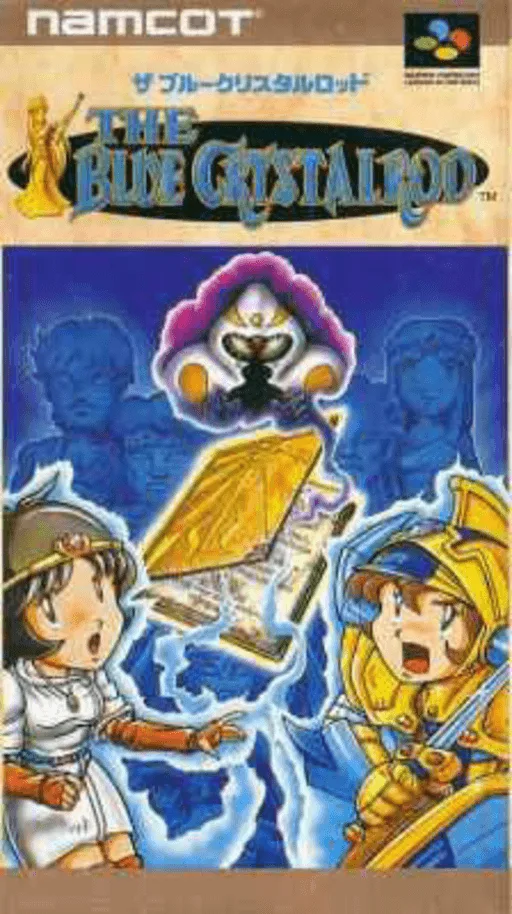
snesBlue Crystalrod, The
 snes
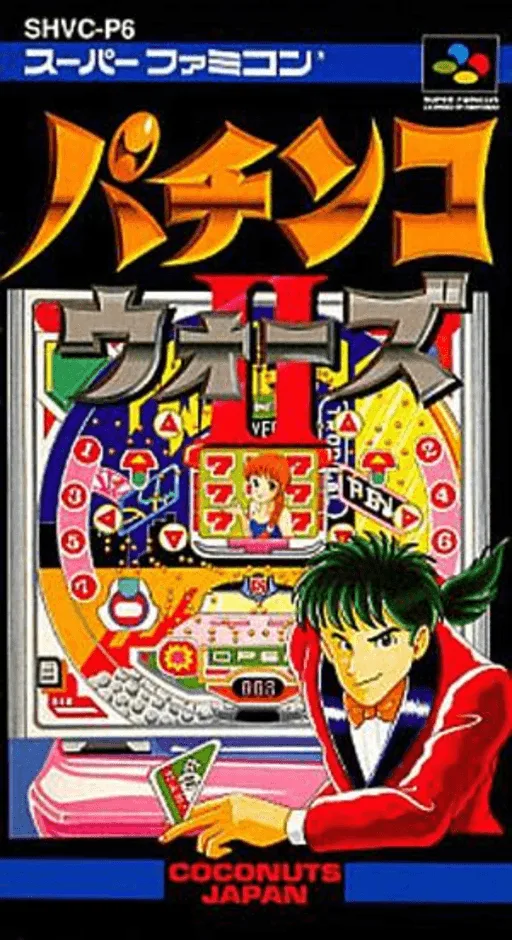
snesPachinko Wars II
 snes
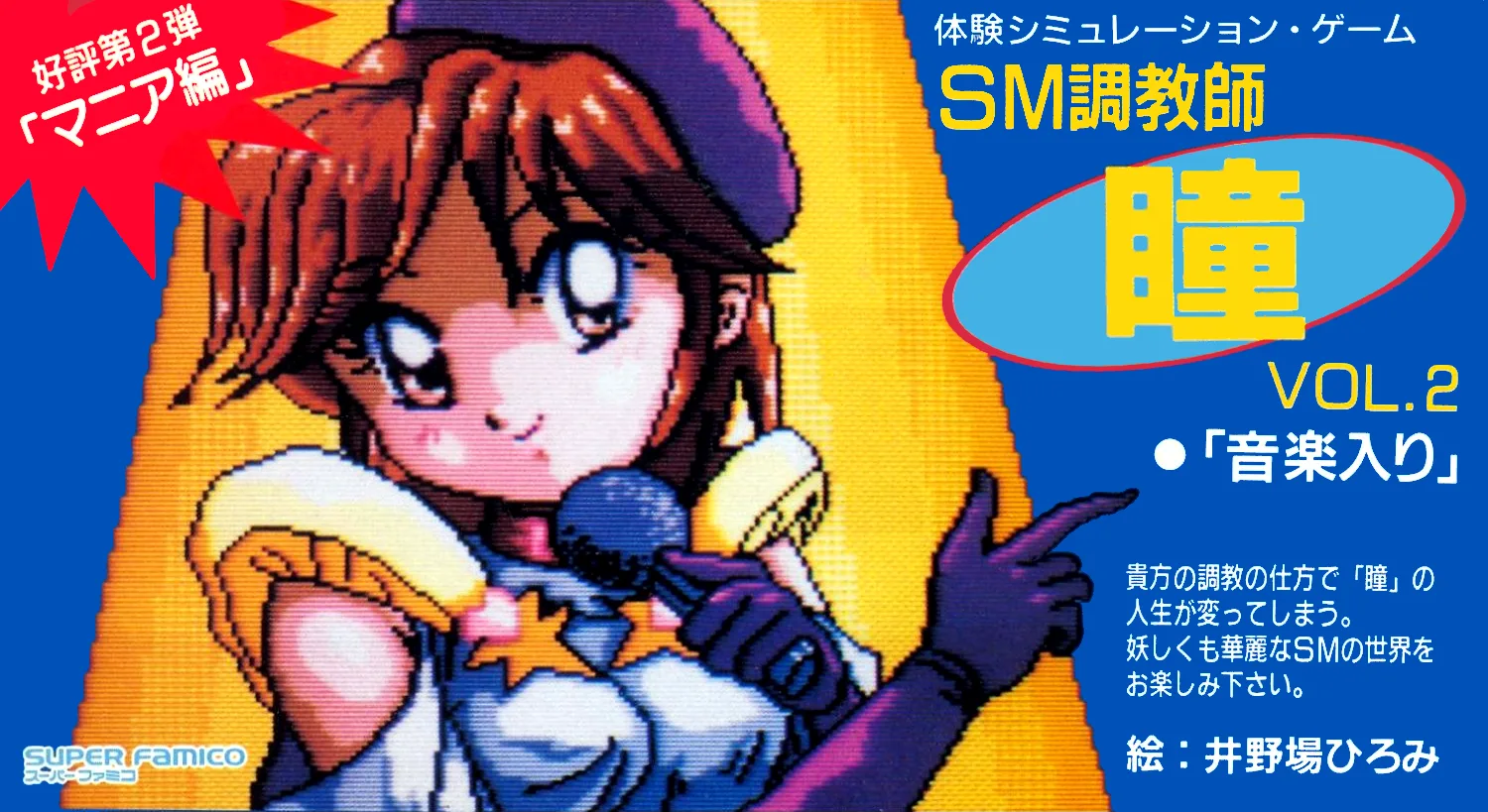
snesSM Choukyoushi Hitomi Vol. 2 - Trial Version
 snes
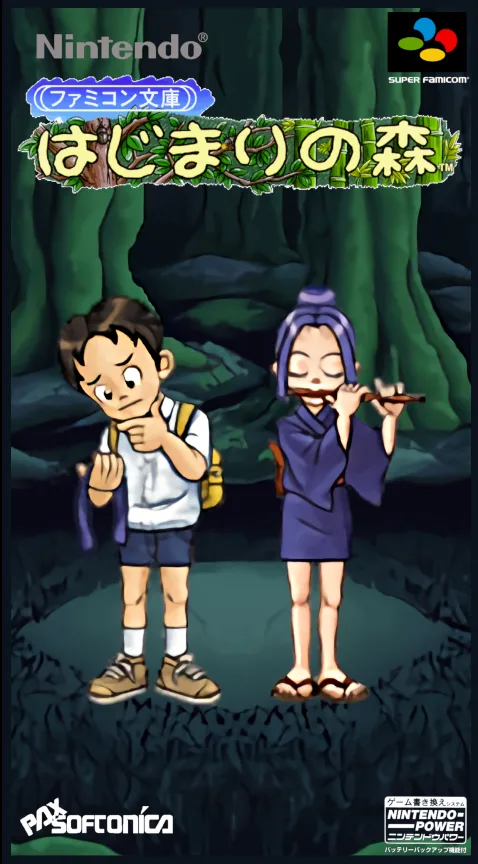
snesFamicom Bunko - Hajimari no Mori
 snes
snesYadamon - Wonderland Dreams
 snes
snesSM Choukyoushi Hitomi Vol. 3 - Test Version
 snes
snesSM Choukyoushi Hitomi Vol. 3
 snes
snesWhere in Time Is Carmen Sandiego
 snes
snesEmit Vol. 2 - Inochigake no Tabi
 snes
snesMickey's Playtown Adventure - A Day of Discovery!
 snes
snesDreamer
Frequently Asked Questions
Q1.Can I play Little Misfortune online in a web browser without downloading?
Yes, EmuAll allows you to play Little Misfortune (SNES) directly inside modern web browsers (Chrome, Safari, Edge, Firefox) on PC, Mac, Chromebook, iOS, and Android devices without installing any emulator.
Q2.Does Little Misfortune support in-browser save states?
Yes, the in-browser emulator features instant Save States and Load States, storing your game progress directly in your browser storage so you can pick up where you left off.
Q3.What controls are supported? Can I use a controller for Little Misfortune?
The emulator fully supports standard keyboard controls as well as plug-and-play USB and Bluetooth gamepads (including Xbox, PlayStation, and generic controllers).