
SNES
Mickey no Tokyo Disneyland Daibouken
Also known as: ميكاي نو توكيو ديسنايلاند دايبوكن, Μικει νο Τοκγιο Ντισνειλανντ Νταϊμπουκεν, Микей но Токё Диснейланд Дайбоукэн
- Platform
- Super Nintendo
- Genre
- Action/Platformer
- Year
- 1994
- Developer
- Tose
- Publisher
- Tomy
EmuAll provides verified clean ROM archives and in-browser emulation for Mickey no Tokyo Disneyland Daibouken (SNES). Players can launch and play directly inside modern desktop and mobile browsers with zero local installation, full gamepad support, and instant save states.
ROM downloads
1Mickey no Tokyo Disneyland Daibouken (Japan)
Recommended Emulators(SNES)
If you choose to download this ROM to play offline, we recommend these top standalone emulators:
About the Game
Mickey no Tokyo Disneyland Daibouken is a platformer where Mickey Mouse explores Tokyo Disneyland attractions. Players navigate through themed areas based on actual Disneyland rides and locations, collecting items and avoiding enemies. The game features colorful graphics that recreate the atmosphere of the famous theme park. It's a Japan-exclusive title that combines classic platforming with the charm of Disney's Tokyo resort.
More SNES games
 snes
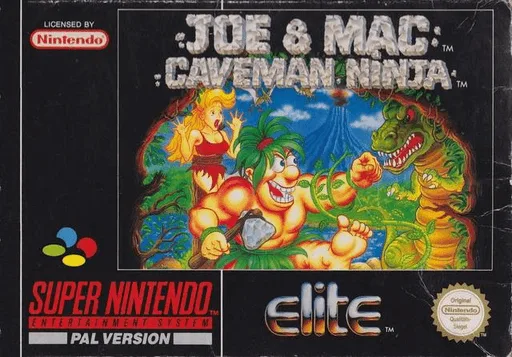
snesJoe & Mac - Caveman Ninja
 snes
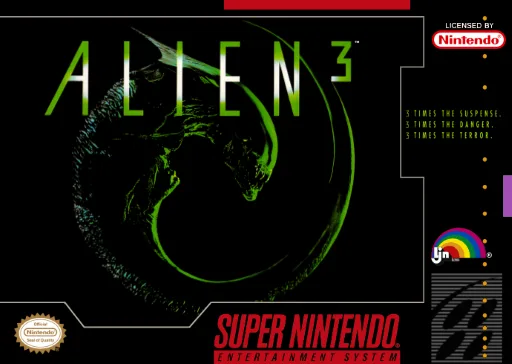
snesAlien 3
 snes
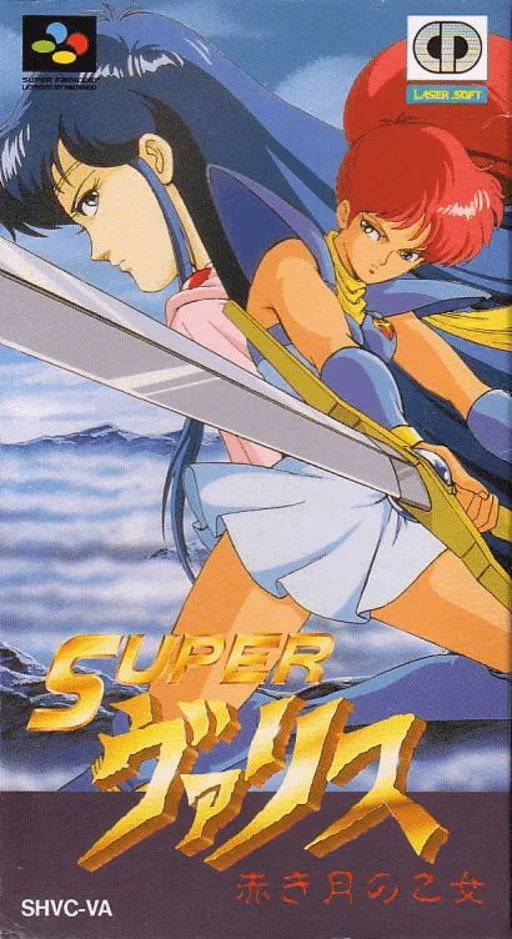
snesSuper Valis - Akaki Tsuki no Otome
 snes
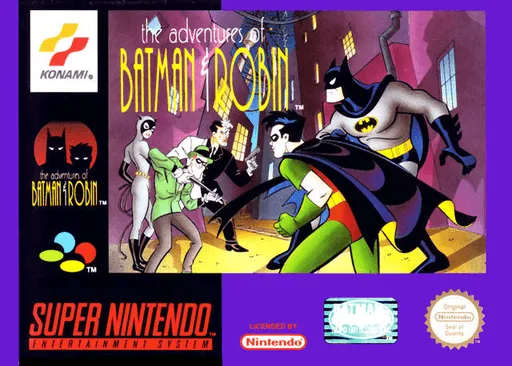
snesAdventures of Batman & Robin, The
 snes
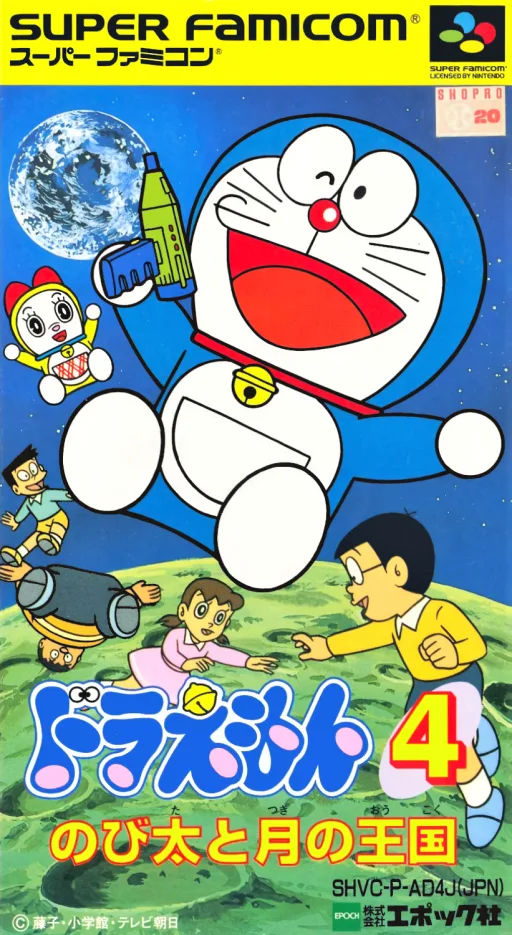
snesDoraemon 4 - Nobita to Tsuki no Oukoku
 snes
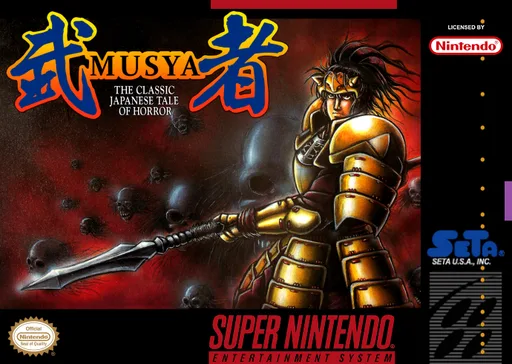
snesMusya - The Classic Japanese Tale of Horror
 snes
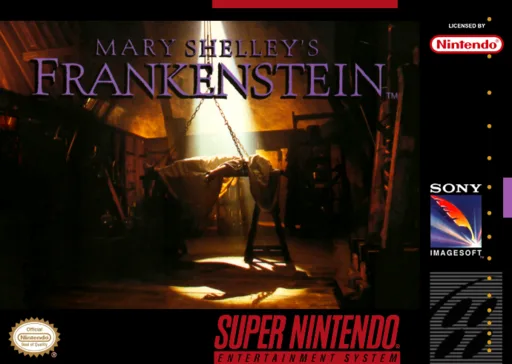
snesMary Shelley's Frankenstein
 snes
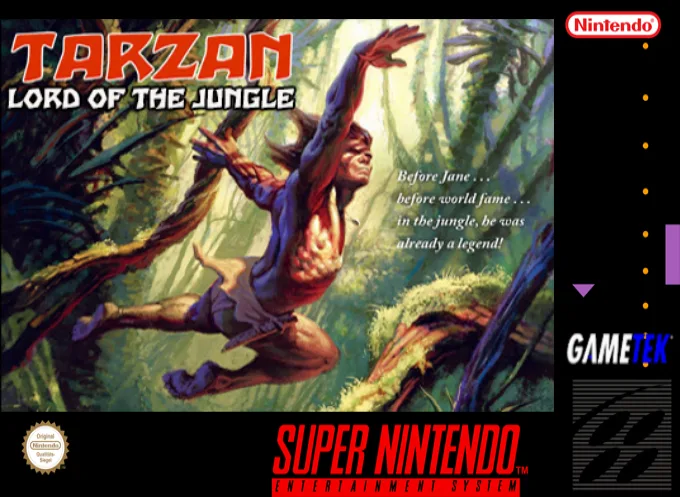
snesTarzan - Lord of the Jungle
 snes
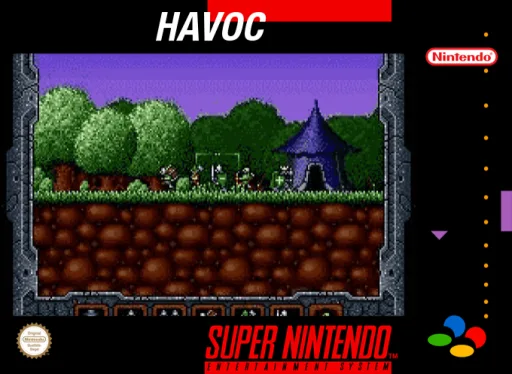
snesHavoc
 snes
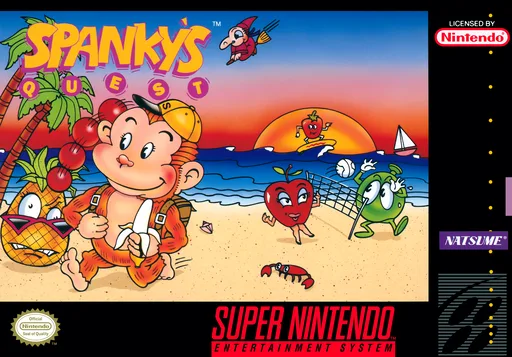
snesSpanky's Quest
 snes
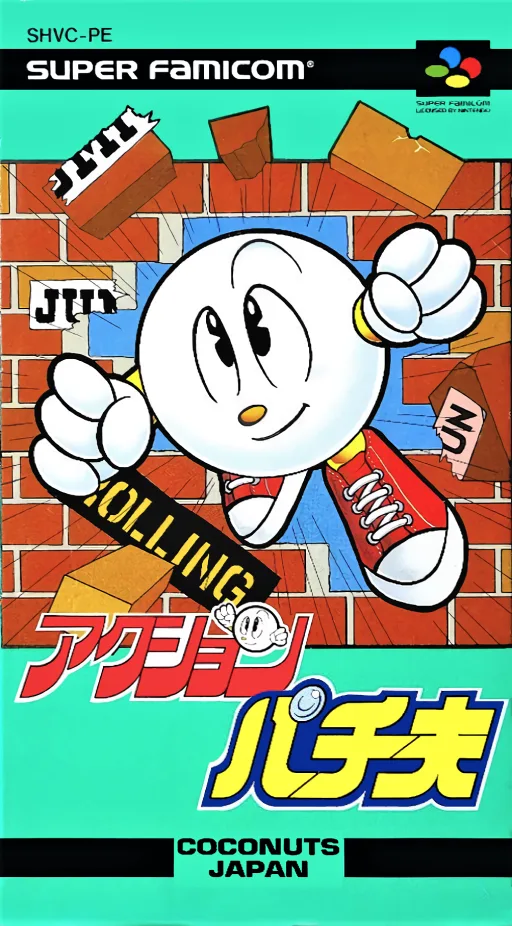
snesAction Pachio
 snes
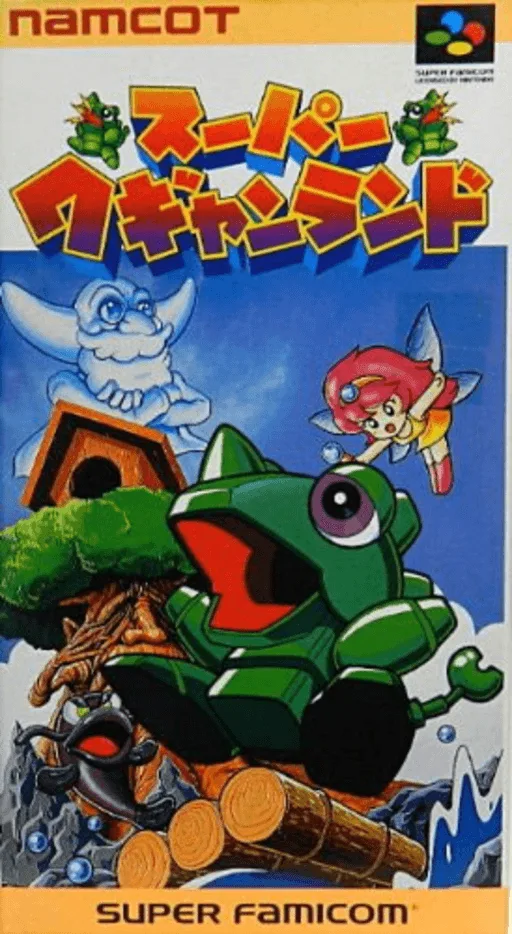
snesSuper Wagyan Land
Frequently Asked Questions
Q1.Can I play Mickey no Tokyo Disneyland Daibouken online in a web browser without downloading?
Yes, EmuAll allows you to play Mickey no Tokyo Disneyland Daibouken (SNES) directly inside modern web browsers (Chrome, Safari, Edge, Firefox) on PC, Mac, Chromebook, iOS, and Android devices without installing any emulator.
Q2.Does Mickey no Tokyo Disneyland Daibouken support in-browser save states?
Yes, the in-browser emulator features instant Save States and Load States, storing your game progress directly in your browser storage so you can pick up where you left off.
Q3.What controls are supported? Can I use a controller for Mickey no Tokyo Disneyland Daibouken?
The emulator fully supports standard keyboard controls as well as plug-and-play USB and Bluetooth gamepads (including Xbox, PlayStation, and generic controllers).