
GBC
Missile Command
Also known as: ミサイルコマンド, 미사일 커맨드
- Platform
- Game Boy Color
- Genre
- Shooter
- Year
- 1999
- Developer
- The Code Monkeys
- Publisher
- Hasbro Interactive
EmuAll provides verified clean ROM archives and in-browser emulation for Missile Command (GBC). Players can launch and play directly inside modern desktop and mobile browsers with zero local installation, full gamepad support, and instant save states.
ROM downloads
2Missile Command (Europe)
RecommendedMissile Command (USA) (Rumble Version)
Recommended Emulators(GBC)
If you choose to download this ROM to play offline, we recommend these top standalone emulators:
About the Game
Missile Command is a classic shoot 'em up on Game Boy Color where the player defends six cities from waves of intercontinental ballistic missiles using three missile silos, each with a limited number of rockets. Gameplay features a top-down view with aiming mechanics to intercept and destroy incoming threats before they hit cities, with Classic mode replicating the original Atari arcade feel and Ultimate mode adding increased difficulty and extras. The story is atmospheric survival against endless attack waves, with no narrative characters but iconic silos and cities as key elements. It stands out for its portable adaptation of the timeless arcade puzzle-shooter, offering smooth controls and replayability through mode variations and high-score tracking.
More GBC games
 gbc
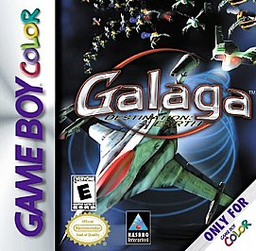
gbcGalaga: Destination Earth
 gbc
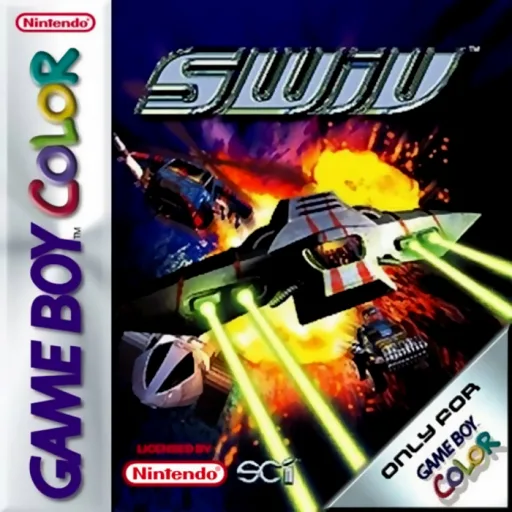
gbcSWIV
 gbc
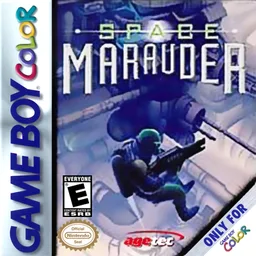
gbcSpace Marauder
 gbc
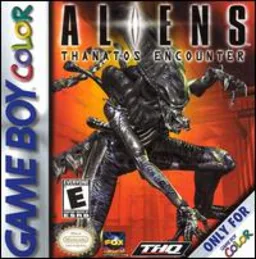
gbcAliens - Thanatos Encounter
 gbc
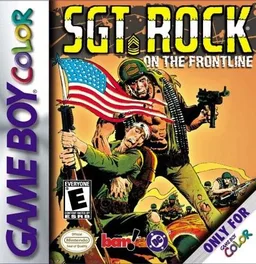
gbcSgt. Rock - On the Frontline
 gbc
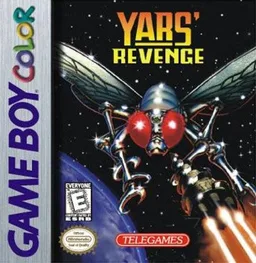
gbcYars' Revenge
 gbc
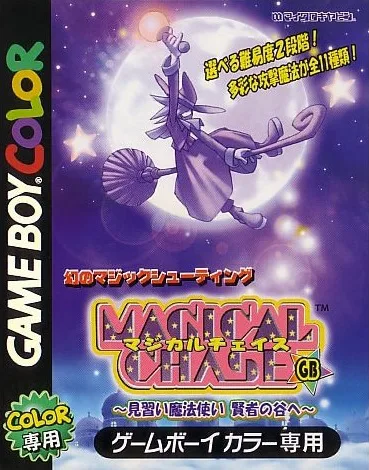
gbcMagical Chase GB - Minarai Mahoutsukai Kenja no Tani e
 gbc
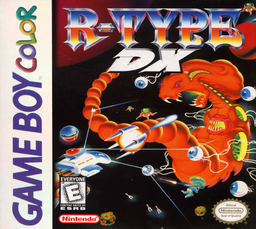
gbcR-Type DX
 gbc
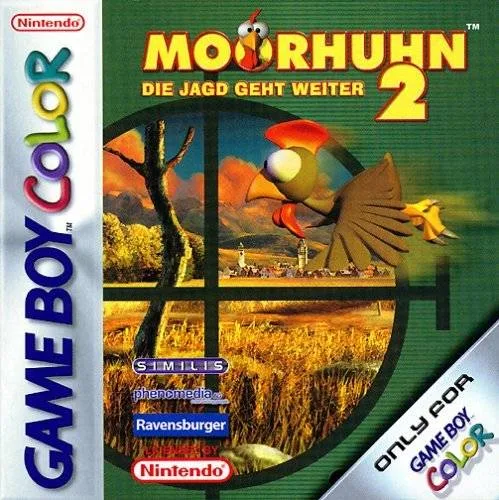
gbcMoorhuhn 2 - Die Jagd geht weiter
 gbc
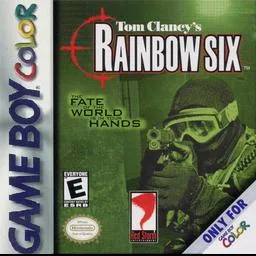
gbcTom Clancy's Rainbow Six
 gbc
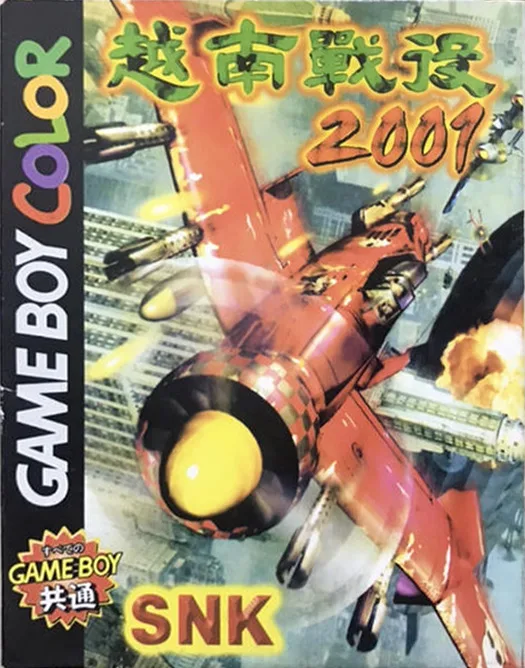
gbcSpecial Forces 2001
 gbc
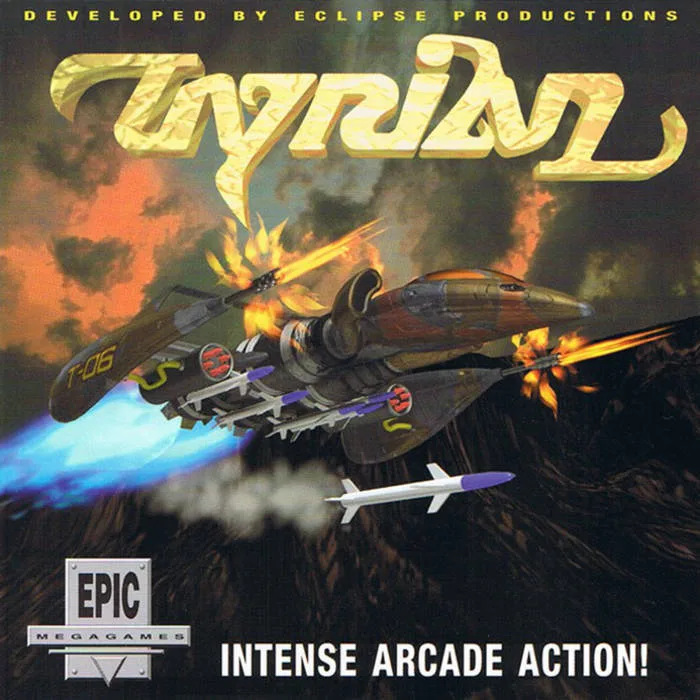
gbcTyrian 2000
Frequently Asked Questions
Q1.Can I play Missile Command online in a web browser without downloading?
Yes, EmuAll allows you to play Missile Command (GBC) directly inside modern web browsers (Chrome, Safari, Edge, Firefox) on PC, Mac, Chromebook, iOS, and Android devices without installing any emulator.
Q2.Does Missile Command support in-browser save states?
Yes, the in-browser emulator features instant Save States and Load States, storing your game progress directly in your browser storage so you can pick up where you left off.
Q3.What controls are supported? Can I use a controller for Missile Command?
The emulator fully supports standard keyboard controls as well as plug-and-play USB and Bluetooth gamepads (including Xbox, PlayStation, and generic controllers).