
SNES
Timecop
Also known as: 时空特警, タイムコップ, Тимекоп, Τιμεκοπ, 타임캅, 時空特警, تيميكوب
- Platform
- Super Nintendo
- Genre
- Action/Platformer
- Year
- 1995
- Developer
- Cryo Interactive
- Publisher
- JVC Musical Industries
EmuAll provides verified clean ROM archives and in-browser emulation for Timecop (SNES). Players can launch and play directly inside modern desktop and mobile browsers with zero local installation, full gamepad support, and instant save states.
ROM downloads
3Timecop (USA)
RecommendedTimecop (Europe)
Timecop (Japan)
Recommended Emulators(SNES)
If you choose to download this ROM to play offline, we recommend these top standalone emulators:
About the Game
In the 1995 sequel to the 1994 film, the player controls timecop Max Walker in a post-film narrative where he must stop the original inventor of time travel, Dr. Hans Kleindast, and correct the timeline damages he caused. Gameplay is a side-scrolling action-platformer with running, jumping, punching, kicking, shooting, and bomb attacks across 15 levels, some featuring vehicles and martial arts, with a strict time limit per stage. The story involves protecting the future while battling foes in futuristic and historical settings. Characters include Max Walker and various enemies. What makes it stand out is its direct license from the Jean-Claude Van Damme movie, digitized character graphics, and frantic pace in platforming with time pressure.
More SNES games
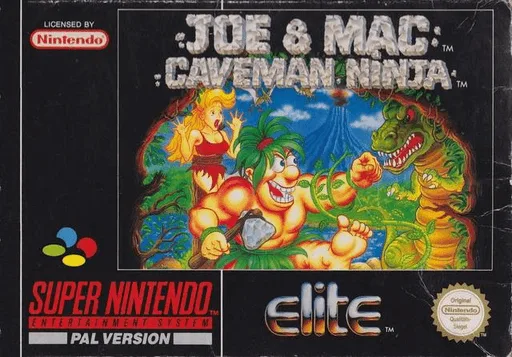 snes
snesJoe & Mac - Caveman Ninja
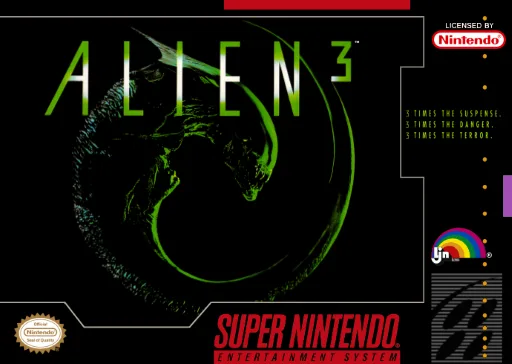 snes
snesAlien 3
 snes
snesSuper Valis - Akaki Tsuki no Otome
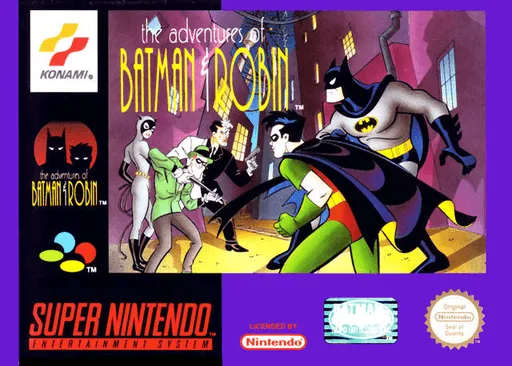 snes
snesAdventures of Batman & Robin, The
 snes
snesDoraemon 4 - Nobita to Tsuki no Oukoku
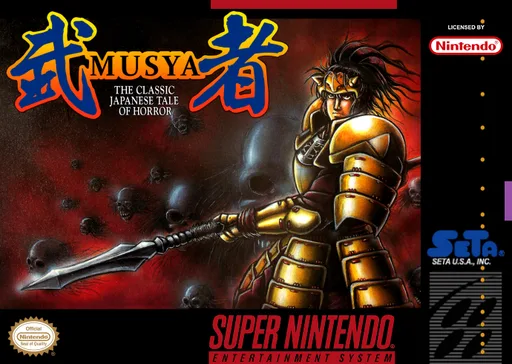 snes
snesMusya - The Classic Japanese Tale of Horror
 snes
snesMary Shelley's Frankenstein
 snes
snesTarzan - Lord of the Jungle
 snes
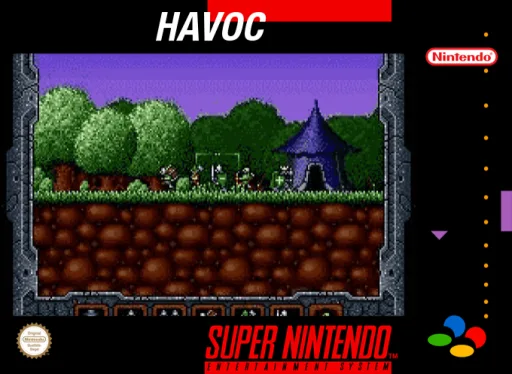
snesHavoc
 snes
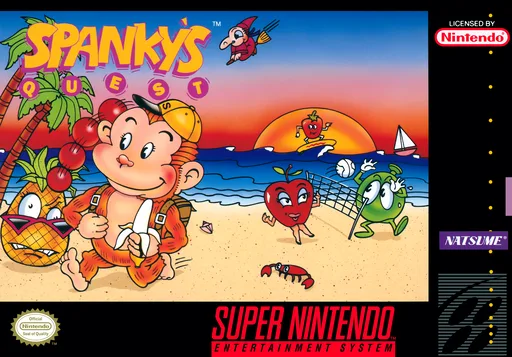
snesSpanky's Quest
 snes
snesAction Pachio
 snes
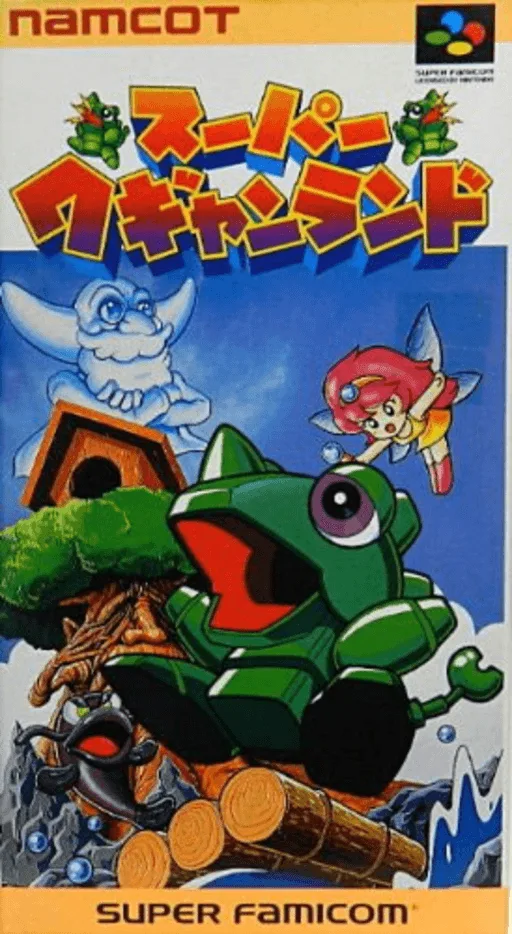
snesSuper Wagyan Land
Frequently Asked Questions
Q1.Can I play Timecop online in a web browser without downloading?
Yes, EmuAll allows you to play Timecop (SNES) directly inside modern web browsers (Chrome, Safari, Edge, Firefox) on PC, Mac, Chromebook, iOS, and Android devices without installing any emulator.
Q2.Does Timecop support in-browser save states?
Yes, the in-browser emulator features instant Save States and Load States, storing your game progress directly in your browser storage so you can pick up where you left off.
Q3.What controls are supported? Can I use a controller for Timecop?
The emulator fully supports standard keyboard controls as well as plug-and-play USB and Bluetooth gamepads (including Xbox, PlayStation, and generic controllers).