
GB
Tumble Pop
Also known as: 텀블 팝, Тумбл Поп, 翻滾彈出, Τουμμπλ Ποπ, تومبل بوب, 翻滚弹出, タンブルポップ
- Platform
- Game Boy
- Genre
- Action
- Year
- 1992
- Developer
- Data East
- Publisher
- Data East
EmuAll provides verified clean ROM archives and in-browser emulation for Tumble Pop (GB). Players can launch and play directly inside modern desktop and mobile browsers with zero local installation, full gamepad support, and instant save states.
ROM downloads
2Tumble Pop (USA, Europe)
RecommendedTumble Pop (Japan)
Recommended Emulators(GB)
If you choose to download this ROM to play offline, we recommend these top standalone emulators:
About the Game
Tumble Pop is a fast-paced action platformer where players control ghosthunter characters who use vacuum cleaner-like devices to suck up monsters, ghosts, aliens, and other bizarre creatures. Once captured, these enemies are fired back as bouncing balls or projectiles to defeat additional foes while navigating themed stages set across the world. Players jump on and off platforms, dodge attacks, and complete levels that include bosses, with single-player or two-player simultaneous cooperative modes. The Game Boy version adds a world map for traveling between cities and a shop for purchasing power-ups using collected coins. The game stands out for its colorful, humorous visuals, addictive gameplay loop, and crossover cameos from other Data East titles like Joe & Mac. No specific named characters are featured, though the two ghosthunters are the central playable protagonists.
More GB games
 gb
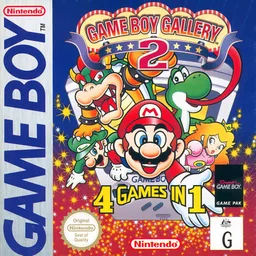
gbGame Boy Gallery 2
 gb
gbBakuretsu Senshi Warrior
 gb
gbVolley Fire
 gb
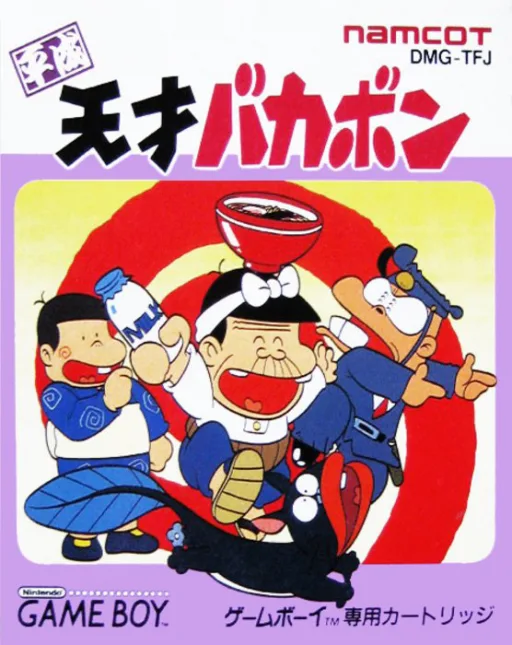
gbHeisei Tensai Bakabon
 gb
gbPenguin Wars
 gb
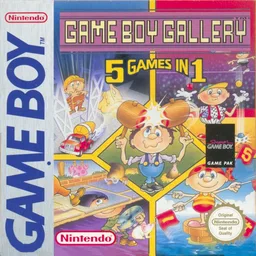
gbGame Boy Gallery - 5 Games in 1
 gb
gbTurrican
 gb
gbHook
 gb
gbNinku
 gb
gbOsawagase! Penguin Boy
 gb
gbCrayon Shin-chan - Ora no Gokigen Collection
 gb
gbUniversal Soldier
Frequently Asked Questions
Q1.Can I play Tumble Pop online in a web browser without downloading?
Yes, EmuAll allows you to play Tumble Pop (GB) directly inside modern web browsers (Chrome, Safari, Edge, Firefox) on PC, Mac, Chromebook, iOS, and Android devices without installing any emulator.
Q2.Does Tumble Pop support in-browser save states?
Yes, the in-browser emulator features instant Save States and Load States, storing your game progress directly in your browser storage so you can pick up where you left off.
Q3.What controls are supported? Can I use a controller for Tumble Pop?
The emulator fully supports standard keyboard controls as well as plug-and-play USB and Bluetooth gamepads (including Xbox, PlayStation, and generic controllers).