
NES
Baby Boomer
Also known as: 베이비 부머, ベイビー ブーマー
- Platform
- Nintendo Entertainment System
- Genre
- Action/Shooter
- Year
- 1989
- Developer
- Color Dreams
- Publisher
- Color Dreams
EmuAll provides verified clean ROM archives and in-browser emulation for Baby Boomer (NES). Players can launch and play directly inside modern desktop and mobile browsers with zero local installation, full gamepad support, and instant save states.
ROM downloads
2Baby Boomer (USA) (Unl)
RecommendedBaby Boomer (Korea) (En) (Unl)
Recommended Emulators(NES)
If you choose to download this ROM to play offline, we recommend these top standalone emulators:
About the Game
Baby Boomer is a light gun shooter for NES where the player protects a baby named Boomer who crawls automatically across the screen. Gameplay features shooting birds of prey, pits, and demonic enemies before they harm Boomer, using the Zapper controller. A milk meter acts as a hunger timer. Themes progress from suburban backyards to wilderness, graveyard, Pearly Gates of Heaven, and pits of Hell. Up to two players can play, with player two controlling Boomer's movement speed. The story follows Boomer's perilous journey until reunion with his mother. It stands out as one of the few unlicensed Zapper games and a humorous survival test of marksmanship and quick reflexes.
More NES games
 nes
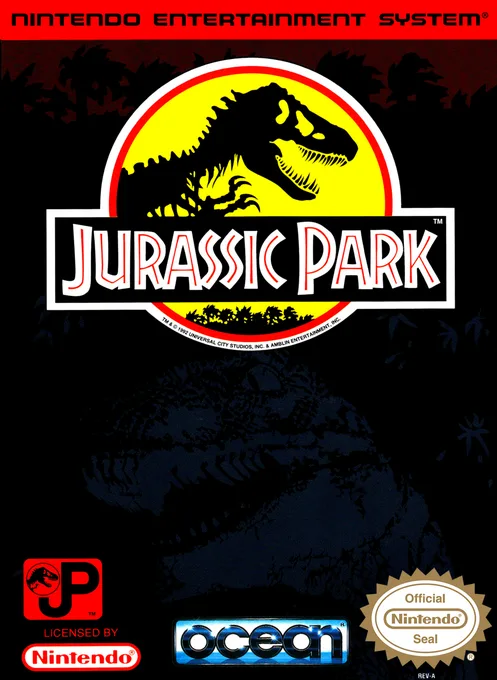
nesJurassic Park
 nes
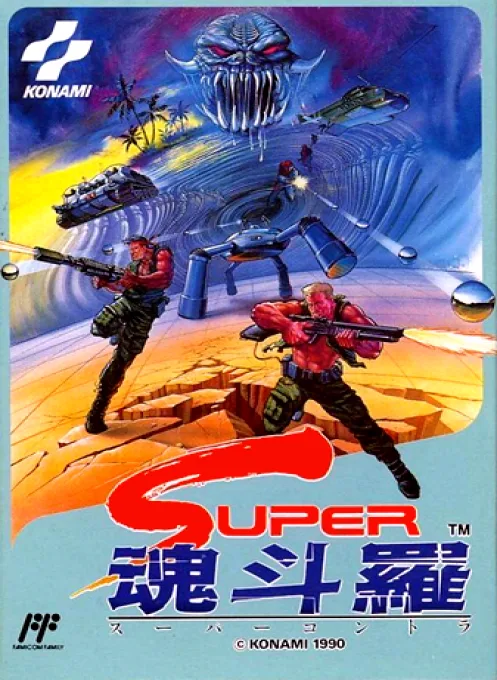
nesSuper Contra
 nes
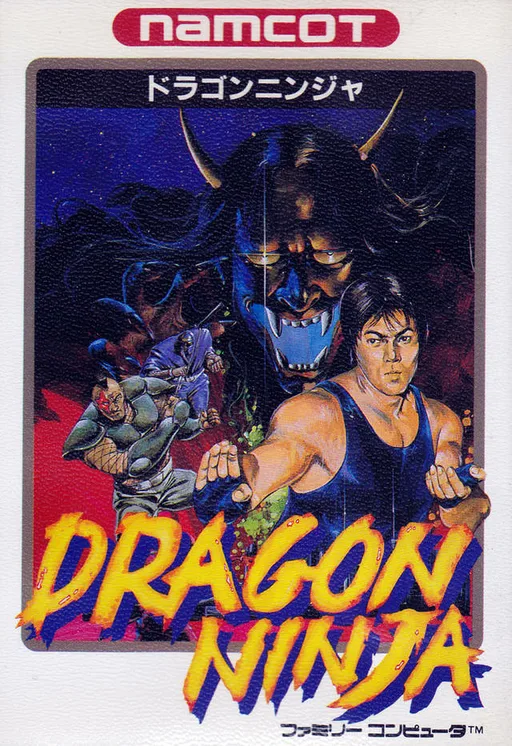
nesDragon Ninja
 nes
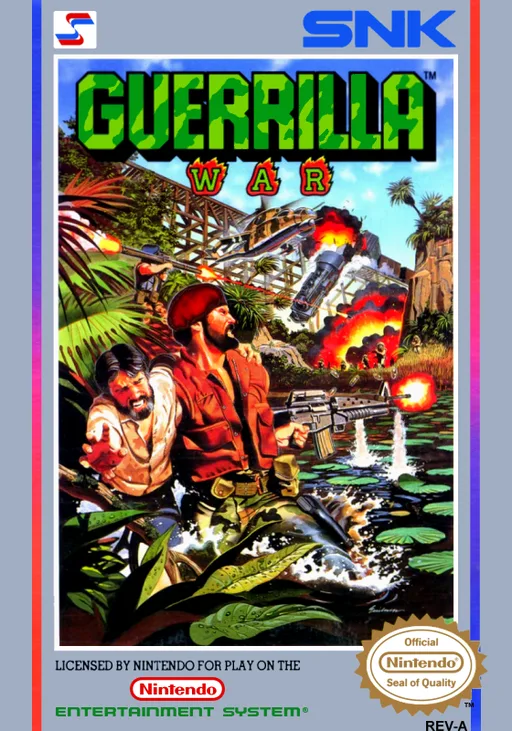
nesGuerrilla War
 nes
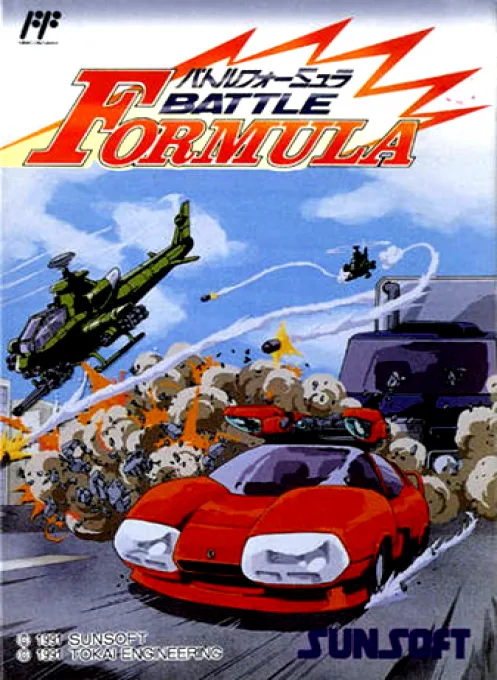
nesBattle Formula
 nes
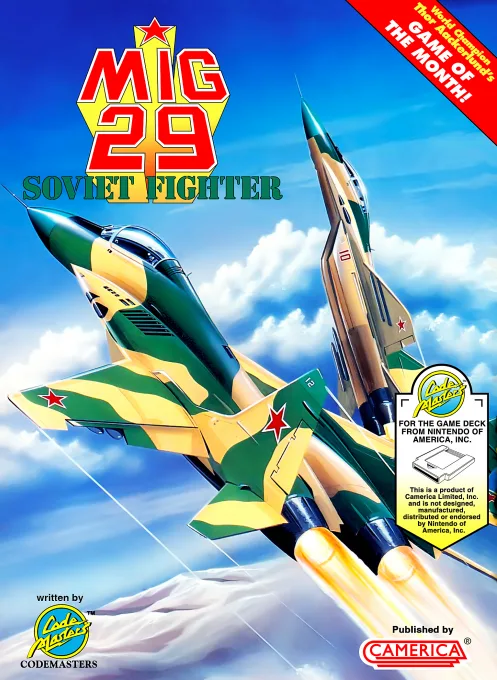
nesMiG 29 - Soviet Fighter
 nes
nesJade Mirror Romance
 nes
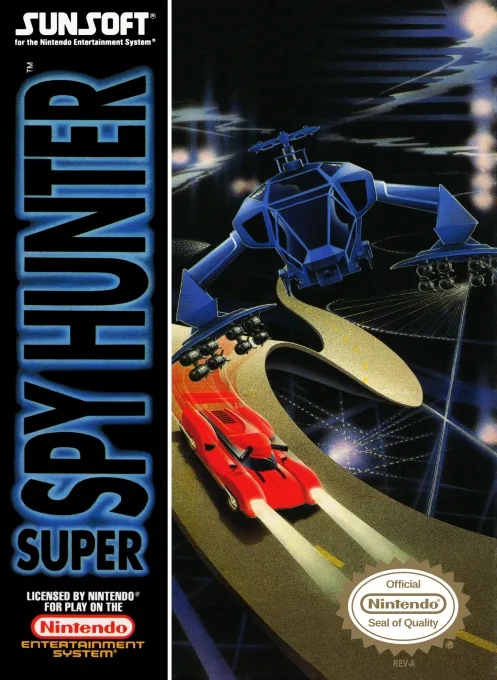
nesSuper Spy Hunter
 nes
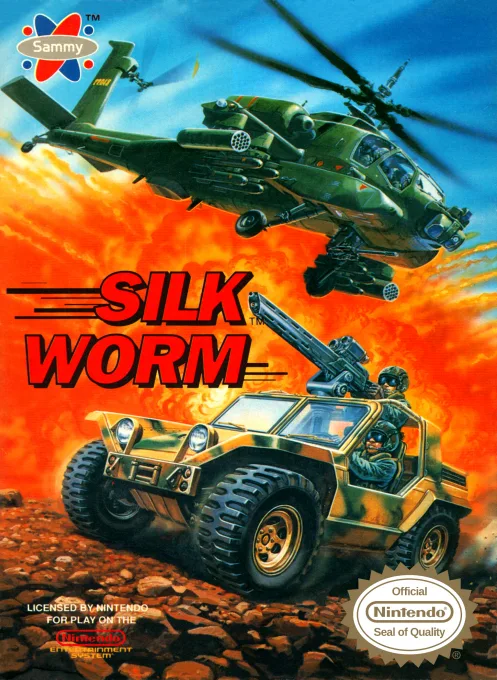
nesSilk Worm
 nes
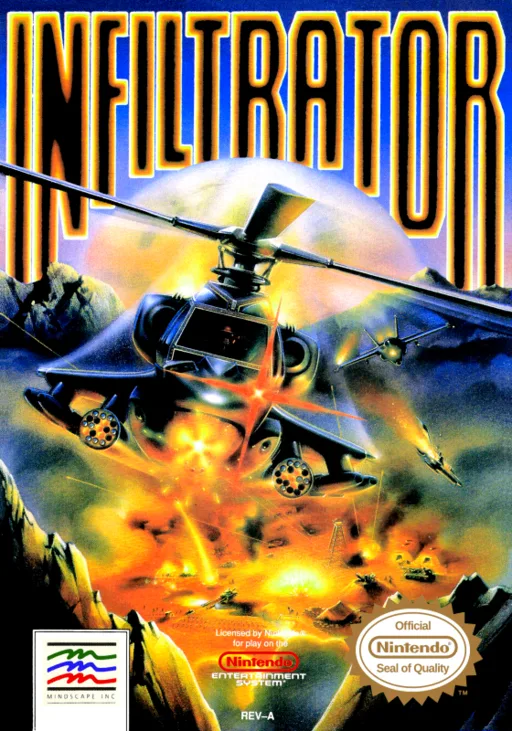
nesInfiltrator
 nes
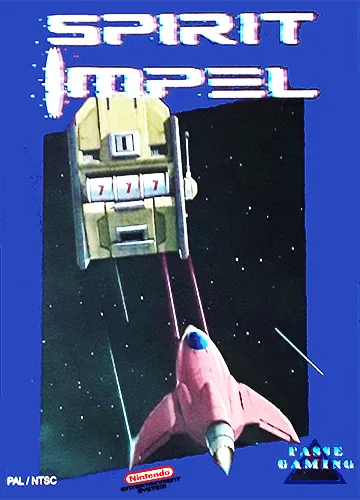
nesSpirit Impel
 nes
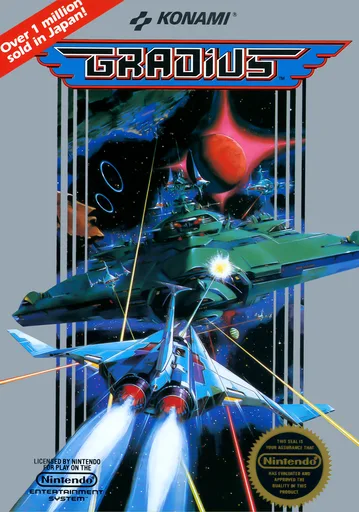
nesThe Interstellar Ship
Frequently Asked Questions
Q1.Can I play Baby Boomer online in a web browser without downloading?
Yes, EmuAll allows you to play Baby Boomer (NES) directly inside modern web browsers (Chrome, Safari, Edge, Firefox) on PC, Mac, Chromebook, iOS, and Android devices without installing any emulator.
Q2.Does Baby Boomer support in-browser save states?
Yes, the in-browser emulator features instant Save States and Load States, storing your game progress directly in your browser storage so you can pick up where you left off.
Q3.What controls are supported? Can I use a controller for Baby Boomer?
The emulator fully supports standard keyboard controls as well as plug-and-play USB and Bluetooth gamepads (including Xbox, PlayStation, and generic controllers).