
NES
CrossFire
Also known as: 크로스파이어, كروسفير, Кроссфир, Κροσφιρ, クロスファイア
- Platform
- Nintendo Entertainment System
- Genre
- Action/Shooter
- Year
- 1990
- Developer
- Kyugo Boueki
- Publisher
- Kyugo Boueki
EmuAll provides verified clean ROM archives and in-browser emulation for CrossFire (NES). Players can launch and play directly inside modern desktop and mobile browsers with zero local installation, full gamepad support, and instant save states.
ROM downloads
2CrossFire (Japan)
RecommendedCrossFire (USA) (Proto)
Recommended Emulators(NES)
If you choose to download this ROM to play offline, we recommend these top standalone emulators:
About the Game
CrossFire is an action run-and-gun shooter for the NES/Famicom, developed and published by Kyugo Boueki. You play as a soldier navigating global conflict zones, battling hordes of enemies in side-scrolling levels. Mechanics include throwing grenades at foreground foes while punching or shooting background targets, creating intense crossfire situations, with a health bar and level select via code. The story involves worldwide missions inspired by Air Wolf, rescuing hostages and destroying enemy forces in places like jungles and cities. Characters are mostly generic soldiers and villains with no named individuals. It stands out as a Contra-style platformer-shooter hybrid with smart enemy positioning and early health management, though rarely released outside Japan.
More NES games
 nes
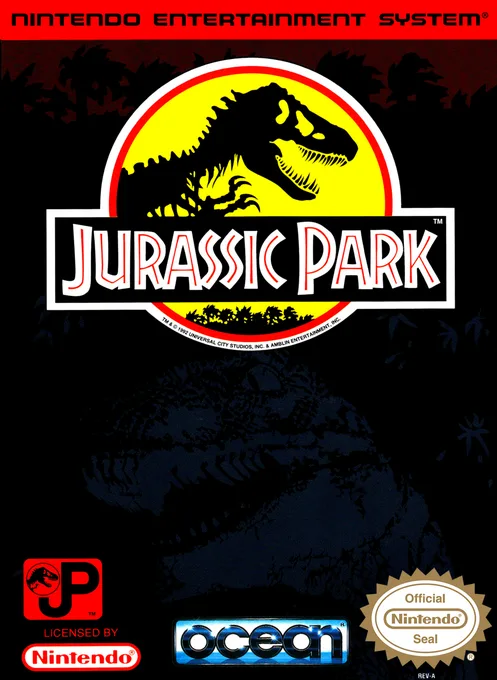
nesJurassic Park
 nes
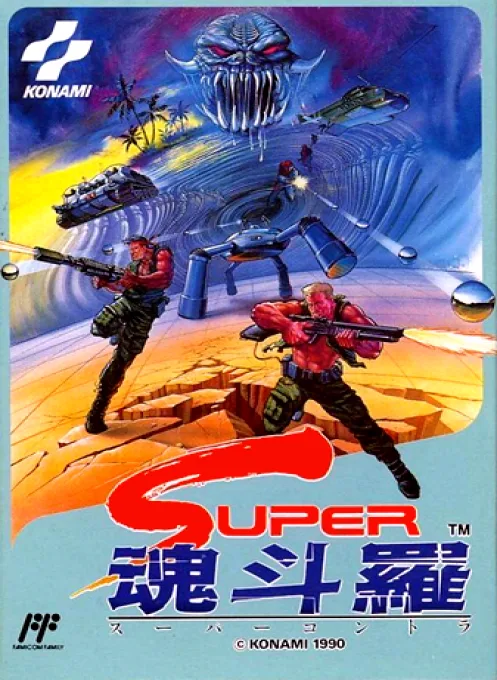
nesSuper Contra
 nes
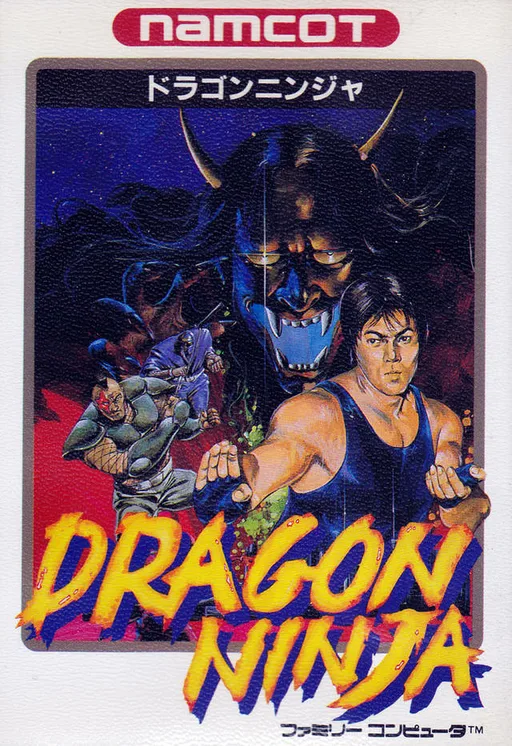
nesDragon Ninja
 nes
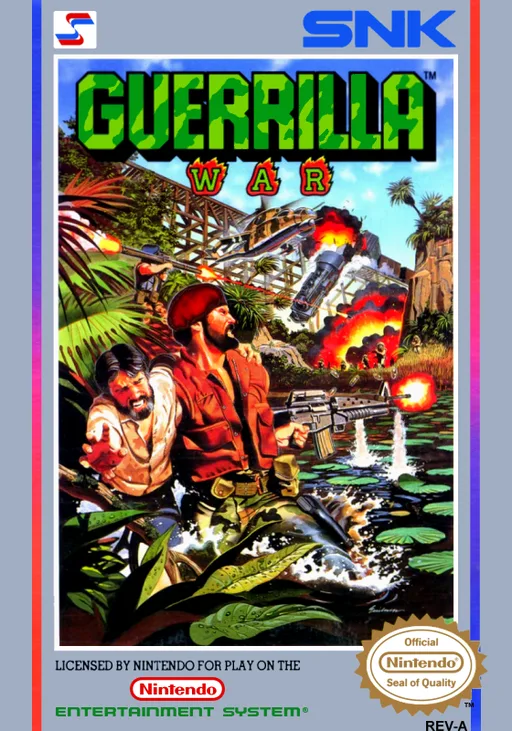
nesGuerrilla War
 nes
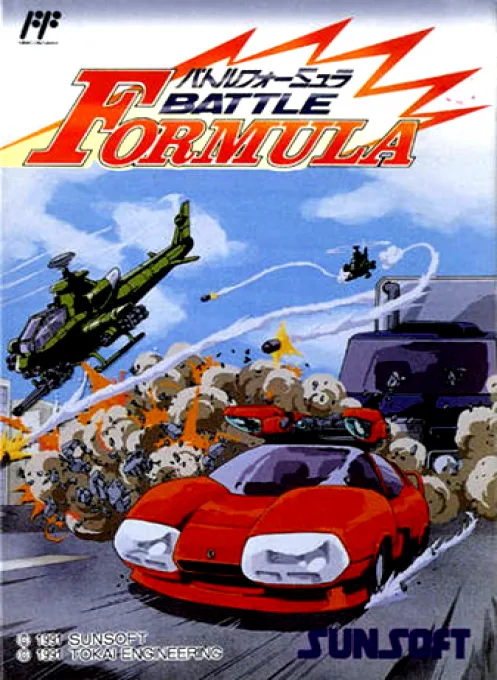
nesBattle Formula
 nes
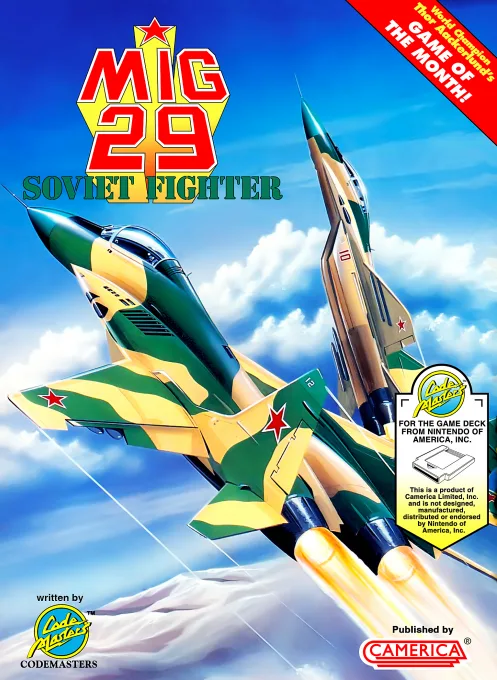
nesMiG 29 - Soviet Fighter
 nes
nesJade Mirror Romance
 nes
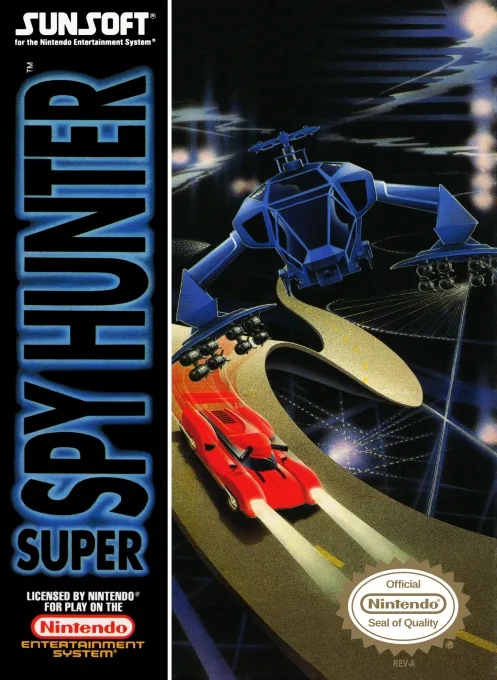
nesSuper Spy Hunter
 nes
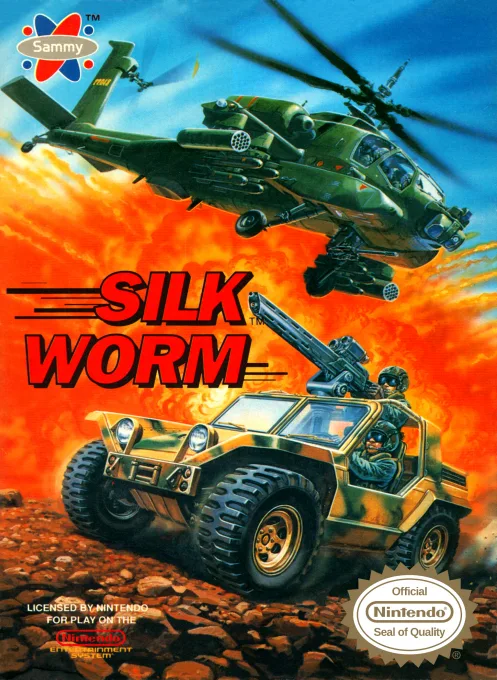
nesSilk Worm
 nes
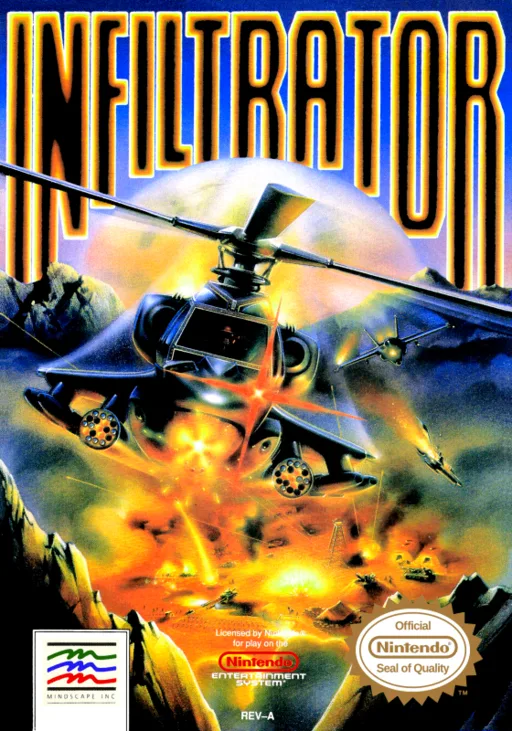
nesInfiltrator
 nes
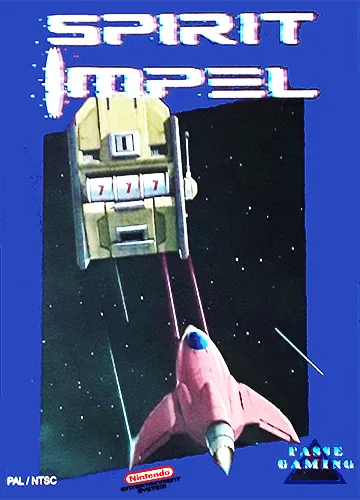
nesSpirit Impel
 nes
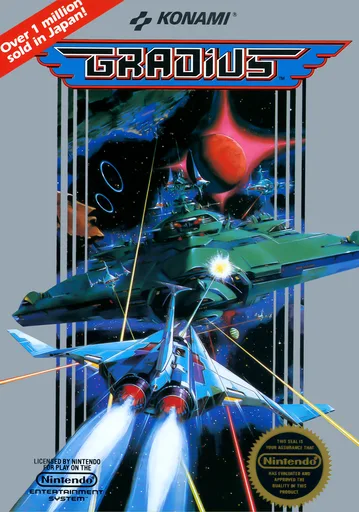
nesThe Interstellar Ship
Frequently Asked Questions
Q1.Can I play CrossFire online in a web browser without downloading?
Yes, EmuAll allows you to play CrossFire (NES) directly inside modern web browsers (Chrome, Safari, Edge, Firefox) on PC, Mac, Chromebook, iOS, and Android devices without installing any emulator.
Q2.Does CrossFire support in-browser save states?
Yes, the in-browser emulator features instant Save States and Load States, storing your game progress directly in your browser storage so you can pick up where you left off.
Q3.What controls are supported? Can I use a controller for CrossFire?
The emulator fully supports standard keyboard controls as well as plug-and-play USB and Bluetooth gamepads (including Xbox, PlayStation, and generic controllers).