
SMS
Dynamite Headdy
Also known as: ダイナマイト・ヘディ, 爆炸头小子, 爆炸頭小子, 다이너마이트 헤디
- Platform
- Master System
- Genre
- Platform
- Year
- 1994
- Developer
- Treasure
- Publisher
- Sega
EmuAll provides verified clean ROM archives and in-browser emulation for Dynamite Headdy (SMS). Players can launch and play directly inside modern desktop and mobile browsers with zero local installation, full gamepad support, and instant save states.
ROM downloads
1Dynamite Headdy
Recommended Emulators(SMS)
If you choose to download this ROM to play offline, we recommend these top standalone emulators:
About the Game
Dynamite Headdy is a platform game where players control a puppet named Headdy with a detachable head that he throws as a weapon to defeat enemies. Gameplay features side-scrolling levels with jumping, grabbing, and head-based attacks; Headdy collects power-up heads that change his abilities (e.g., vacuum head, winged head, star head, hammer head) and can bounce back from falls without instant death. There are nine scenes with multiple sub-levels, bonus stages like basketball shooting, and boss fights against the puppet army led by Dark Demon and Trouble Bruin. Story follows Headdy rescuing his friends in Puppet Town from the evil Dark Demon who turns puppets into minions and kidnaps residents using giant robots.
More SMS games
 sms
smsAlex Kidd In Miracle World
 sms
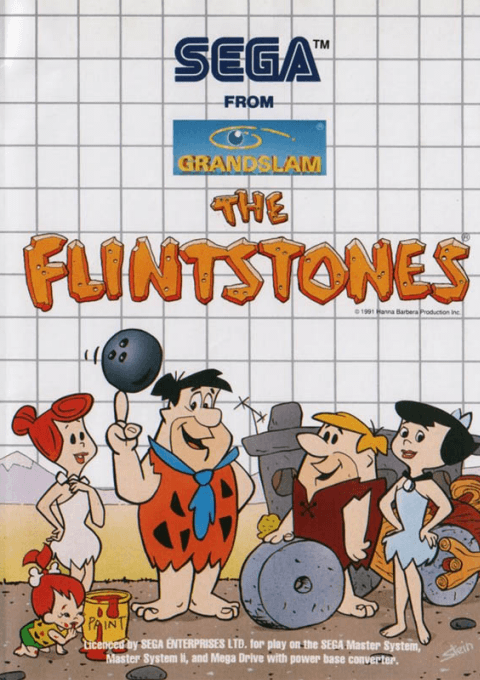
smsFlintstones, The
 sms
smsLion King, The
 sms
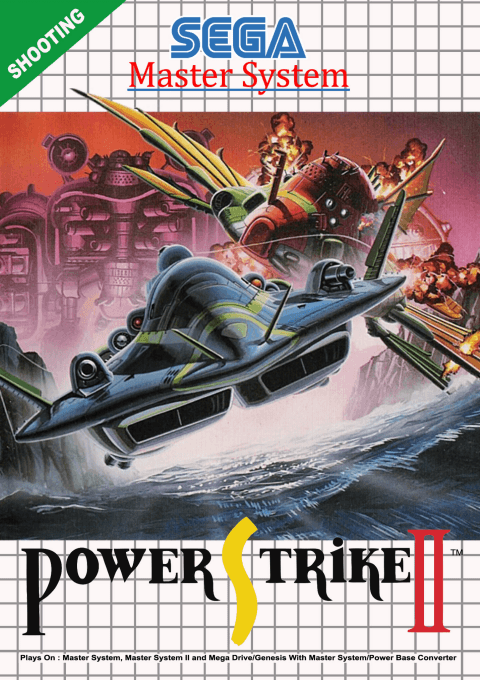
smsPower Strike 2
 sms
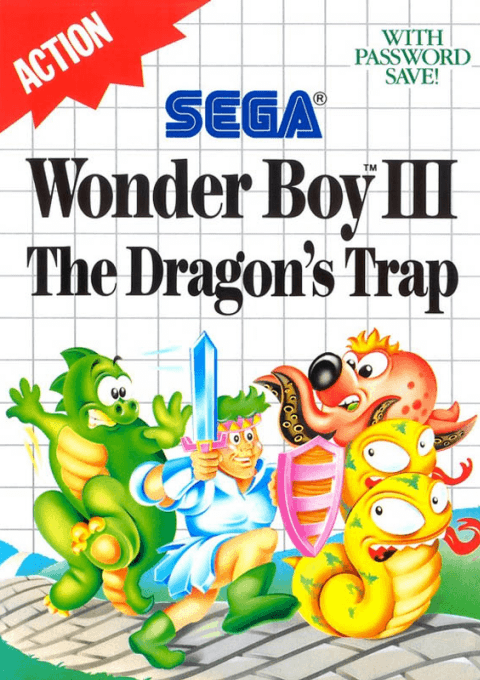
smsWonder Boy III - The Dragon's Trap
 sms
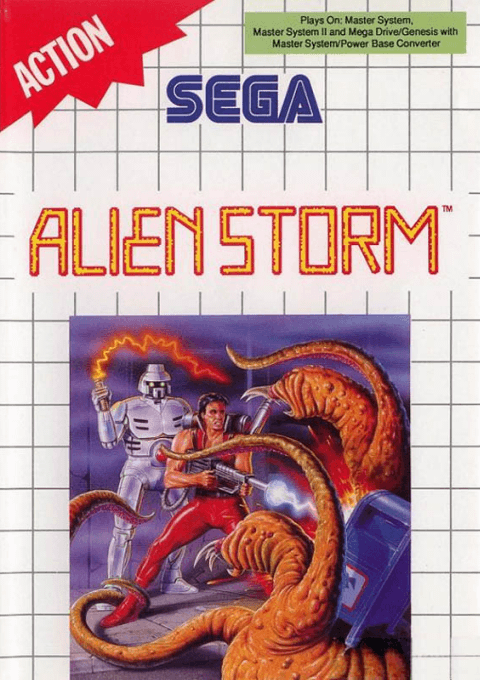
smsAlien Storm
 sms
smsSpider-Man Vs. The Kingpin
 sms
smsRambo - First Blood Part 2
 sms
smsDouble Dragon
 sms
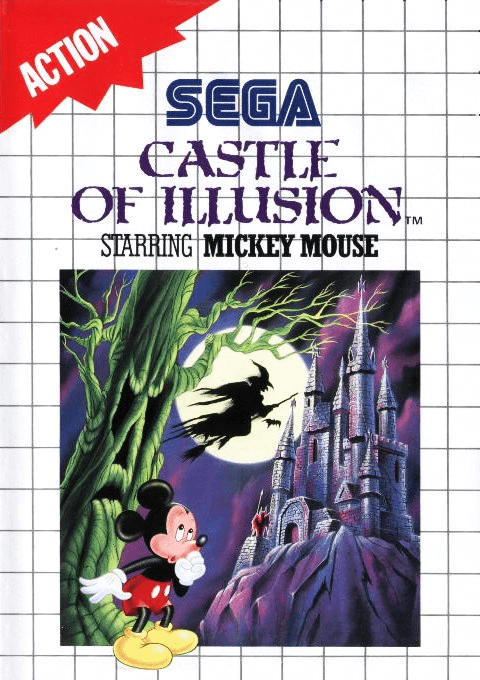
smsCastle Of Illusion Starring Mickey Mouse
 sms
smsRocky
 sms
smsAztec Adventure - The Golden Road To Paradise
Frequently Asked Questions
Q1.Can I play Dynamite Headdy online in a web browser without downloading?
Yes, EmuAll allows you to play Dynamite Headdy (SMS) directly inside modern web browsers (Chrome, Safari, Edge, Firefox) on PC, Mac, Chromebook, iOS, and Android devices without installing any emulator.
Q2.Does Dynamite Headdy support in-browser save states?
Yes, the in-browser emulator features instant Save States and Load States, storing your game progress directly in your browser storage so you can pick up where you left off.
Q3.What controls are supported? Can I use a controller for Dynamite Headdy?
The emulator fully supports standard keyboard controls as well as plug-and-play USB and Bluetooth gamepads (including Xbox, PlayStation, and generic controllers).