
SNES
Gdleen
Also known as: ガデュリン, 가뎔린
- Platform
- Super Nintendo
- Genre
- Role-playing
- Year
- 1991
- Developer
- Jorudan
- Publisher
- SETA
EmuAll provides verified clean ROM archives and in-browser emulation for Gdleen (SNES). Players can launch and play directly inside modern desktop and mobile browsers with zero local installation, full gamepad support, and instant save states.
ROM downloads
2Gdleen (Japan)
RecommendedGdleen (Japan) (Rev 1)
Recommended Emulators(SNES)
If you choose to download this ROM to play offline, we recommend these top standalone emulators:
About the Game
Gdleen is the first RPG for the Super Famicom, a turn-based single-player adventure featuring top-down overworld exploration and first-person battles. Protagonist Ryuūn crash-lands on the magical planet Gdleen and teams up with Fana to battle the Babaress and Miyorl tribes in a long-standing war. Players level up through combat, customize characters and skills, and progress through story quests. It blends sci-fi with fantasy elements unique to the light novel and OVA source material. What makes it stand out is its pioneering status as the inaugural SNES RPG, immersive anime-style narrative, and classic Dragon Quest-inspired mechanics that capture the excitement of early Super Famicom gaming.
More SNES games
 snes
snesTengai Makyou Zero
 snes
snesMight and Magic III - Isles of Terra
 snes
snesVerne World
 snes
snesJoJo no Kimyou na Bouken
 snes
snesBishoujo Senshi Sailor Moon - Another Story
 snes
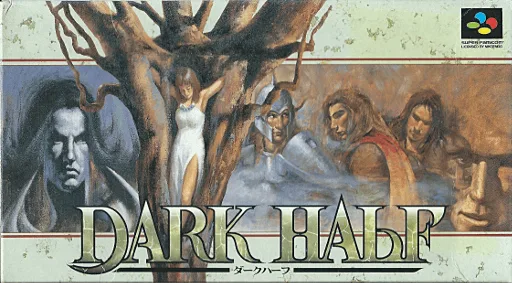
snesDark Half
 snes
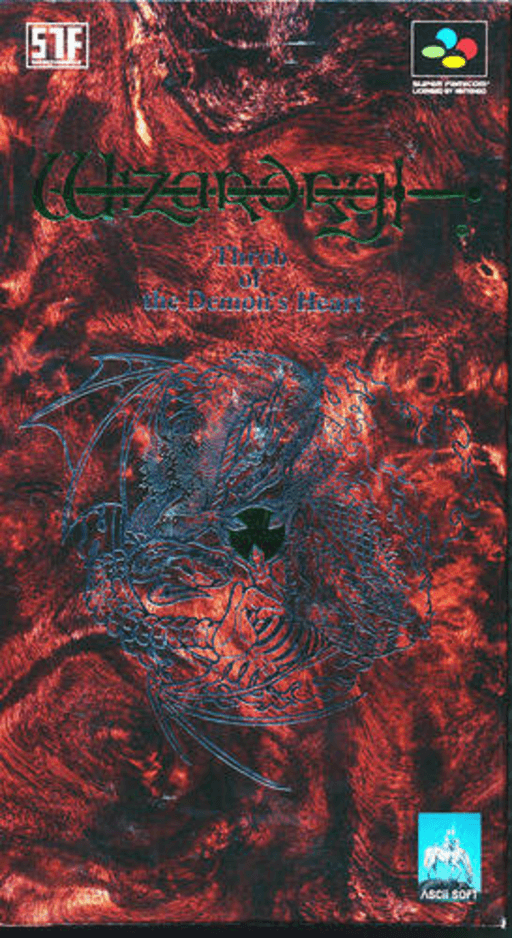
snesWizardry Gaiden IV - Taima no Kodou
 snes
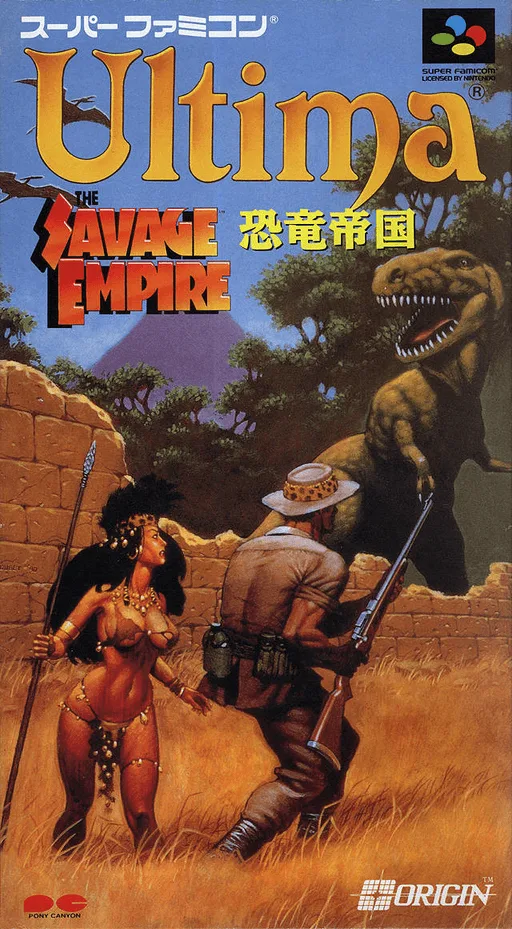
snesUltima - Kyouryuu Teikoku
 snes
snesUltima VII - The Black Gate
 snes
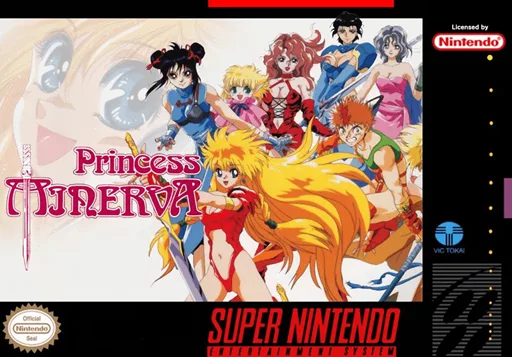
snesPrincess Minerva
 snes
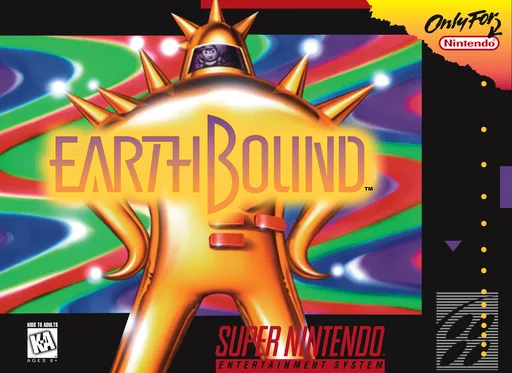
snesEarthBound
 snes
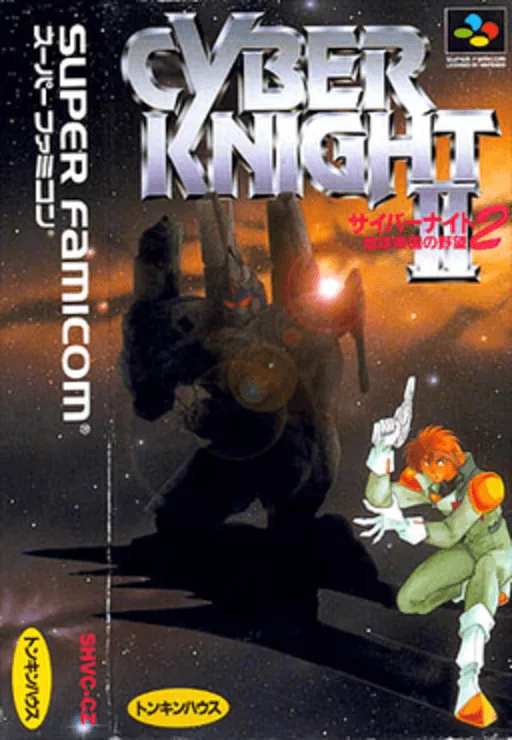
snesCyber Knight II - Chikyuu Teikoku no Yabou
Frequently Asked Questions
Q1.Can I play Gdleen online in a web browser without downloading?
Yes, EmuAll allows you to play Gdleen (SNES) directly inside modern web browsers (Chrome, Safari, Edge, Firefox) on PC, Mac, Chromebook, iOS, and Android devices without installing any emulator.
Q2.Does Gdleen support in-browser save states?
Yes, the in-browser emulator features instant Save States and Load States, storing your game progress directly in your browser storage so you can pick up where you left off.
Q3.What controls are supported? Can I use a controller for Gdleen?
The emulator fully supports standard keyboard controls as well as plug-and-play USB and Bluetooth gamepads (including Xbox, PlayStation, and generic controllers).