
NES
Knock Knock Ice Block
Also known as: Eisblock klopfen, Frapper la Glace, Golpear Hielo, 敲冰塊, アイスブロックを叩く, Bater no Bloco de Gelo, 敲冰块, 아이스 블록 두드리기, Bussare il Blocco di Ghiaccio
- Platform
- Nintendo Entertainment System
- Genre
- Platformer
- Year
- 1985
- Developer
- Nintendo
- Publisher
- Nintendo
EmuAll provides verified clean ROM archives and in-browser emulation for Knock Knock Ice Block (NES). Players can launch and play directly inside modern desktop and mobile browsers with zero local installation, full gamepad support, and instant save states.
ROM downloads
4敲冰块[水火汉化](JP)[ACT](0
Recommended敲冰块 (v20120102)[Nokoh汉化](JP)[ACT](0
敲冰块[MS汉化](JP)[ACT](0
敲冰块[F0REVERD汉化](JP)[ACT](0
Recommended Emulators(NES)
If you choose to download this ROM to play offline, we recommend these top standalone emulators:
About the Game
Ice Climber is a classic 2D platformer where players control Popo and Nana, two polar bears, to climb 32 icy mountain stages. Gameplay focuses on precise hammer-swinging to break ice blocks and reach the top, with subtle physics and timing-based platforming. The simple story involves scaling snowy peaks to escape danger or reach the goal. Popo and Nana are the protagonists, cute yet determined bears. What makes it stand out is its pure, addictive fun and innovative control scheme for the era, influencing countless platformers.
More NES games
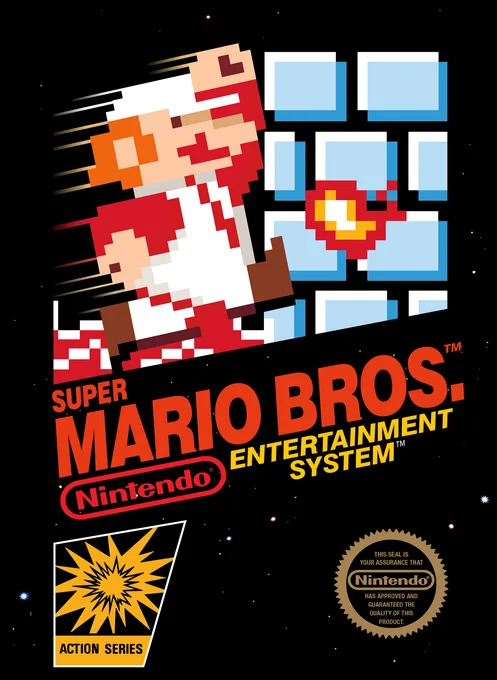 nes
nesSuper Mario Bros.
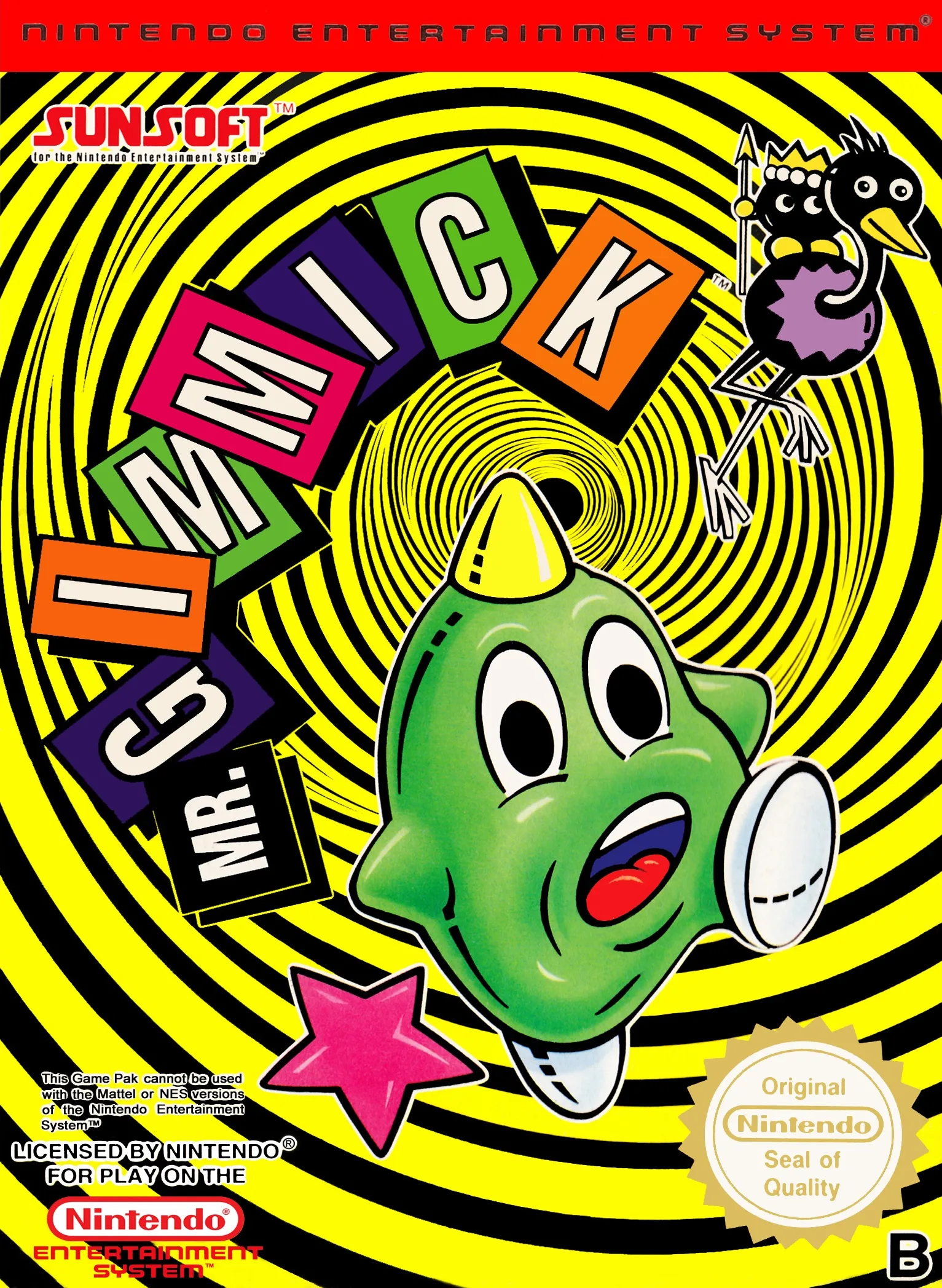 nes
nesJimi-K
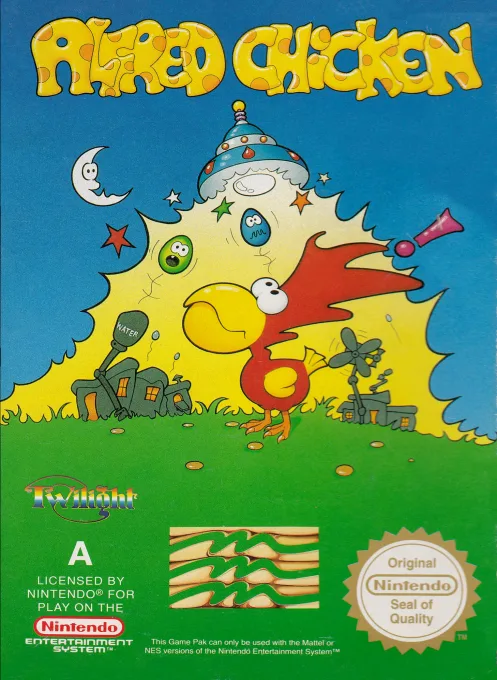 nes
nesAlfred Chicken
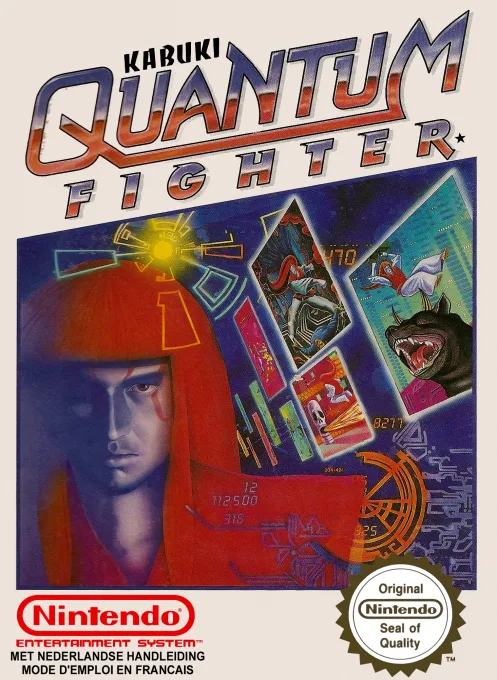 nes
nesKabuki - Quantum Fighter
 nes
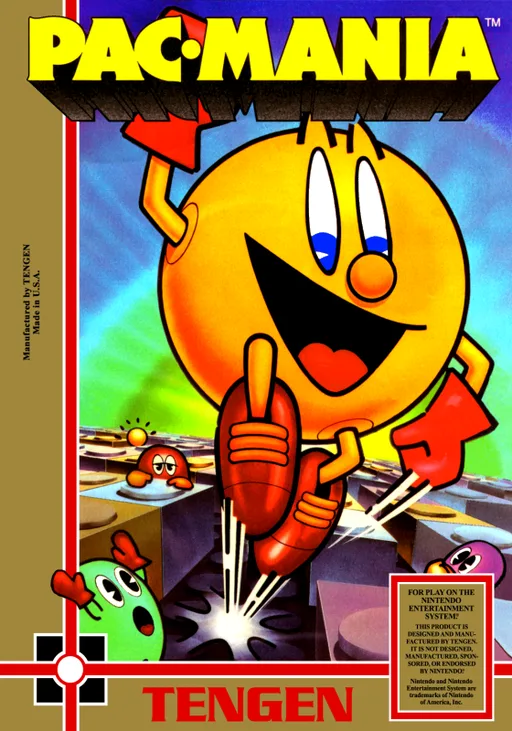
nesPac-Mania
 nes
nesSuper Mario Bros 2000 (SMB1 Hack)
 nes
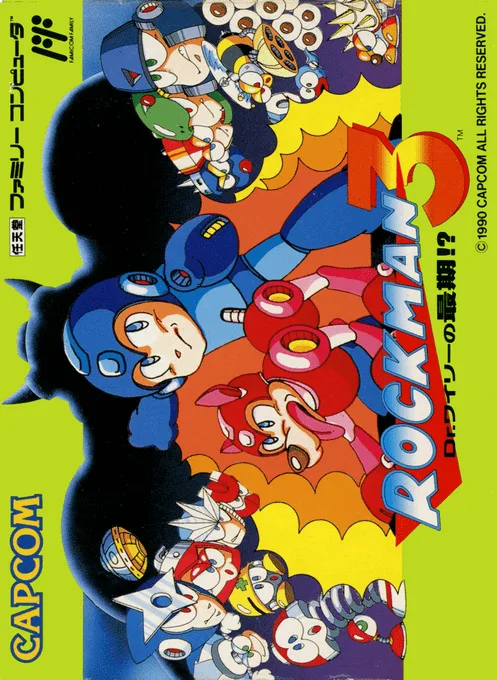
nesMega Man 3 - Dr. Wily's Doom
 nes
nesWagyan Land
 nes
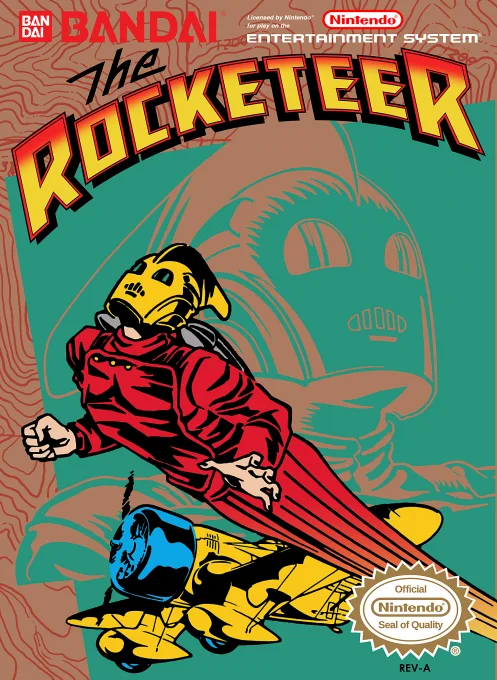
nesRocketeer, The
 nes
nesHappily Ever After starring Snow White
 nes
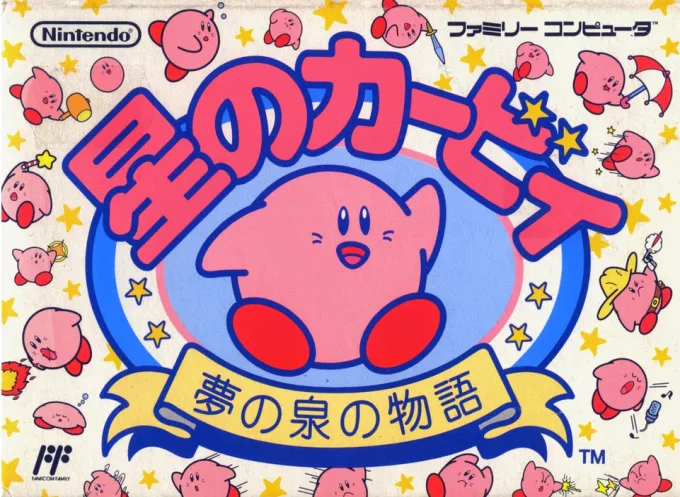
nesHoshi no Kirby - Yume no Izumi no Monogatari
 nes
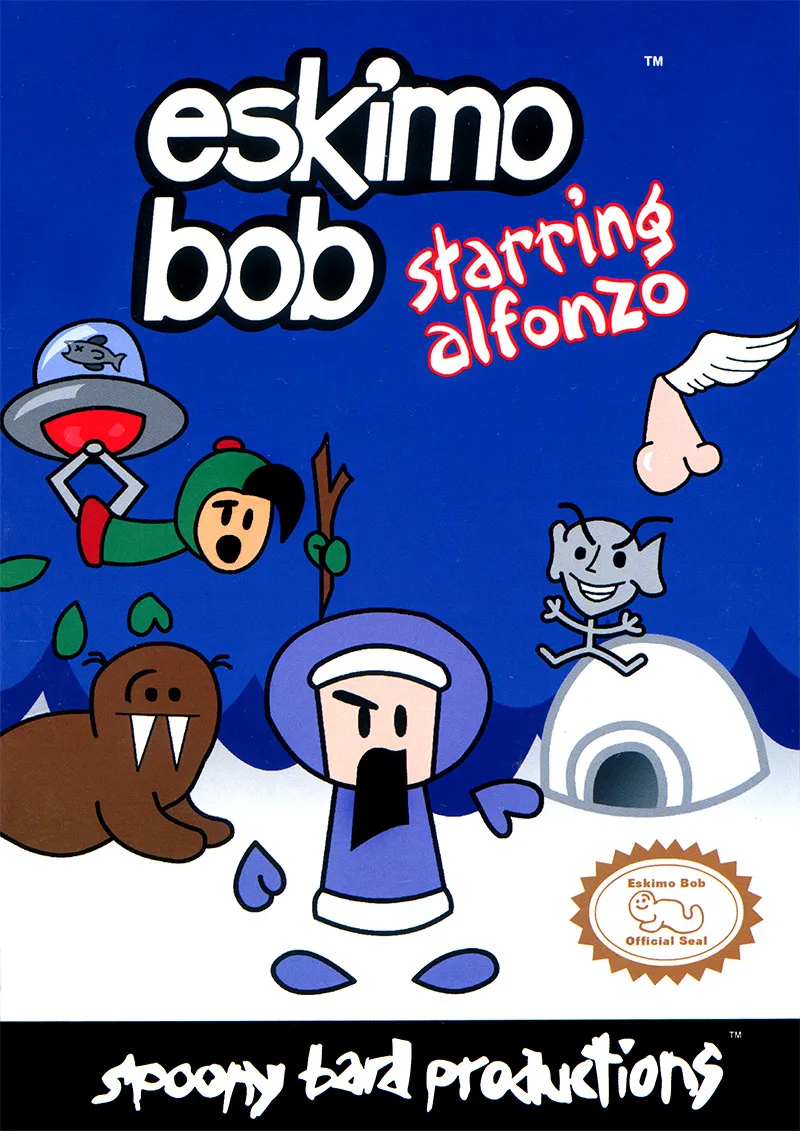
nesEskimo Bob Starring Alfonzo
Frequently Asked Questions
Q1.Can I play Knock Knock Ice Block online in a web browser without downloading?
Yes, EmuAll allows you to play Knock Knock Ice Block (NES) directly inside modern web browsers (Chrome, Safari, Edge, Firefox) on PC, Mac, Chromebook, iOS, and Android devices without installing any emulator.
Q2.Does Knock Knock Ice Block support in-browser save states?
Yes, the in-browser emulator features instant Save States and Load States, storing your game progress directly in your browser storage so you can pick up where you left off.
Q3.What controls are supported? Can I use a controller for Knock Knock Ice Block?
The emulator fully supports standard keyboard controls as well as plug-and-play USB and Bluetooth gamepads (including Xbox, PlayStation, and generic controllers).