
NES
Mashou
Also known as: 马兽, ماشاو, Машау, 馬獸, 마쇼우, マショウ, Μασου
- Platform
- Nintendo Entertainment System
- Genre
- Action RPG
- Year
- 1986
- Developer
- Lenar and Tamtex
- Publisher
- Irem
EmuAll provides verified clean ROM archives and in-browser emulation for Mashou (NES). Players can launch and play directly inside modern desktop and mobile browsers with zero local installation, full gamepad support, and instant save states.
ROM downloads
1Mashou (Japan)
Recommended Emulators(NES)
If you choose to download this ROM to play offline, we recommend these top standalone emulators:
About the Game
In Mashou (Mashō / Deadly Towers), players control Prince Myer as he learns from the god Khan that the evil wizard Rubas plans to conquer Willner Kingdom using seven magic bells in his tower palace. The action RPG follows the non-linear quest to destroy the bells, explore seven monster-filled tower dungeons, and battle bosses in real-time side-view combat. Prince Myer wields sword attacks while collecting Hyper Helmet, Shield of the King, and Hyper Armor for massive damage reduction. Gameplay modes include non-linear tower exploration and challenging dungeons. The story features the heroic prince, helpful kami Khan, and villainous Rubas. It stands out with its deep vertical tower design, unique hyper armor system, and memorable Irem/NES action-RPG dungeon-crawling style.
More NES games
 nes
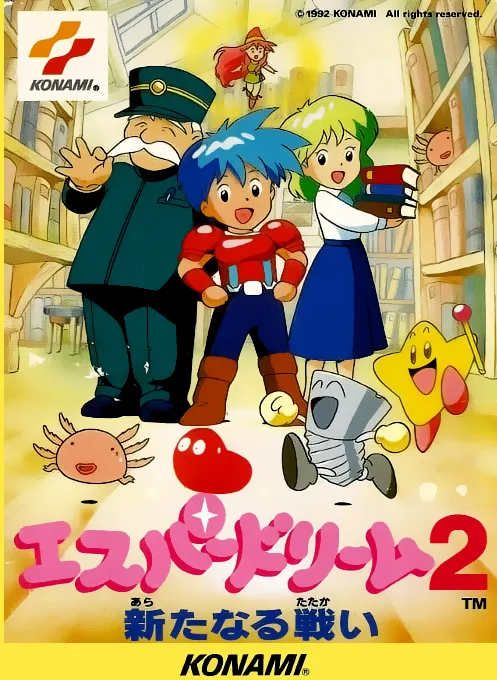
nesEsper Dream 2 - Aratanaru Tatakai
Yoshitsune Hero Legend
 nes
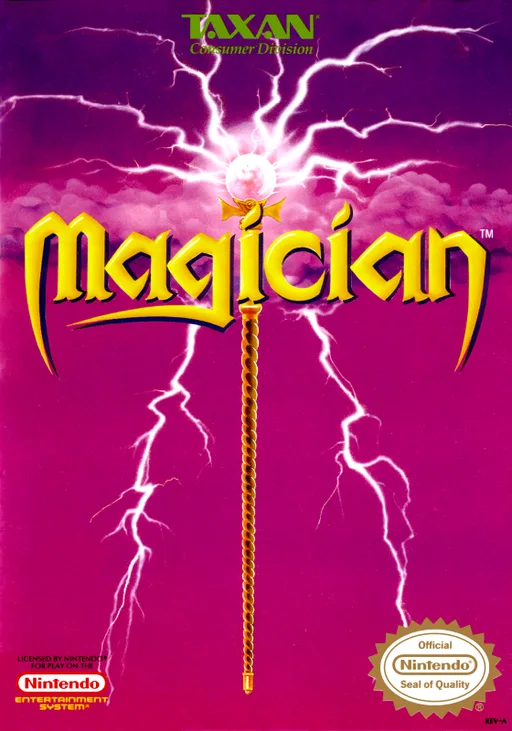
nesMagician
 nes
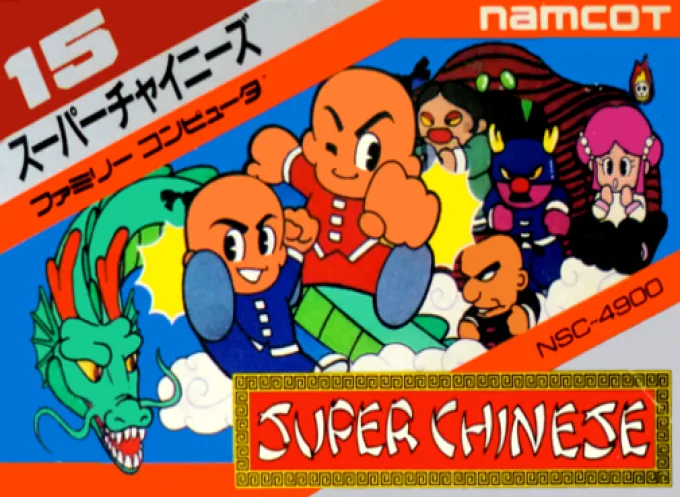
nesSuper Chinese
 nes
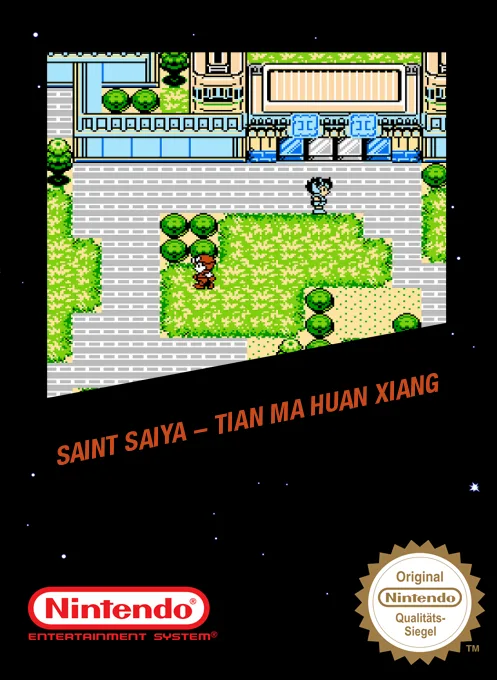
nesSaint Seiya - Pegasus Fantasy
 nes
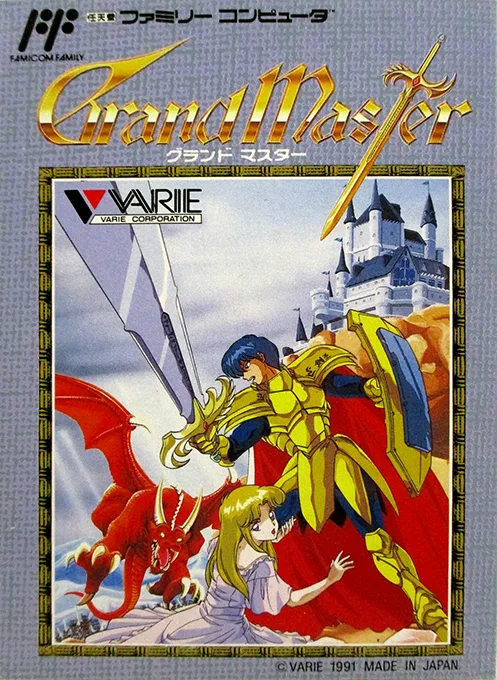
nesGrand Master
 nes
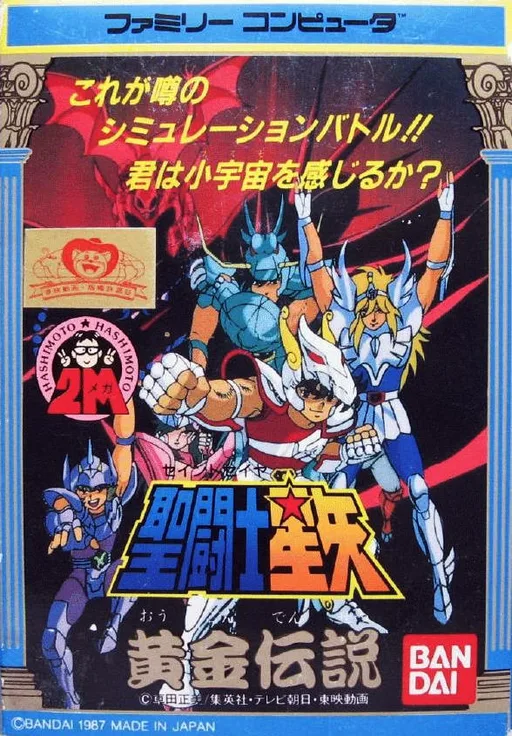
nesSaint Seiya - Golden Legend Concluding Arc
 nes
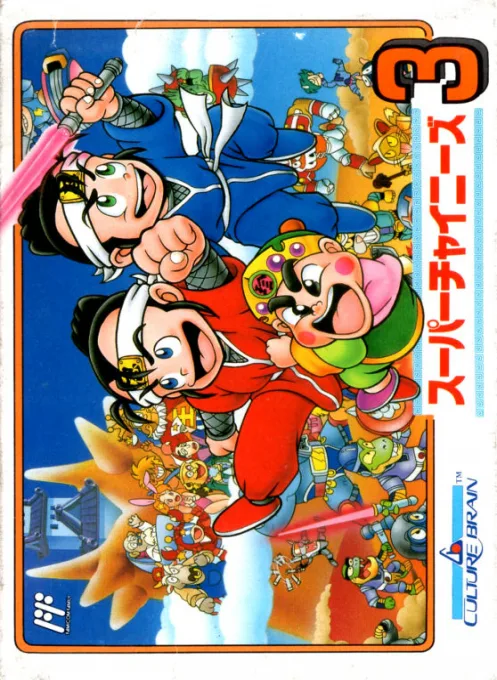
nesSuper Chinese 3
 nes
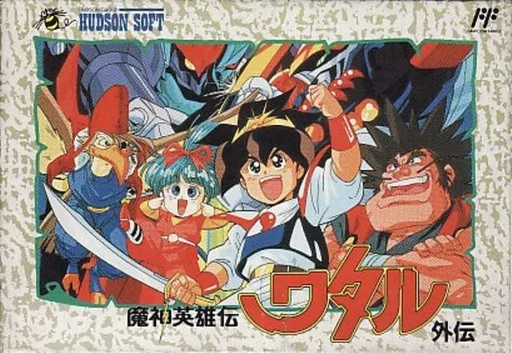
nesMashin Eiyuuden Wataru Gaiden
 nes
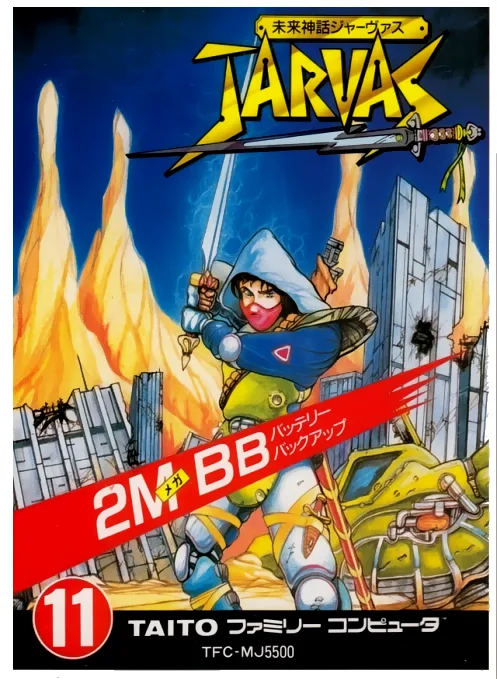
nesMirai Shinwa Jarvas
 nes
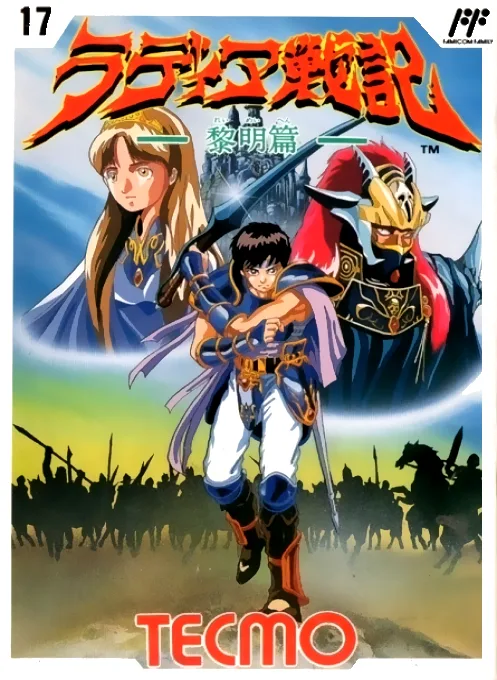
nesRadiant War Chronicles
Frequently Asked Questions
Q1.Can I play Mashou online in a web browser without downloading?
Yes, EmuAll allows you to play Mashou (NES) directly inside modern web browsers (Chrome, Safari, Edge, Firefox) on PC, Mac, Chromebook, iOS, and Android devices without installing any emulator.
Q2.Does Mashou support in-browser save states?
Yes, the in-browser emulator features instant Save States and Load States, storing your game progress directly in your browser storage so you can pick up where you left off.
Q3.What controls are supported? Can I use a controller for Mashou?
The emulator fully supports standard keyboard controls as well as plug-and-play USB and Bluetooth gamepads (including Xbox, PlayStation, and generic controllers).