
NES
Saint Seiya - Pegasus Fantasy
Also known as: Saint Seiya - Pegasus-Fantasie, Saint Seiya - Fantasia del Pegaso, 성스러운 세야 - 페가수스 판타지, 圣斗士星矢 - 天马之幻想, 聖鬥士星矢 - 天馬之幻想, Saint Seiya - Fantasía de Pegaso, Saint Seiya - Fantasie du Pégase, Saint Seiya - Fantasia de Pégaso
- Platform
- Nintendo Entertainment System
- Genre
- Action RPG
- Year
- 2003
- Developer
- Shenzhen Nanjing Technology Co., Ltd.
- Publisher
- Shenzhen Nanjing Technology Co., Ltd.
EmuAll provides verified clean ROM archives and in-browser emulation for Saint Seiya - Pegasus Fantasy (NES). Players can launch and play directly inside modern desktop and mobile browsers with zero local installation, full gamepad support, and instant save states.
ROM downloads
1圣斗士星矢 - 天马之幻想[南晶科技](CN)[RPG](16Mb)
Recommended Emulators(NES)
If you choose to download this ROM to play offline, we recommend these top standalone emulators:
About the Game
Saint Seiya: Tian Ma Zhi Huan Xiang (天马之幻想) is a Chinese-developed Action RPG for Famicom/NES. It covers the full Saint Seiya storyline, including the tournament arc and entrance to the 12 palaces, with gameplay inspired by the original series. Players can upgrade characters using Sevensense points instead of traditional experience. The game features side-scrolling stages, boss fights, and navigation through various zones. It stands out for being a fan-made Chinese pirate port that adapts the entire saga into NES hardware, using a system closer to the Game Boy Saint Seiya port while retaining core character designs and combat from the anime.
More NES games
 nes
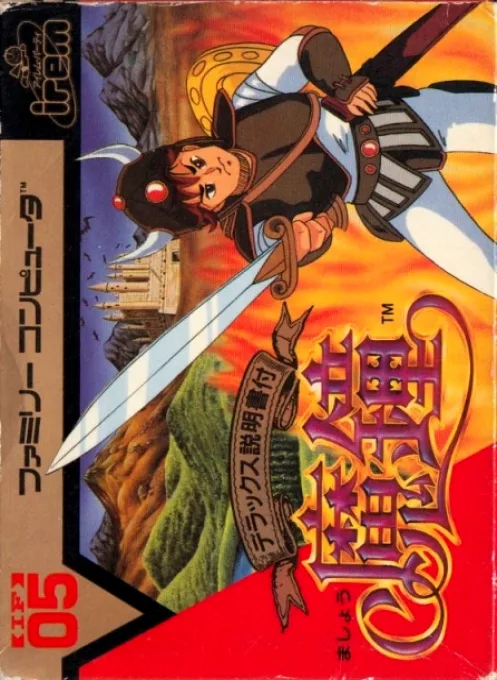
nesMashou
 nes
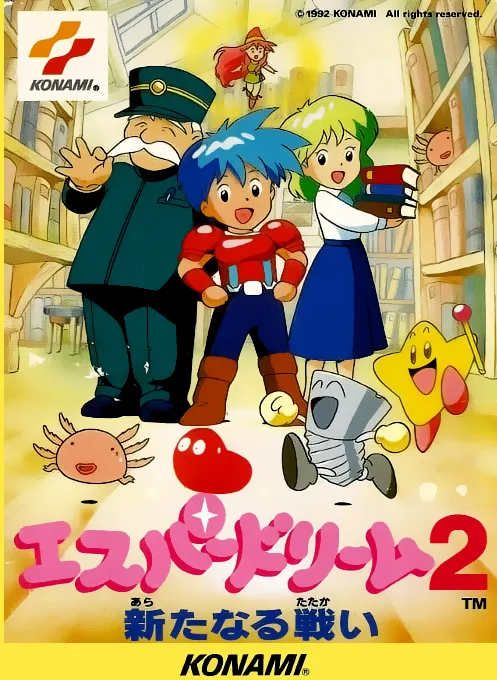
nesEsper Dream 2 - Aratanaru Tatakai
Yoshitsune Hero Legend
 nes
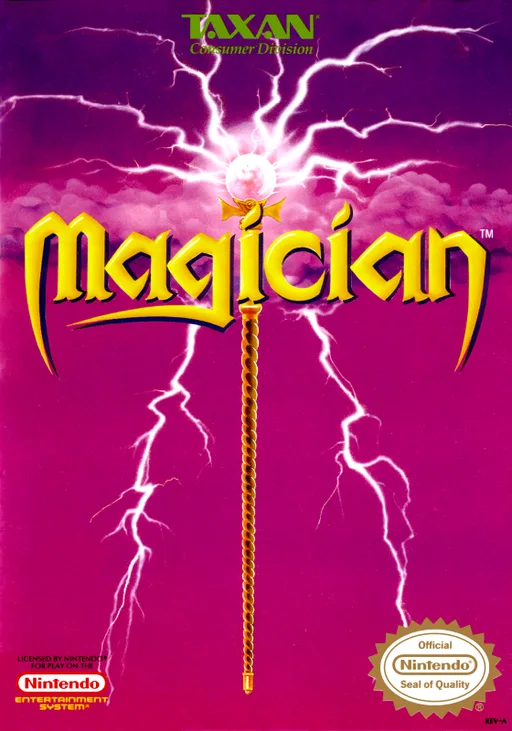
nesMagician
 nes
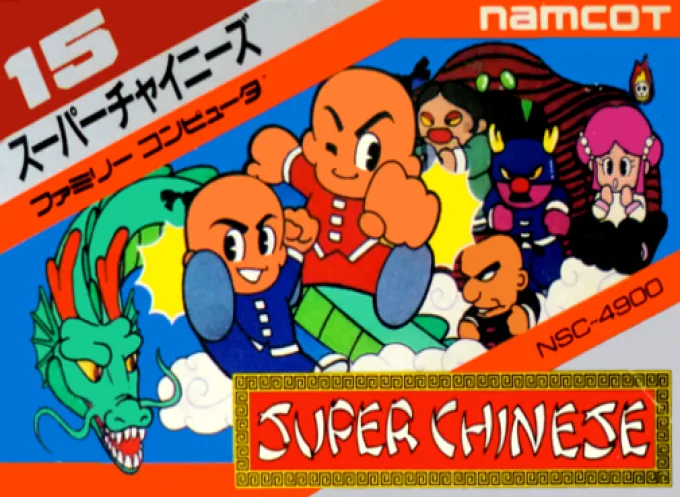
nesSuper Chinese
 nes
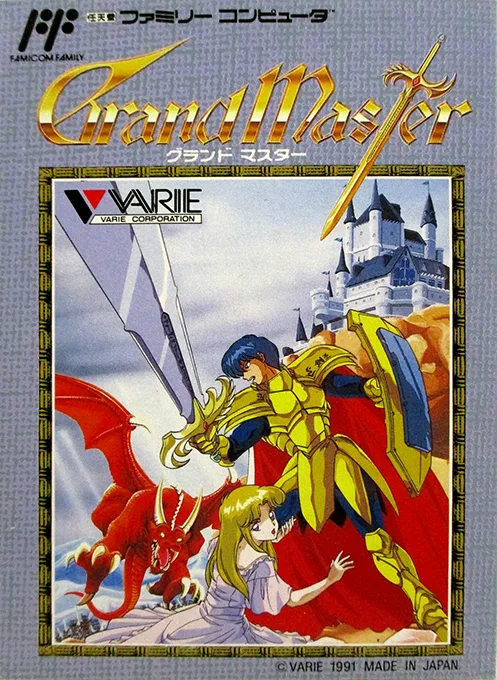
nesGrand Master
 nes
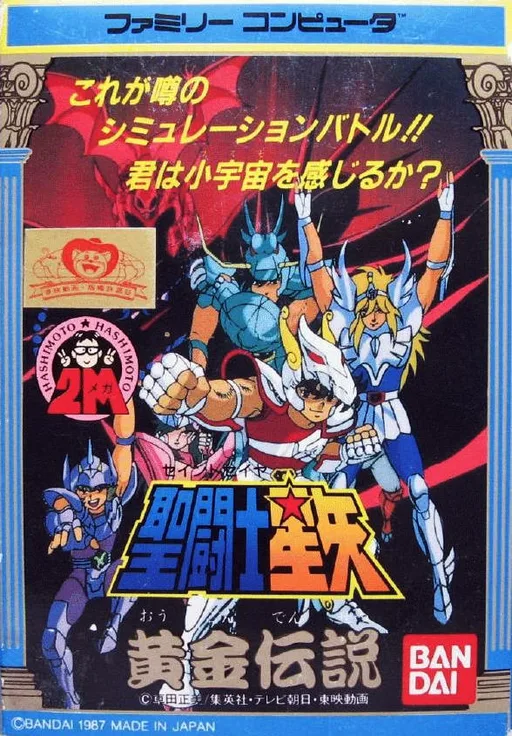
nesSaint Seiya - Golden Legend Concluding Arc
 nes
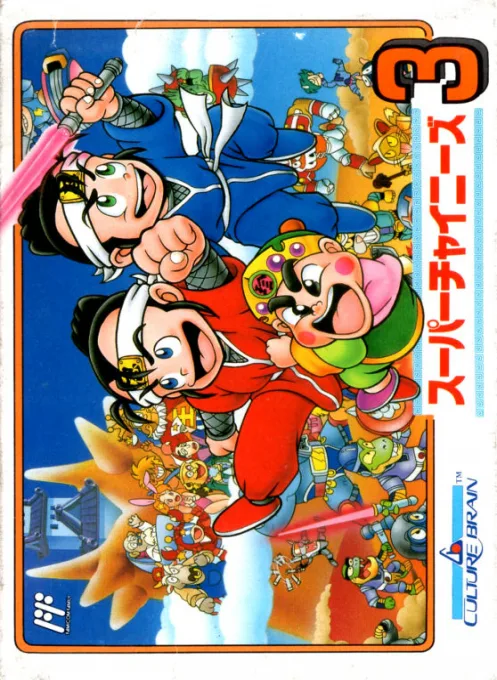
nesSuper Chinese 3
 nes
nesMashin Eiyuuden Wataru Gaiden
 nes
nesMirai Shinwa Jarvas
 nes
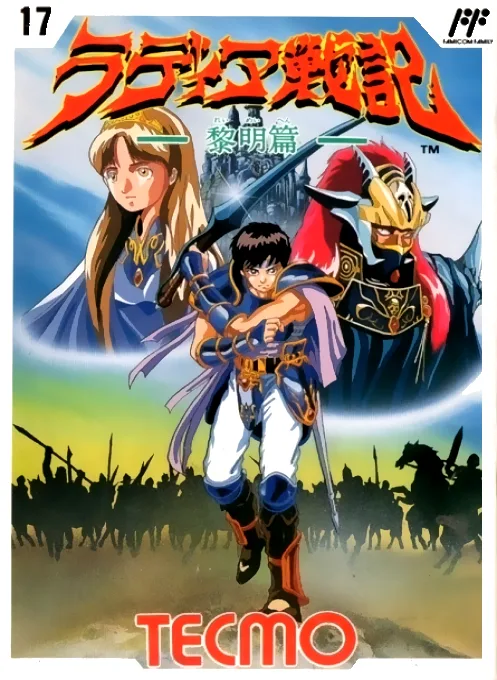
nesRadiant War Chronicles
Frequently Asked Questions
Q1.Can I play Saint Seiya - Pegasus Fantasy online in a web browser without downloading?
Yes, EmuAll allows you to play Saint Seiya - Pegasus Fantasy (NES) directly inside modern web browsers (Chrome, Safari, Edge, Firefox) on PC, Mac, Chromebook, iOS, and Android devices without installing any emulator.
Q2.Does Saint Seiya - Pegasus Fantasy support in-browser save states?
Yes, the in-browser emulator features instant Save States and Load States, storing your game progress directly in your browser storage so you can pick up where you left off.
Q3.What controls are supported? Can I use a controller for Saint Seiya - Pegasus Fantasy?
The emulator fully supports standard keyboard controls as well as plug-and-play USB and Bluetooth gamepads (including Xbox, PlayStation, and generic controllers).