
NES
Mickey Mouse - Fushigi no Kuni no Daibouken
Also known as: Μικει Μουσ - Φουσιγκι νο Κουνι νο Νταϊμπουκεν, ميكاي ماوس - فوشيغي نو كوني نو دايبوكن, Микей Маус - Фусиги но Куни но Дайбоукэн, 米奇老鼠 - 魔法国的冒险, Mickey Mouse - Aventura en el País de las Maravillas, Mickey Mouse - Aventure dans le Pays des merveilles, 米奇老鼠 - 魔法國的冒險, Mickey Mouse - Aventura no País das Maravilhas, 미키 마우스 - 이상의 나라의 모험, Mickey Mouse - L'avventura nel paese delle meraviglie, ミッキーマウス ふしぎの国の大冒険, Micky Maus - Abenteuer im Wunderland
- Platform
- Nintendo Entertainment System
- Genre
- Platformer
- Year
- 1987
- Developer
- Hudson Soft
- Publisher
- Hudson Soft
EmuAll provides verified clean ROM archives and in-browser emulation for Mickey Mouse - Fushigi no Kuni no Daibouken (NES). Players can launch and play directly inside modern desktop and mobile browsers with zero local installation, full gamepad support, and instant save states.
ROM downloads
1Mickey Mouse - Fushigi no Kuni no Daibouken (Japan)
Recommended Emulators(NES)
If you choose to download this ROM to play offline, we recommend these top standalone emulators:
About the Game
Mickey Mouse - Fushigi no Kuni no Daibouken is a 2D platformer developed and published by Hudson Soft for the Famicom in 1987, titled Mickey Mouse: Adventures in Wonderland in the West. Players control Mickey and Minnie through five Disney-themed stages inspired by Alice in Wonderland, rescuing Alice from villains. Mickey jumps, walks, and shoots after star power-ups, with Minnie following and attacking similarly. The game features Disney villains like Pete, Maleficent, Captain Hook, and Wonderland creatures such as the Cheshire Cat, Caterpillar, and Queen of Hearts as the final boss. The story is vague but centers on saving Alice. It stands out for its faithful adaptation of the Alice tale, detailed Japanese version with more Alice characters, and pioneering dual-character control on the Famicom.
More NES games
 nes
nesSuper Mario Bros.
 nes
nesJimi-K
 nes
nesAlfred Chicken
 nes
nesKabuki - Quantum Fighter
 nes
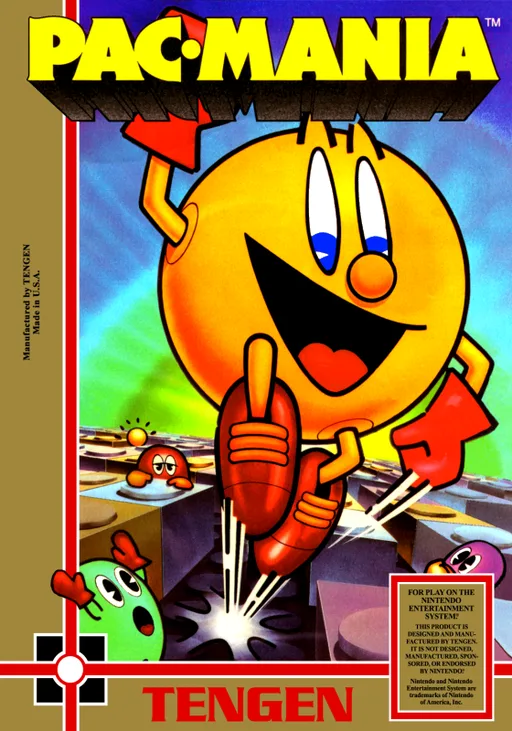
nesPac-Mania
 nes
nesSuper Mario Bros 2000 (SMB1 Hack)
 nes
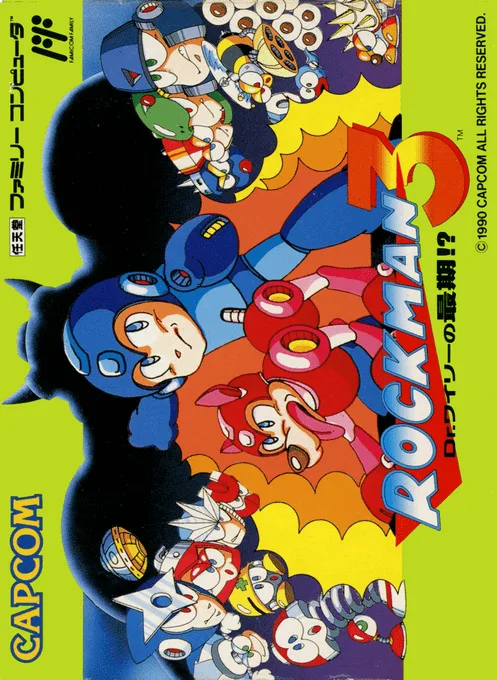
nesMega Man 3 - Dr. Wily's Doom
 nes
nesWagyan Land
 nes
nesRocketeer, The
 nes
nesHappily Ever After starring Snow White
 nes
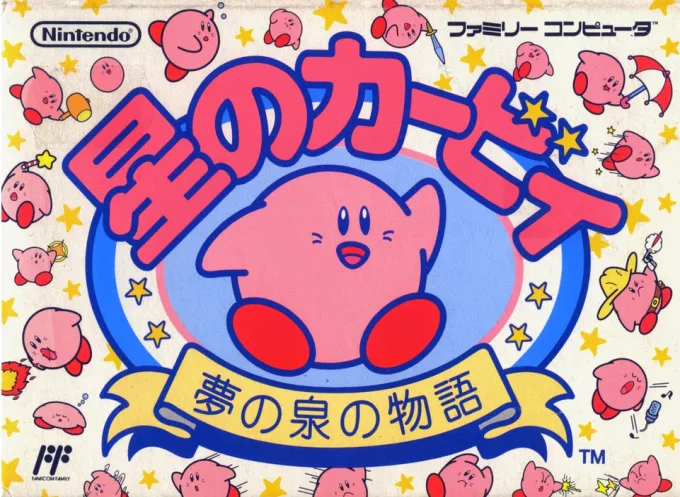
nesHoshi no Kirby - Yume no Izumi no Monogatari
 nes
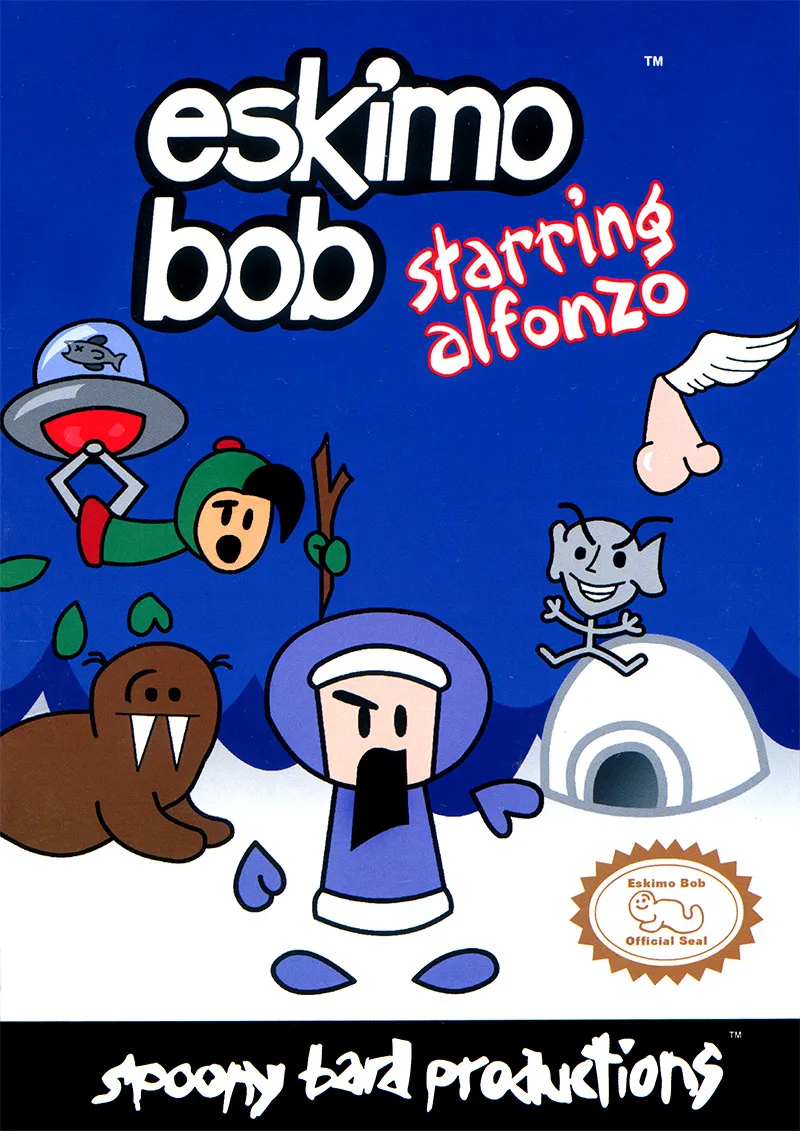
nesEskimo Bob Starring Alfonzo
Frequently Asked Questions
Q1.Can I play Mickey Mouse - Fushigi no Kuni no Daibouken online in a web browser without downloading?
Yes, EmuAll allows you to play Mickey Mouse - Fushigi no Kuni no Daibouken (NES) directly inside modern web browsers (Chrome, Safari, Edge, Firefox) on PC, Mac, Chromebook, iOS, and Android devices without installing any emulator.
Q2.Does Mickey Mouse - Fushigi no Kuni no Daibouken support in-browser save states?
Yes, the in-browser emulator features instant Save States and Load States, storing your game progress directly in your browser storage so you can pick up where you left off.
Q3.What controls are supported? Can I use a controller for Mickey Mouse - Fushigi no Kuni no Daibouken?
The emulator fully supports standard keyboard controls as well as plug-and-play USB and Bluetooth gamepads (including Xbox, PlayStation, and generic controllers).