
NES
Rambo
Also known as: ランボー, 蘭博, 램보, 兰博
- Platform
- Nintendo Entertainment System
- Genre
- Action/Adventure
- Year
- 1988
- Developer
- Pack-In-Video
- Publisher
- Acclaim
EmuAll provides verified clean ROM archives and in-browser emulation for Rambo (NES). Players can launch and play directly inside modern desktop and mobile browsers with zero local installation, full gamepad support, and instant save states.
ROM downloads
4Rambo (USA)
RecommendedRambo
Rambo (USA) (Rev 1)
Rambo (Japan)
Recommended Emulators(NES)
If you choose to download this ROM to play offline, we recommend these top standalone emulators:
About the Game
Rambo is a side-scrolling action-adventure platformer for the NES/Famicom. You play as John Rambo, the elite Green Beret from the Vietnam War, who is offered a mission by Colonel Trautman to rescue American POWs held in a hidden jungle camp. Gameplay involves running, jumping, ducking, and fighting enemies like spiders and soldiers with a knife, arrows, guns, grenades, and a bazooka. You gain experience points, level up, buy items, and progress through interconnected maps similar to Zelda II. The story covers Rambo's rescue mission, fighting jungle animals, and battling the enemy in a war zone. What makes it stand out is its heavy Zelda II clone mechanics, including experience, potions, caves, and password save system, plus Rambo's iconic knife combat and movie-based POW rescue plot.
More NES games
 nes
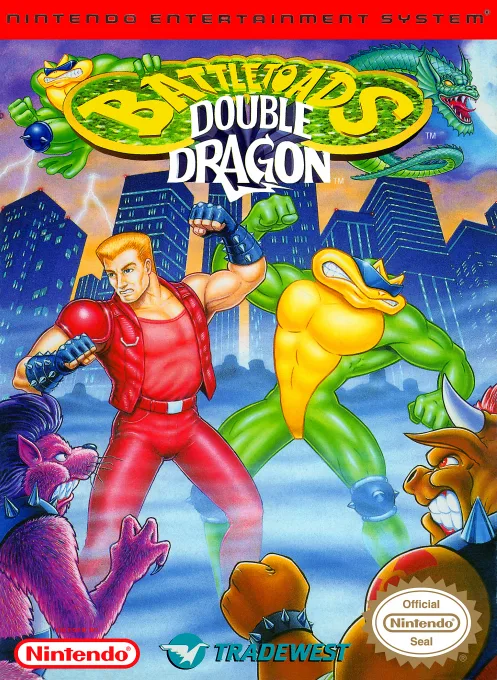
nesBattletoads-Double Dragon
 nes
nesNekketsu Kouha Kunio-kun
 nes
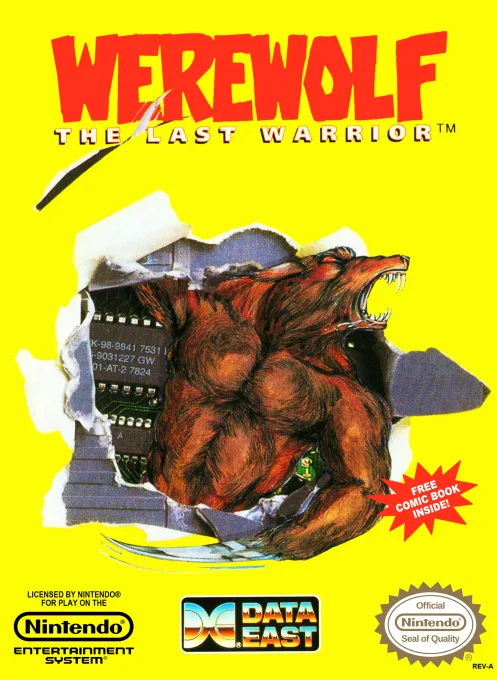
nesWerewolf - The Last Warrior
 nes
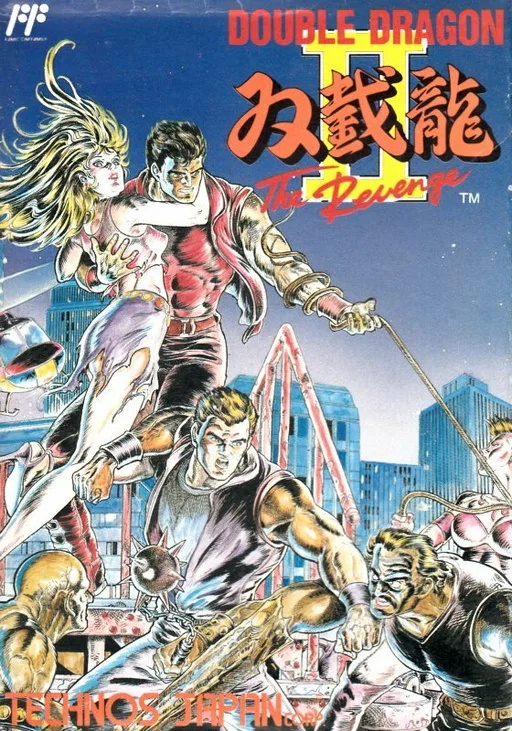
nesSou Setsu Ryuu II - The Revenge
 nes
nesRolling Thunder
 nes
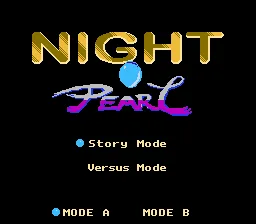
nesNight Pearl
 nes
nesIndiana Jones and the Temple of Doom
 nes
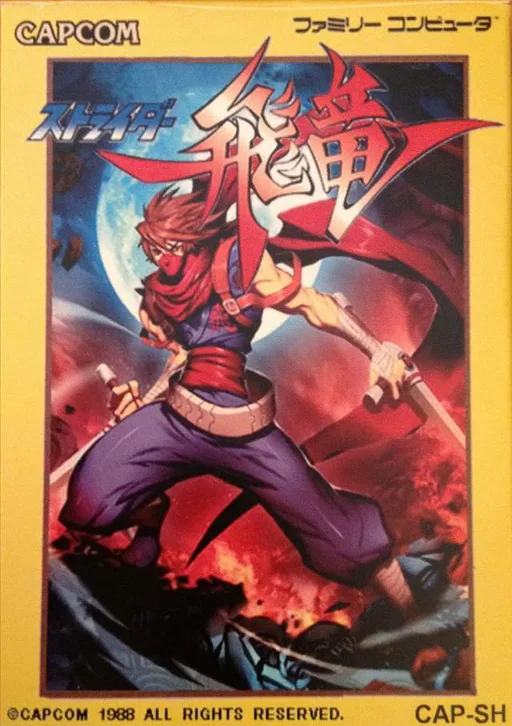
nesStrider
 nes
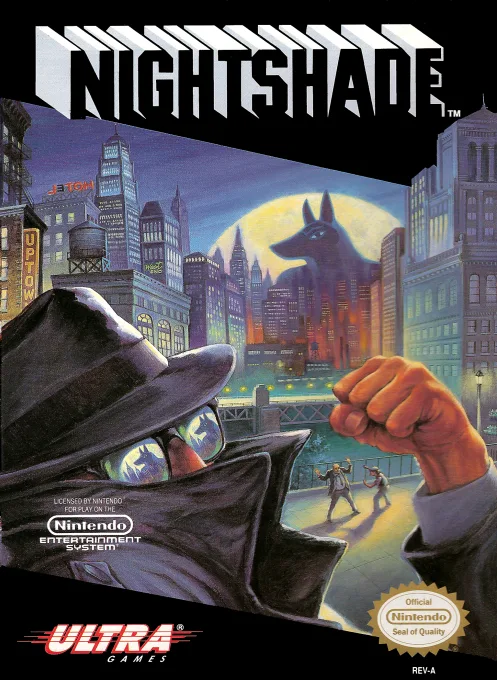
nesNightshade
Double Month Transmission
 nes
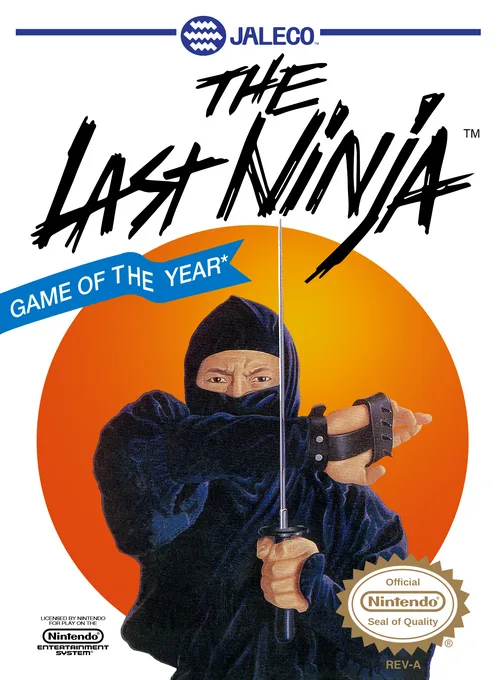
nesLast Ninja, The
 nes
nesChinese Rabbit Baby
Frequently Asked Questions
Q1.Can I play Rambo online in a web browser without downloading?
Yes, EmuAll allows you to play Rambo (NES) directly inside modern web browsers (Chrome, Safari, Edge, Firefox) on PC, Mac, Chromebook, iOS, and Android devices without installing any emulator.
Q2.Does Rambo support in-browser save states?
Yes, the in-browser emulator features instant Save States and Load States, storing your game progress directly in your browser storage so you can pick up where you left off.
Q3.What controls are supported? Can I use a controller for Rambo?
The emulator fully supports standard keyboard controls as well as plug-and-play USB and Bluetooth gamepads (including Xbox, PlayStation, and generic controllers).