
NES
The Fairy Realm
Also known as: Il Reame delle Fate, 仙界精灵, 仙界, فايري ريلم, 선계, Φαιρι Ριλμ, Die Feenwelt, El Reino de las Hadas, Файри Рилм, Reino das Fadas, Le Royaume des Fées
- Platform
- Nintendo Entertainment System
- Genre
- Action/Adventure/RPG
- Year
- 1995
- Developer
- Shenzhen Nanjing Technology
- Publisher
- Shenzhen Nanjing Technology
EmuAll provides verified clean ROM archives and in-browser emulation for The Fairy Realm (NES). Players can launch and play directly inside modern desktop and mobile browsers with zero local installation, full gamepad support, and instant save states.
ROM downloads
1仙界精灵[南晶科技](CN)[RPG](16Mb)
Recommended Emulators(NES)
If you choose to download this ROM to play offline, we recommend these top standalone emulators:
About the Game
仙界精灵 is an action-adventure RPG for the NES/Famicom. Gameplay involves exploring the fantasy Xianjie world with platforming, combat, and dungeon crawling. Story follows an unnamed protagonist navigating fairy realms and threats. Characters include various NPC spirits and monsters. It stands out for its custom title screen hack based on Cave Story.
More NES games
 nes
nesMad City
 nes
nesValkyrie no Bouken - Toki no Kagi Densetsu
 nes
nes方世玉
 nes
nesSword and Love
 nes
nesGenpei Touma Den - Computer Boardgame
 nes
nesRobin Hood - Prince of Thieves
 nes
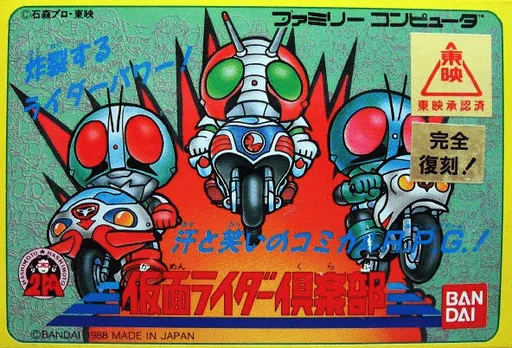
nesKamen Rider Club
 nes
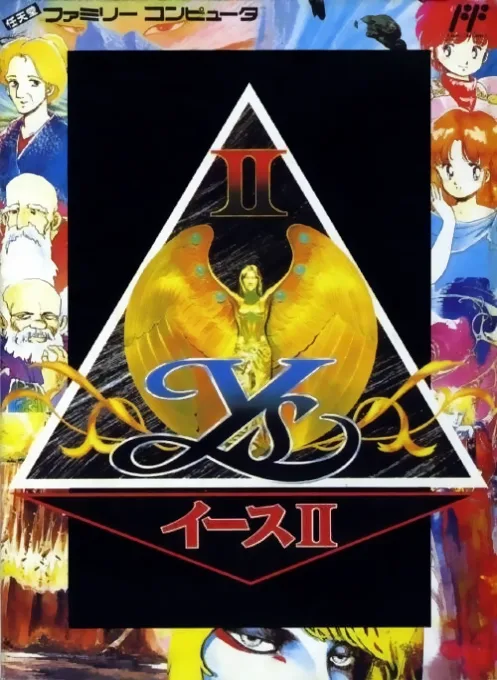
nesYs II - Ancient Ys Vanished - The Final Chapter
Warrior of Magic
 nes
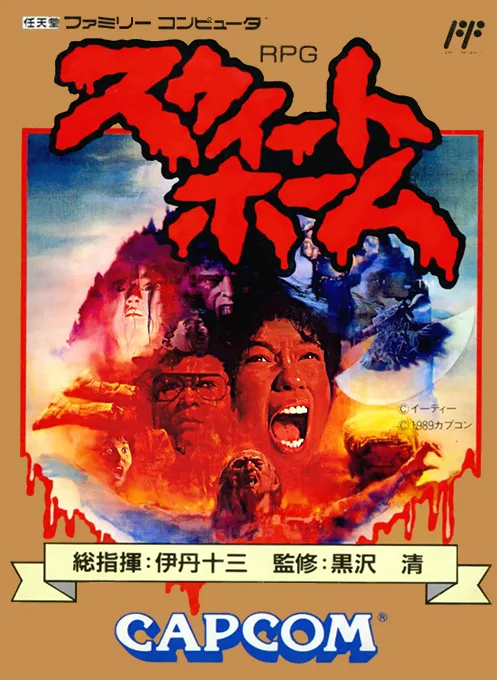
nesSweet Home
 nes
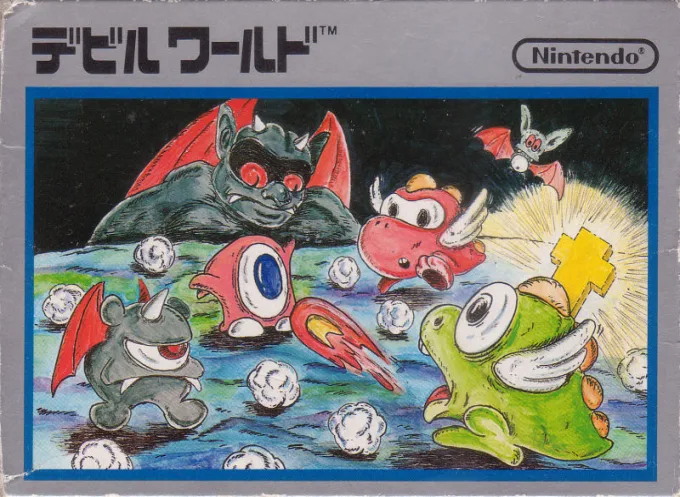
nes新魔界
 nes
nesMaze of Galious 2
Frequently Asked Questions
Q1.Can I play The Fairy Realm online in a web browser without downloading?
Yes, EmuAll allows you to play The Fairy Realm (NES) directly inside modern web browsers (Chrome, Safari, Edge, Firefox) on PC, Mac, Chromebook, iOS, and Android devices without installing any emulator.
Q2.Does The Fairy Realm support in-browser save states?
Yes, the in-browser emulator features instant Save States and Load States, storing your game progress directly in your browser storage so you can pick up where you left off.
Q3.What controls are supported? Can I use a controller for The Fairy Realm?
The emulator fully supports standard keyboard controls as well as plug-and-play USB and Bluetooth gamepads (including Xbox, PlayStation, and generic controllers).