
NES
The Shining Red Star
Also known as: La Stella Rossa Luminosa, Шинин Ред Стар, 闪闪的红星, L'Étoile Rouge Brillante, La Estrella Roja Brillante, Das Glänzende Rote Stern, شينينغ ريد ستار, Σινινγκ Ρεντ Σταρ, A Estrela Vermelha Brilhante, 빛나는 붉은 별, 閃閃的紅星
- Platform
- Nintendo Entertainment System
- Genre
- Action/Adventure
- Year
- 2007
- Developer
- Nanjing Technology Co., Ltd. (南晶科技)
- Publisher
- Nanjing Technology Co., Ltd. (南晶科技)
EmuAll provides verified clean ROM archives and in-browser emulation for The Shining Red Star (NES). Players can launch and play directly inside modern desktop and mobile browsers with zero local installation, full gamepad support, and instant save states.
ROM downloads
1闪闪的红星[南晶科技](CN)[RPG](4Mb)
Recommended Emulators(NES)
If you choose to download this ROM to play offline, we recommend these top standalone emulators:
About the Game
闪闪的红星 is an action-adventure game based on the 1974 Chinese film of the same name. It adapts the story of a boy named Pan Dongzi whose father joins the Red Army during the Long March, leaving him a sparkling red star. The game features the boy continuing his father's mission, fighting against local tyrants and landlords with action gameplay and adventure exploration on the NES/Famicom platform.
More NES games
 nes
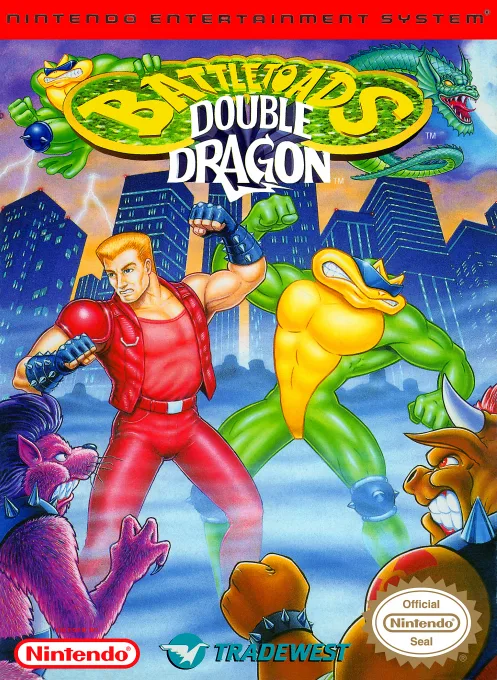
nesBattletoads-Double Dragon
 nes
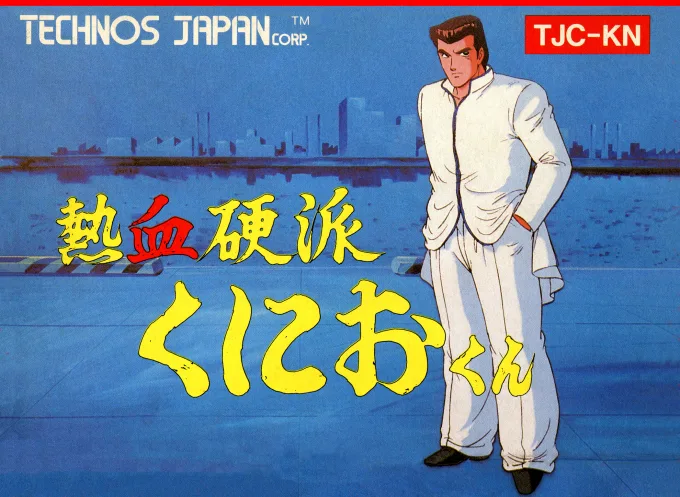
nesNekketsu Kouha Kunio-kun
 nes
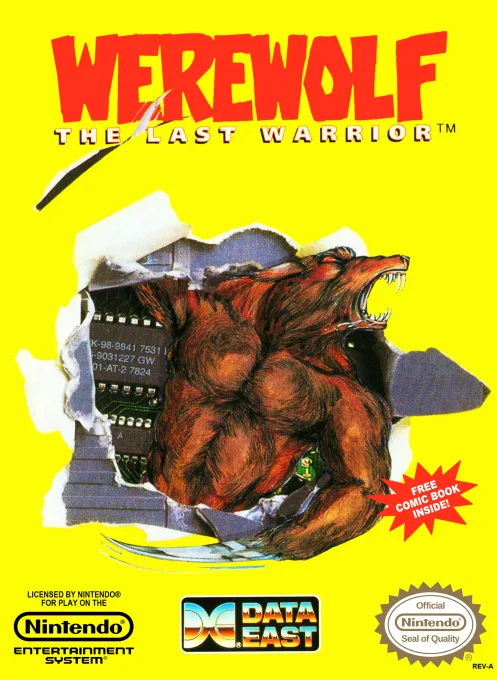
nesWerewolf - The Last Warrior
 nes
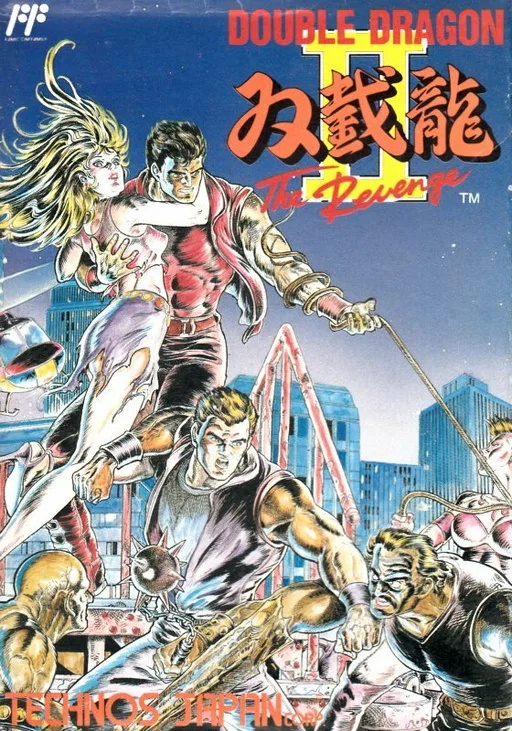
nesSou Setsu Ryuu II - The Revenge
 nes
nesRolling Thunder
 nes
nesNight Pearl
 nes
nesIndiana Jones and the Temple of Doom
 nes
nesStrider
 nes
nesNightshade
Double Month Transmission
 nes
nesLast Ninja, The
 nes
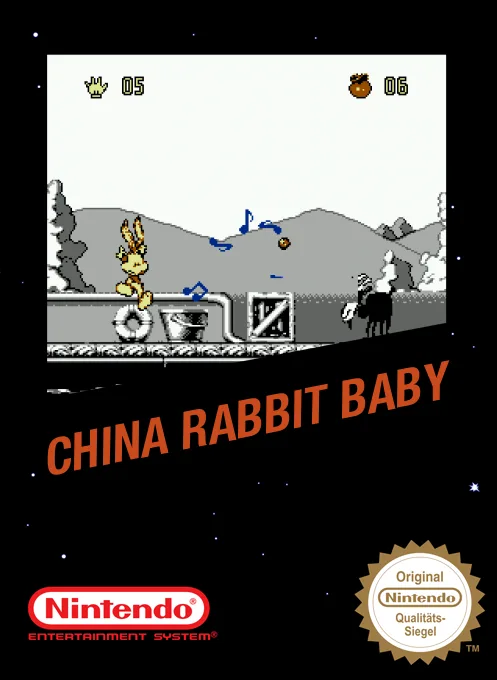
nesChinese Rabbit Baby
Frequently Asked Questions
Q1.Can I play The Shining Red Star online in a web browser without downloading?
Yes, EmuAll allows you to play The Shining Red Star (NES) directly inside modern web browsers (Chrome, Safari, Edge, Firefox) on PC, Mac, Chromebook, iOS, and Android devices without installing any emulator.
Q2.Does The Shining Red Star support in-browser save states?
Yes, the in-browser emulator features instant Save States and Load States, storing your game progress directly in your browser storage so you can pick up where you left off.
Q3.What controls are supported? Can I use a controller for The Shining Red Star?
The emulator fully supports standard keyboard controls as well as plug-and-play USB and Bluetooth gamepads (including Xbox, PlayStation, and generic controllers).