
GB
Phantom Air Mission
Also known as: Missione Aerea Fantasma, Misión Aérea Fantasma, Φαντομ Αιρ Μισιον, 팬텀 에어 미션, Missão Aérea Fantasma, ファントム エア ミッション, 幻影空中任务, فانتوم اير ميسيون, 幻影空中任務, Mission Aérienne Fantôme, Фантом Айр Миссион
- Platform
- Game Boy
- Genre
- Shooter
- Year
- 1992
- Developer
- Imagineering, Inc.
- Publisher
- Absolute Entertainment
EmuAll provides verified clean ROM archives and in-browser emulation for Phantom Air Mission (GB). Players can launch and play directly inside modern desktop and mobile browsers with zero local installation, full gamepad support, and instant save states.
ROM downloads
1Phantom Air Mission (Europe)
Recommended Emulators(GB)
If you choose to download this ROM to play offline, we recommend these top standalone emulators:
About the Game
Phantom Air Mission (also known as Turn and Burn: The F-14 Dogfight Simulator) is a flight combat simulation where players pilot the F-14 Tomcat in a first-person perspective. Gameplay involves instrumented controls, HUD with targeting/radar/landing displays, 360-degree rotation, wing-mounted 50mm cannons, AIM-54 missiles and ECM to confuse warheads. It is a single-player experience only. The game makes it stand out as the first combat jet fighter simulator on the Game Boy, bringing detailed jet controls and aerial assault elements to a portable handheld.
More GB games
 gb
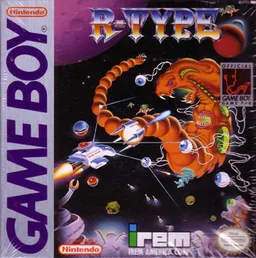
gbR-Type
 gb
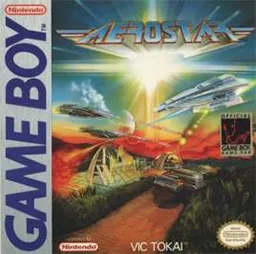
gbAerostar
 gb
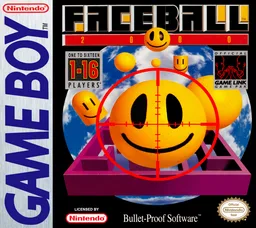
gbFaceball 2000
 gb
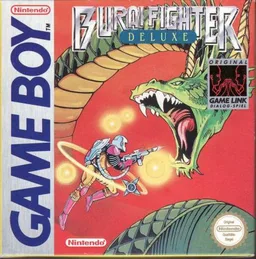
gbBurai Fighter Deluxe
 gb
gbParodius
 gb
gbXenon 2
 gb
gbBattle Space
 gb
gbR-Type II
 gb
gbCentipede
 gb
gbArcade Classic No. 1 - Asteroids & Missile Command
 gb
gbLunar Chase
Frequently Asked Questions
Q1.Can I play Phantom Air Mission online in a web browser without downloading?
Yes, EmuAll allows you to play Phantom Air Mission (GB) directly inside modern web browsers (Chrome, Safari, Edge, Firefox) on PC, Mac, Chromebook, iOS, and Android devices without installing any emulator.
Q2.Does Phantom Air Mission support in-browser save states?
Yes, the in-browser emulator features instant Save States and Load States, storing your game progress directly in your browser storage so you can pick up where you left off.
Q3.What controls are supported? Can I use a controller for Phantom Air Mission?
The emulator fully supports standard keyboard controls as well as plug-and-play USB and Bluetooth gamepads (including Xbox, PlayStation, and generic controllers).