
SNES
Warlock
Also known as: Уарлок, وارلوك, Ουαρλοκ
- Platform
- Super Nintendo
- Year
- 1995
- Developer
- Realtime Associates
- Publisher
- Acclaim Entertainment
EmuAll provides verified clean ROM archives and in-browser emulation for Warlock (SNES). Players can launch and play directly inside modern desktop and mobile browsers with zero local installation, full gamepad support, and instant save states.
ROM downloads
5Warlock (USA)
RecommendedWarlock (Europe)
Warlock (Japan) (En)
Warlock (USA) (Beta 2)
Warlock (USA) (Beta 1)
Recommended Emulators(SNES)
If you choose to download this ROM to play offline, we recommend these top standalone emulators:
About the Game
Warlock is a side-scrolling action-adventure platformer where players control a modern druid using sorcery to collect six ancient runestones before an evil warlock can reassemble them during a rare sun-moon alignment, preventing the undoing of Earth's creation. Gameplay involves linear levels with platforming, combat via seven spells (including energy blasts, levitation, healing, revival, protection, tremor, and time reversal), and puzzle elements to access runestones, with up to 255 of each spell type carryable. The story follows the druid traveling through historical eras to stop the Warlock's resurrection. Main character is the unnamed young druid protagonist. It stands out for its gothic horror atmosphere, versatile spell system, and atmospheric visuals inspired by the 1989 horror film Warlock.
More SNES games
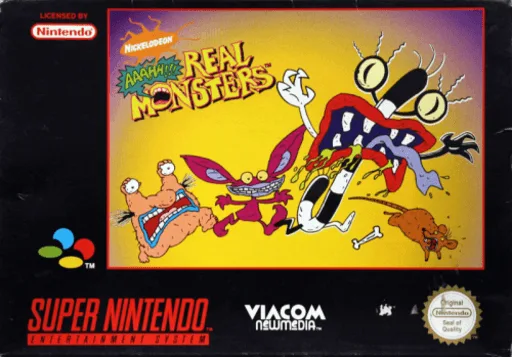 snes
snesAaahh!!! Real Monsters
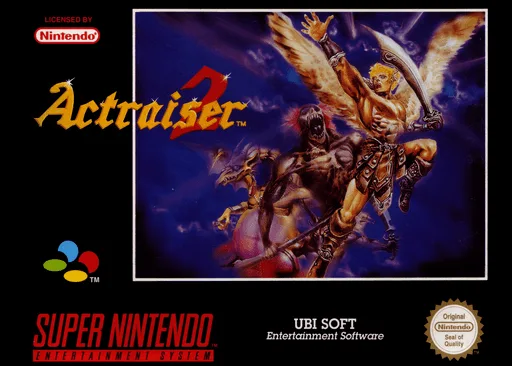 snes
snesActraiser 2
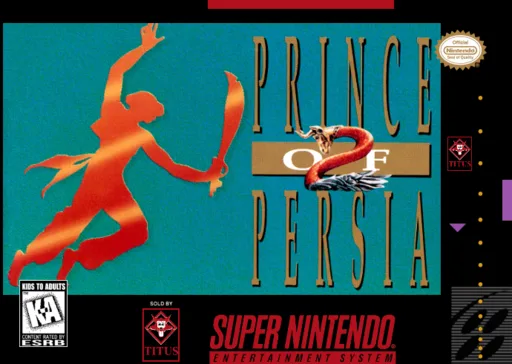 snes
snesPrince of Persia 2 - The Shadow & the Flame
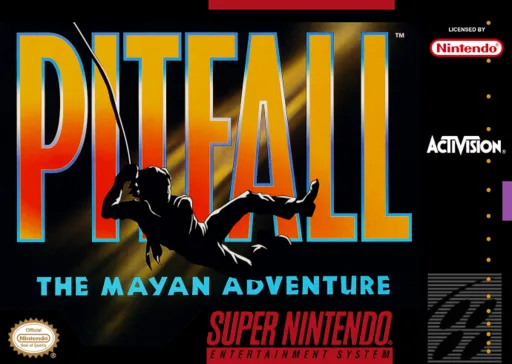 snes
snesPitfall - The Mayan Adventure
 snes
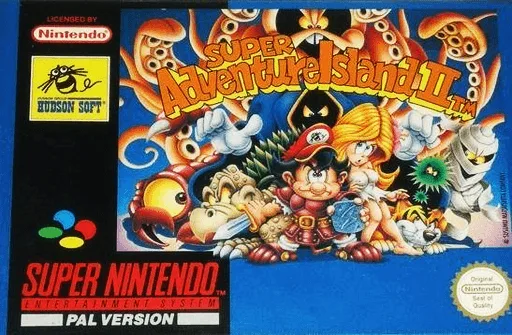
snesSuper Adventure Island II
 snes
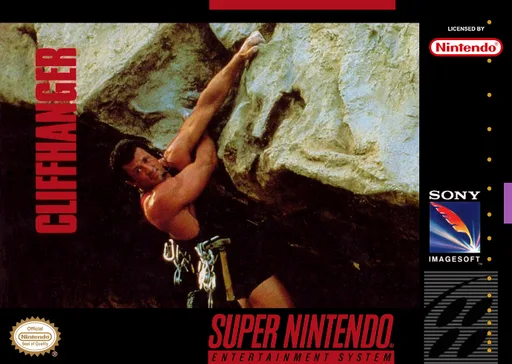
snesCliffhanger
 snes
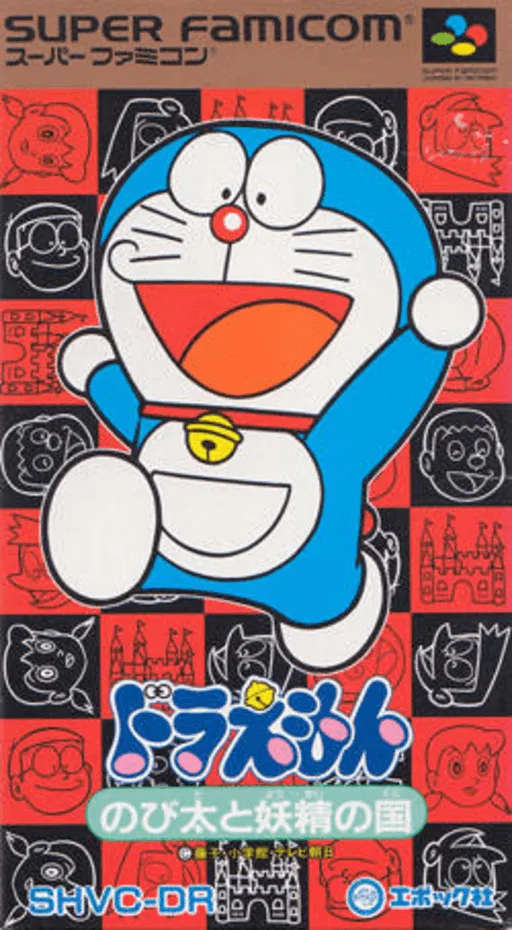
snesDoraemon - Nobita to Yousei no Kuni
 snes
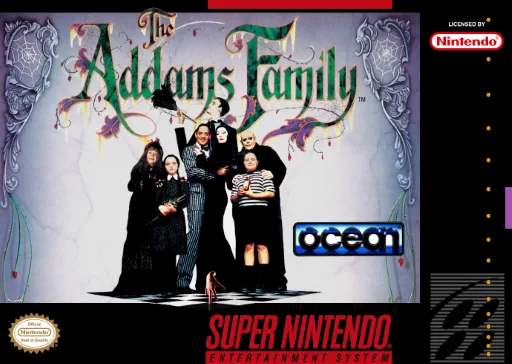
snesAddams Family, The
 snes
snesSocks the Cat Rocks the Hill
 snes
snesTNN Bass Tournament of Champions
 snes
snesSkuljagger - Revolt of the Westicans
 snes
snesSNES Burn-in Test Cartridge
Frequently Asked Questions
Q1.Can I play Warlock online in a web browser without downloading?
Yes, EmuAll allows you to play Warlock (SNES) directly inside modern web browsers (Chrome, Safari, Edge, Firefox) on PC, Mac, Chromebook, iOS, and Android devices without installing any emulator.
Q2.Does Warlock support in-browser save states?
Yes, the in-browser emulator features instant Save States and Load States, storing your game progress directly in your browser storage so you can pick up where you left off.
Q3.What controls are supported? Can I use a controller for Warlock?
The emulator fully supports standard keyboard controls as well as plug-and-play USB and Bluetooth gamepads (including Xbox, PlayStation, and generic controllers).