
GB
TwinBee da!!
Also known as: 雙蜂啦!!, ツインビーだ!!, 双蜂啦!!, 트윈비 다!!
- Platform
- Game Boy
- Genre
- Shooter
- Year
- 1990
- Developer
- Konami
- Publisher
- Konami
EmuAll provides verified clean ROM archives and in-browser emulation for TwinBee da!! (GB). Players can launch and play directly inside modern desktop and mobile browsers with zero local installation, full gamepad support, and instant save states.
ROM downloads
1TwinBee da!! (Japan)
Recommended Emulators(GB)
If you choose to download this ROM to play offline, we recommend these top standalone emulators:
About the Game
TwinBee da!! is a vertical-scrolling shoot-'em-up game where players control TwinBee, a blue aircraft with a circular canopy, or WinBee, a red aircraft with two compound eye windows, battling against the mad scientist Dr. Nikki's forces. Gameplay involves maneuvering the ship via the directional pad, firing anti-air guns, launching ground bombs, collecting bell power-ups that change color to upgrade firepower (such as double shot, patterned duplicates, or speed boosts), and using ground items like stars or fruits. Stages feature unique themes with bosses like Taiyoh No. 13, Harifoori, the Giant Queen Bee, Onion Head, and the final Cyber Poppo, with six stages total and stage select for the first four. The story follows TwinBee and WinBee traveling to Puka Puka Island to confront Dr. Nikki, who challenges them after destroying previous creations like King Spice, with Dr. Cinnamon as the scientist ally. What makes it stand out is its unique bell-based power-up system, elaborate level design with references to Konami shooters like Parodius and Gradius, and charming mascot characters in a portable format.
More GB games
 gb
gbR-Type
 gb
gbAerostar
 gb
gbFaceball 2000
 gb
gbBurai Fighter Deluxe
 gb
gbParodius
 gb
gbXenon 2
 gb
gbBattle Space
 gb
gbR-Type II
 gb
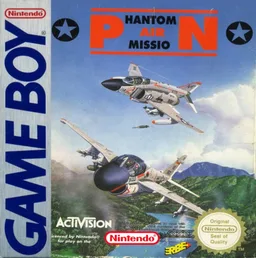
gbPhantom Air Mission
 gb
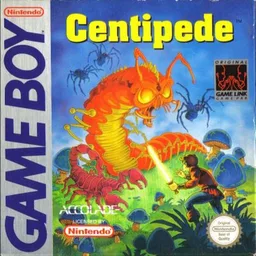
gbCentipede
 gb
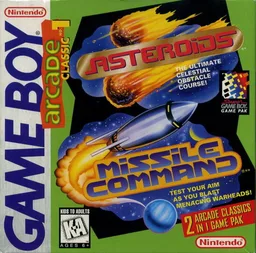
gbArcade Classic No. 1 - Asteroids & Missile Command
 gb
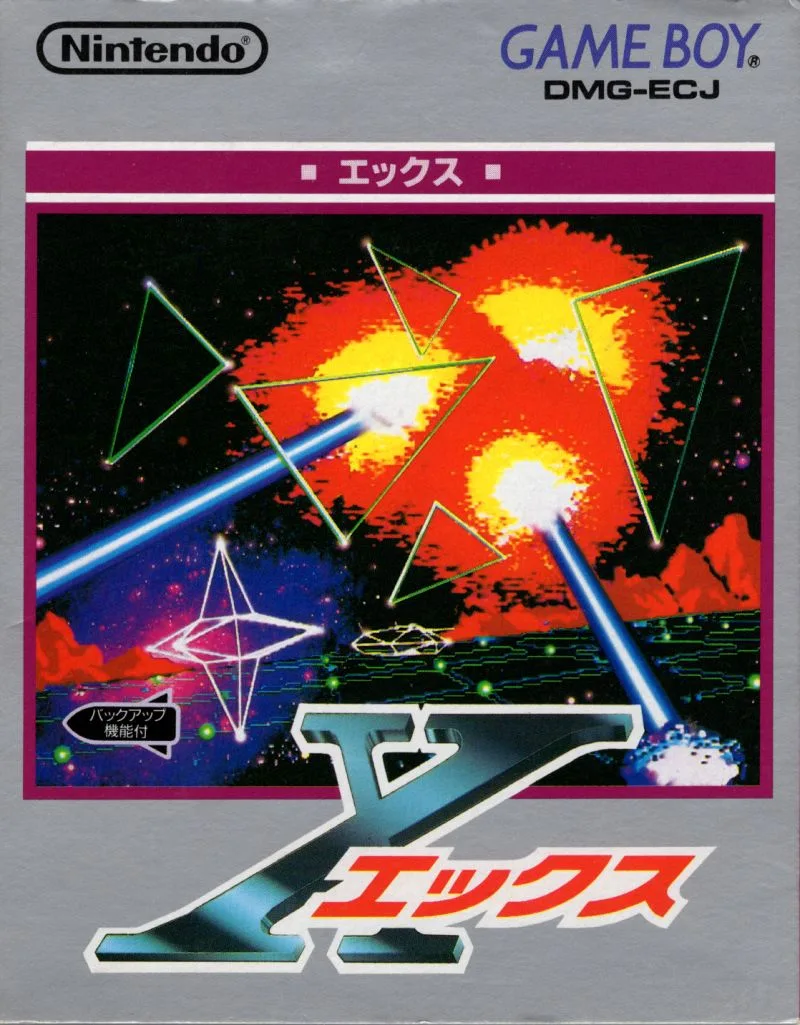
gbLunar Chase
Frequently Asked Questions
Q1.Can I play TwinBee da!! online in a web browser without downloading?
Yes, EmuAll allows you to play TwinBee da!! (GB) directly inside modern web browsers (Chrome, Safari, Edge, Firefox) on PC, Mac, Chromebook, iOS, and Android devices without installing any emulator.
Q2.Does TwinBee da!! support in-browser save states?
Yes, the in-browser emulator features instant Save States and Load States, storing your game progress directly in your browser storage so you can pick up where you left off.
Q3.What controls are supported? Can I use a controller for TwinBee da!!?
The emulator fully supports standard keyboard controls as well as plug-and-play USB and Bluetooth gamepads (including Xbox, PlayStation, and generic controllers).